Customize the GCS without forking it.
CONTRIBUTIONS
Three ways an extension shows up.
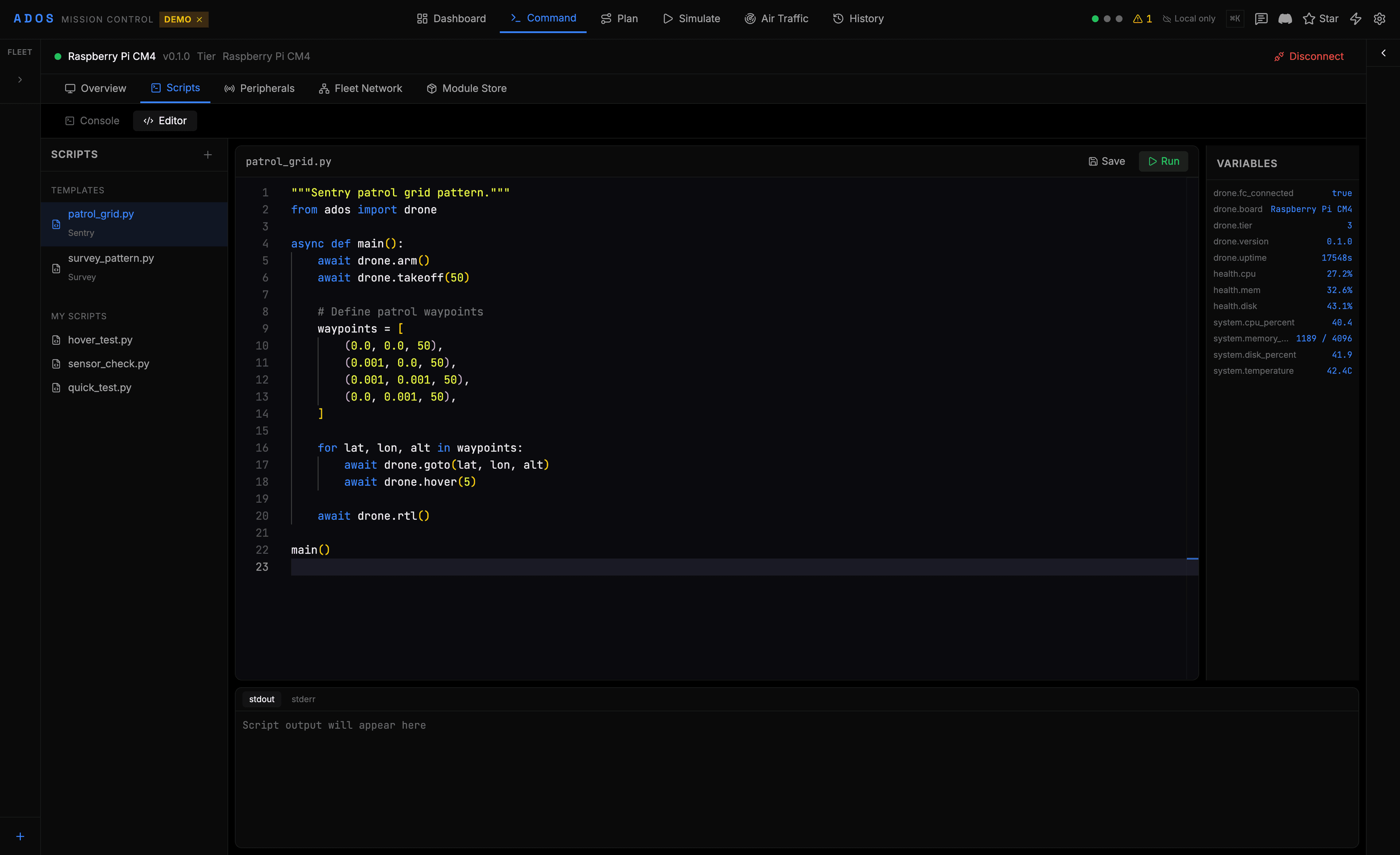
Mission Control exposes named slots across the node tabs, the map and video panes, the settings surface, and the Cockpit Skill Bar. An extension declares which slots it contributes to and the host renders it where it belongs.
Add a tab, a card, a setting
Contribute a node-detail tab, a hardware view, or a settings section. The slot system handles placement and layout. The plugin handles the content.
Paint over the live view
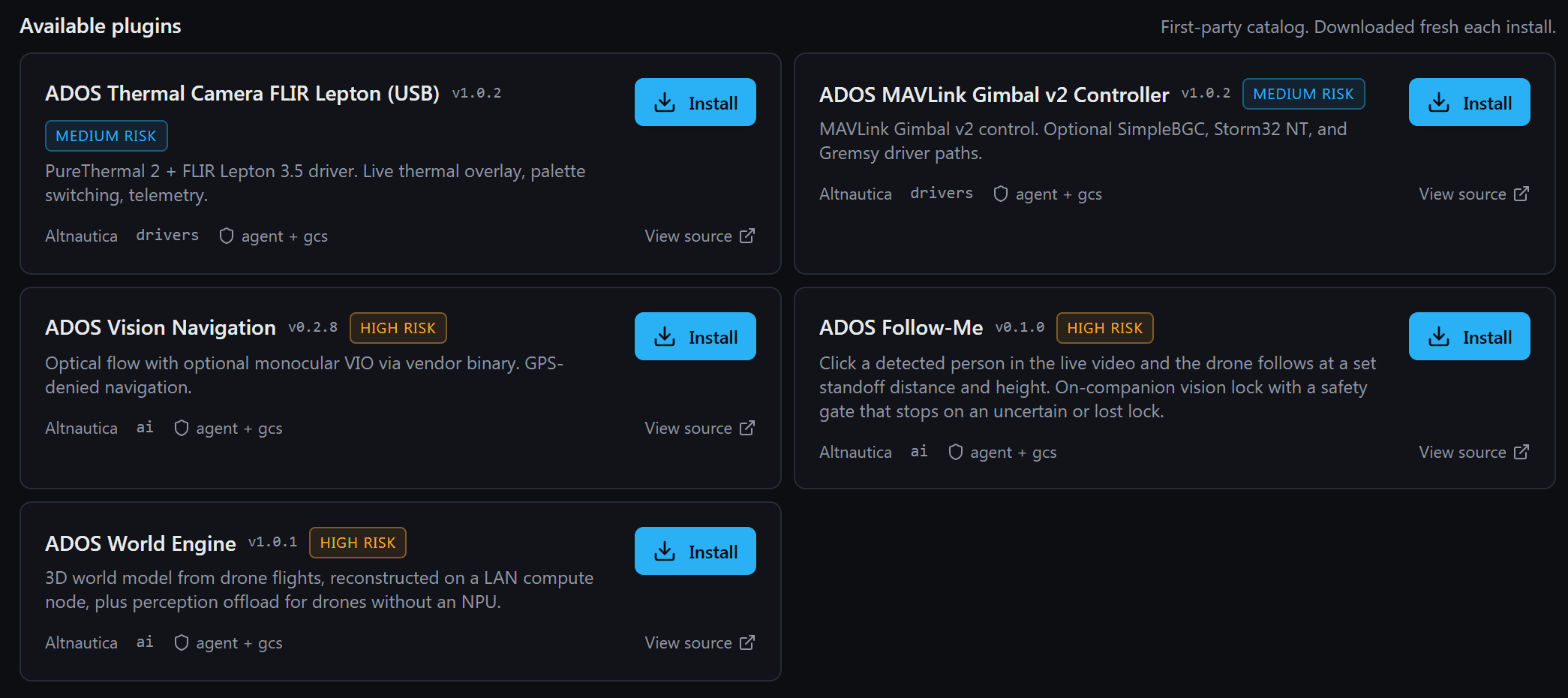
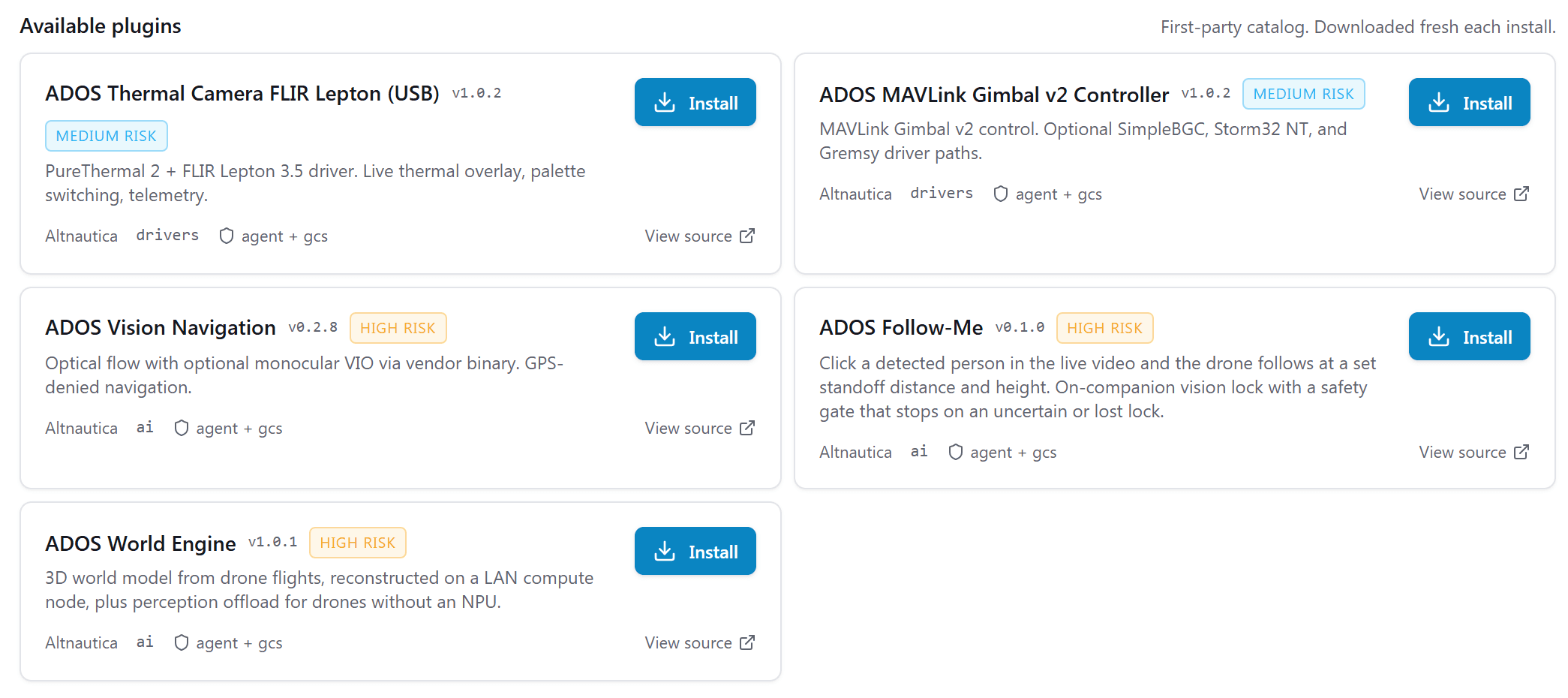
Draw on the map, paint marks over video, or push a notification into the operator channel. Each overlay renders in its own sandboxed frame, and the host composites video-overlay marks into one layer.
Wire it into the flows
Ship a mission template or a Cockpit Skill. Extension Skills register into the same Skill Bar registry as the built-ins, so an extension Skill sits next to Arm.
Named slots
node.detail.tabsettings.sectionfc.tabhardware.tabmap.overlayvideo.overlaynotification.channelmission.templateflight.skillRUNTIME
A plugin lives in its own iframe.
Each plugin loads inside an iframe with the allow-scripts sandbox flag and no same-origin access. There is no DOM bridge, no shared global, and no shared cookie.
The plugin iframe and the host talk over postMessage. Each call carries a short-lived capability token, minted when the plugin mounts, bound to one drone, and valid for ten minutes, and the host checks it against the granted permission set on every message. Untrusted plugin code never sees host state directly.
Content security policy sets connect-src to none for every plugin frame, so the GCS half cannot reach the network on its own. When an extension needs an outbound connection, its agent half asks for that permission and the operator grants it at install.
Vehicle commands carry a second guard: each command a plugin sends raises an operator prompt at run time that names the drone it targets.
┌─ iframe ─────────────────────────┐
│  sandbox="allow-scripts"          │
│  csp: connect-src 'none'          │
│  (no same-origin, no top-nav)     │
└──────────────┬────────────────────┘
               │  postMessage
        token-checked ↑ ↓
┌──────────────┴────────────────────┐
│  host                             │
│    telemetry.subscribe            │
│    command.send                   │
│    mission.read                   │
│    perception.subscribe           │
│    cockpit.marks                  │
└───────────────────────────────────┘TRUST
Signed, scoped, and reviewed.
Signing
- ✓Plugins ship as .adosplug archives, and first-party ones are signed
- ✓Ed25519 verification at install, and a re-fetched archive must match its pinned hash and signer
- ✓Only enrolled signer keys are trusted
- ✓The drone agent refuses unsigned archives unless developer mode is on
- ✓First-party publishers carry an allowlist marker
Permissions
- ✓The manifest declares every capability the extension needs
- ✓One install review lists every capability before you grant it
- ✓Sensitive capabilities are flagged in the permission list
- ✓Vehicle commands raise an operator prompt at run time, naming the drone
- ✓Every permission is revocable from Mission Control
Every capability the extension requests is listed at install, with its risk level. The high-risk ones, such as mission write, are flagged so you grant them deliberately, and every one is revocable afterward.
CODE
A Skill and a tab in under forty lines.
One YAML manifest, one TypeScript entry. This is the GCS half of the Follow-Me extension, trimmed: a cockpit Skill plus a node-detail tab that mounts a React tree.
schema_version: 3
id: com.altnautica.follow-me
name: "ADOS Follow-Me"
version: "0.2.9"
risk: high
gcs:
  entrypoint: "gcs/plugin.bundle.js"
  isolation: iframe
  permissions:
    - id: ui.slot.flight-skill
    - id: ui.slot.node-detail-tab
  contributes:
    skills:
      - id: follow-me
        label: "Follow-Me"
        icon: "crosshair"
        toggle: true
        confirm: true
    tabs:
      - id: follow-me-tab
        slot: node.detail.tab
        profile: ["drone"]
        title: "Follow-Me"
order: 70import { createRoot } from "react-dom/client";
import { definePlugin } from "@altnautica/plugin-sdk";
import { FollowMeTab } from "./FollowMeTab";
definePlugin({
id: "com.altnautica.follow-me",
version: "0.2.9",
mount(ctx) {
const el = document.createElement("div");
document.body.appendChild(el);
createRoot(el).render(<FollowMeTab ctx={ctx} />);
},
});The host injects telemetry, command, mission, and other context objects matched to the granted permissions. The plugin never imports a global and never reaches into the GCS DOM; plugins exchange data only over the host event bus.
EXTENSIONS
Reference extensions, ready to read.
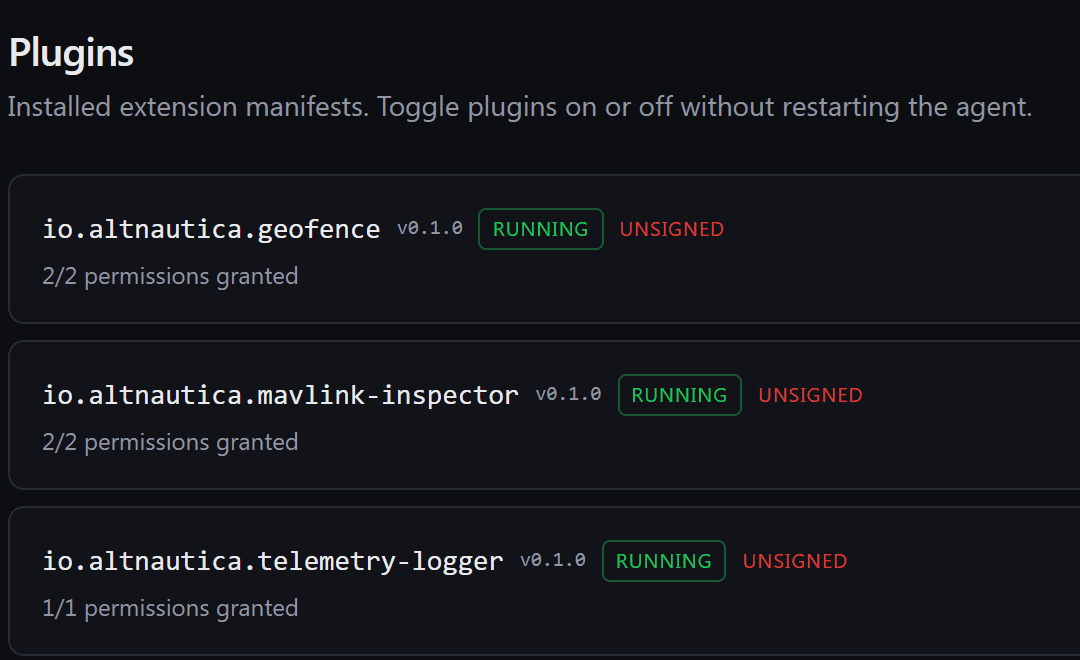
First-party extensions live in the public ADOSExtensions repository. Read the code, fork it, and build your own.
Hybrid
Follow-Me, GCS half
A cockpit Skill that arms the follow behaviour, a click-a-target Follow action on the host detection overlay, native follow settings, and a node-detail tab with a live read-back of lock state, range and setpoints. The Skill confirms before it arms, because arming streams guided setpoints to the flight controller.
- ·Skill Bar toggle with confirm-before-arm
- ·Click a detected subject and pick Follow
- ·Live lock-state read-back in a node-detail tab
Hybrid
SIYI Optical Pod, GCS half
A node-detail tab for the pod: gimbal control, zoom, thermal palette and spot temperature, and the laser rangefinder with subject geolocation. Every control is gated on the model the agent half negotiated, so an unsupported action on a given pod is a safe no-op rather than a silent failure.
- ·Gimbal, zoom and focus from a node-detail tab
- ·Thermal palette and spot temperature on thermal models
- ·Laser range with subject geolocation
Build an extension for Mission Control.
The reference extensions are open source. Read them, fork them, ship your own.
View ADOSExtensions