One ground station, every flight controller
Firmware
Four flight stacks, two protocols
ArduPilot and PX4 over MAVLink v2. Betaflight and iNav over MSP. All from one ground station.
Parity
What each firmware supports
The ground station gates features by what the connected firmware can do. All four get live parameter editing with offline metadata, flight modes and arming, calibration, and a configuration panel set. Here is where they differ.
| Firmware | Protocol | Missions | Geofence | Return points | On-screen display | Blackbox | Flashing |
|---|---|---|---|---|---|---|---|
| ArduPilot | MAVLink v2 | Rally points | |||||
| PX4 | MAVLink v2 | ||||||
| Betaflight | MSP v1/v2 | ||||||
| iNav | MSP v1/v2 | Geozones | Safehomes | Custom file |
ArduPilot
Protocol (MAVLink v2), Missions, Geofence, Return points (Rally points), On-screen display, Flashing
No blackbox
PX4
Protocol (MAVLink v2), Missions, Geofence, Flashing
No return points or on-screen display or blackbox
Betaflight
Protocol (MSP v1/v2), On-screen display, Blackbox, Flashing
No missions or geofence or return points
iNav
Protocol (MSP v1/v2), Missions, Geofence (Geozones), Return points (Safehomes), On-screen display, Blackbox, Flashing (Custom file)
Parameter registry
Complete metadata, offline
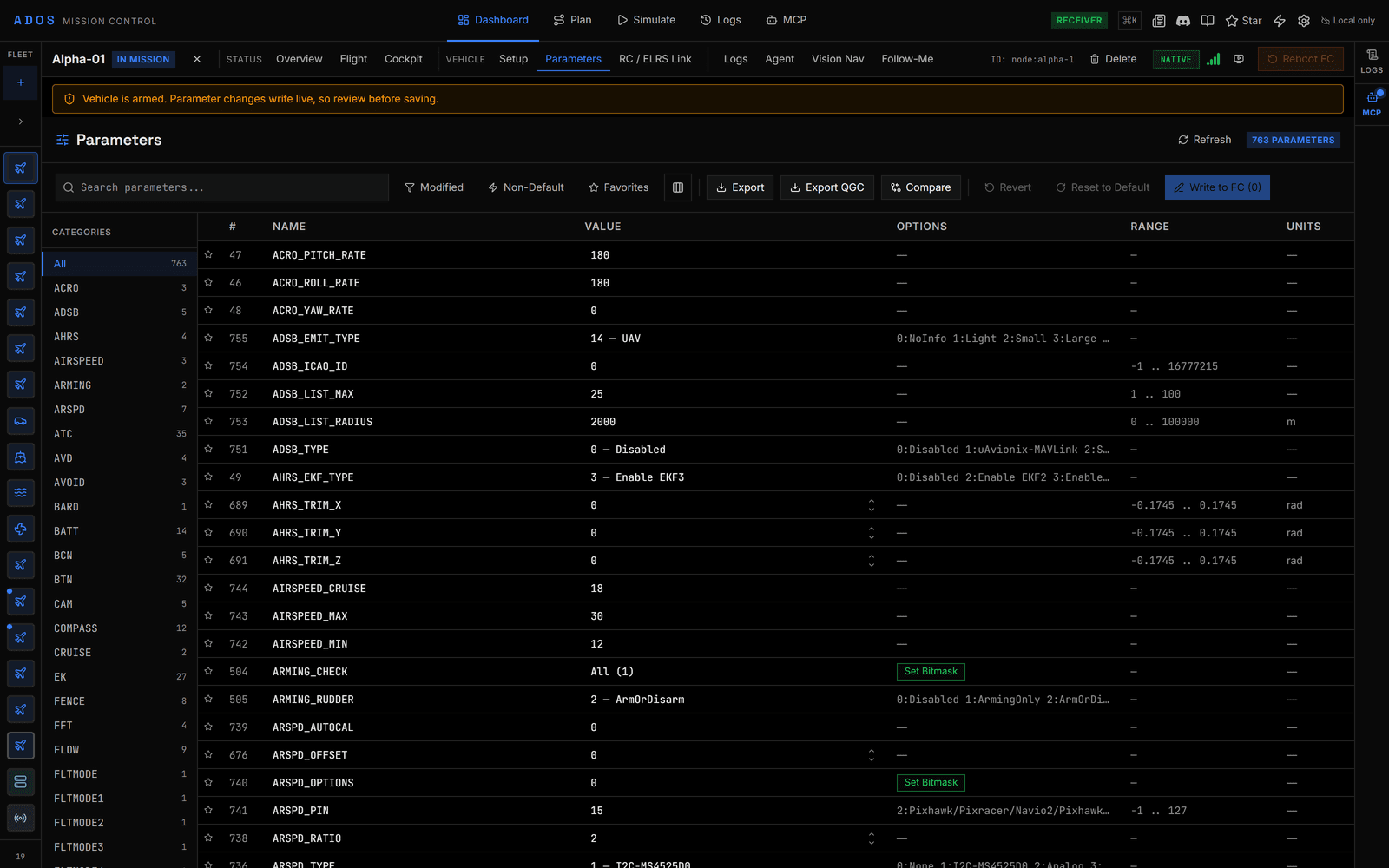
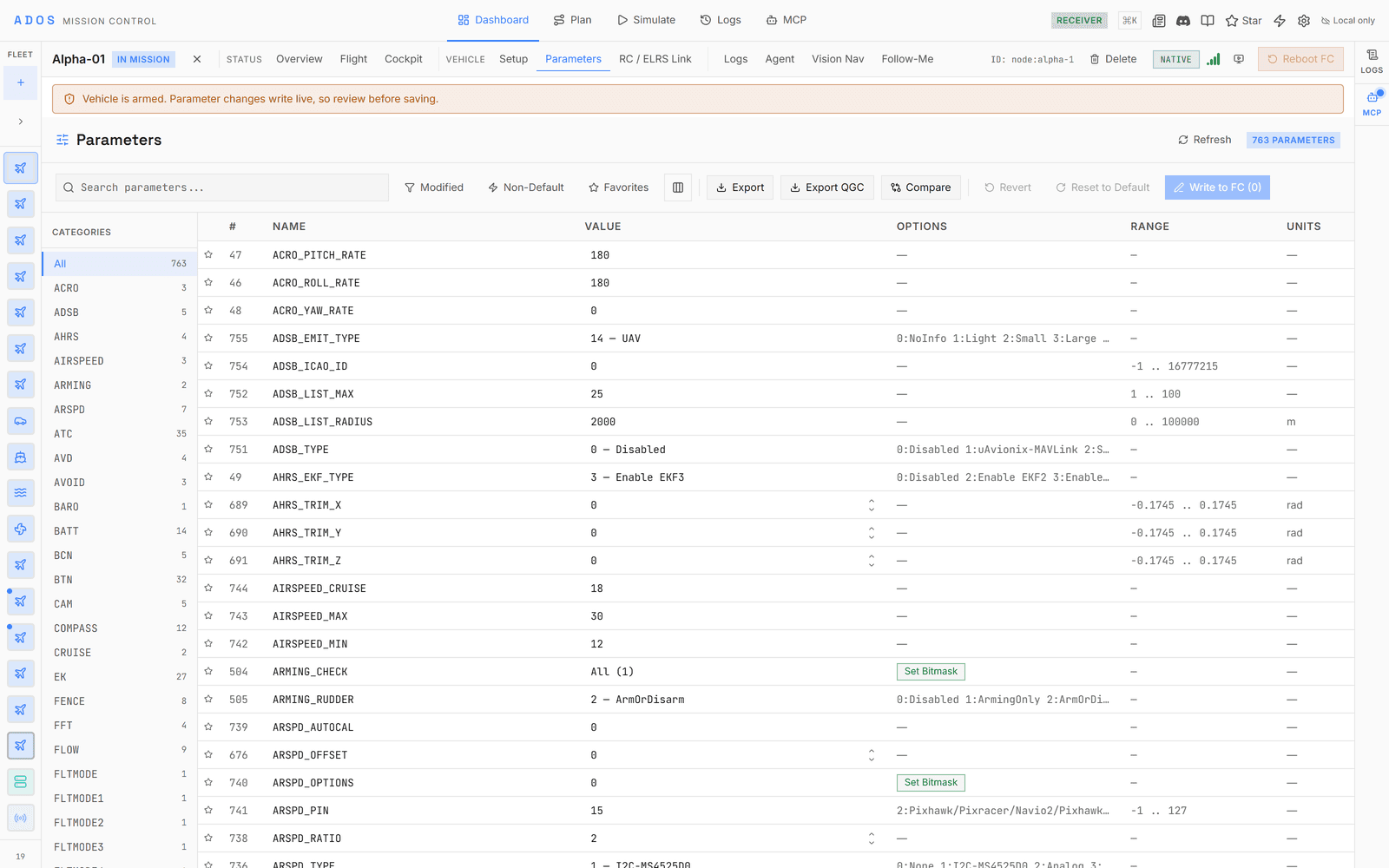
Every parameter carries its enum values, bitmask flags, ranges, units, and defaults, bundled so the editors work with no network.
A first-party parameter registry ships metadata for all four firmwares, so a bitmask field renders as labeled checkboxes and an enum renders as a named dropdown instead of a raw number. Undocumented bits are preserved on write, so an editor never silently zeroes a value it does not recognize. The registry loads from a bundled floor first, then overlays a version-matched copy and, on PX4, the metadata the flight controller serves itself.
Architecture
One adapter per firmware
Every protocol adapter implements one unified interface, so the UI queries capabilities instead of hard-coding a firmware.
Configure
A panel for every subsystem
A representative selection across the four firmwares. The panels you see depend on what the connected firmware supports.
Connect your flight controller
Plug in over USB or connect over the air, and configure any of the four firmwares in your browser.
Launch Mission Control