Every action, one key away.
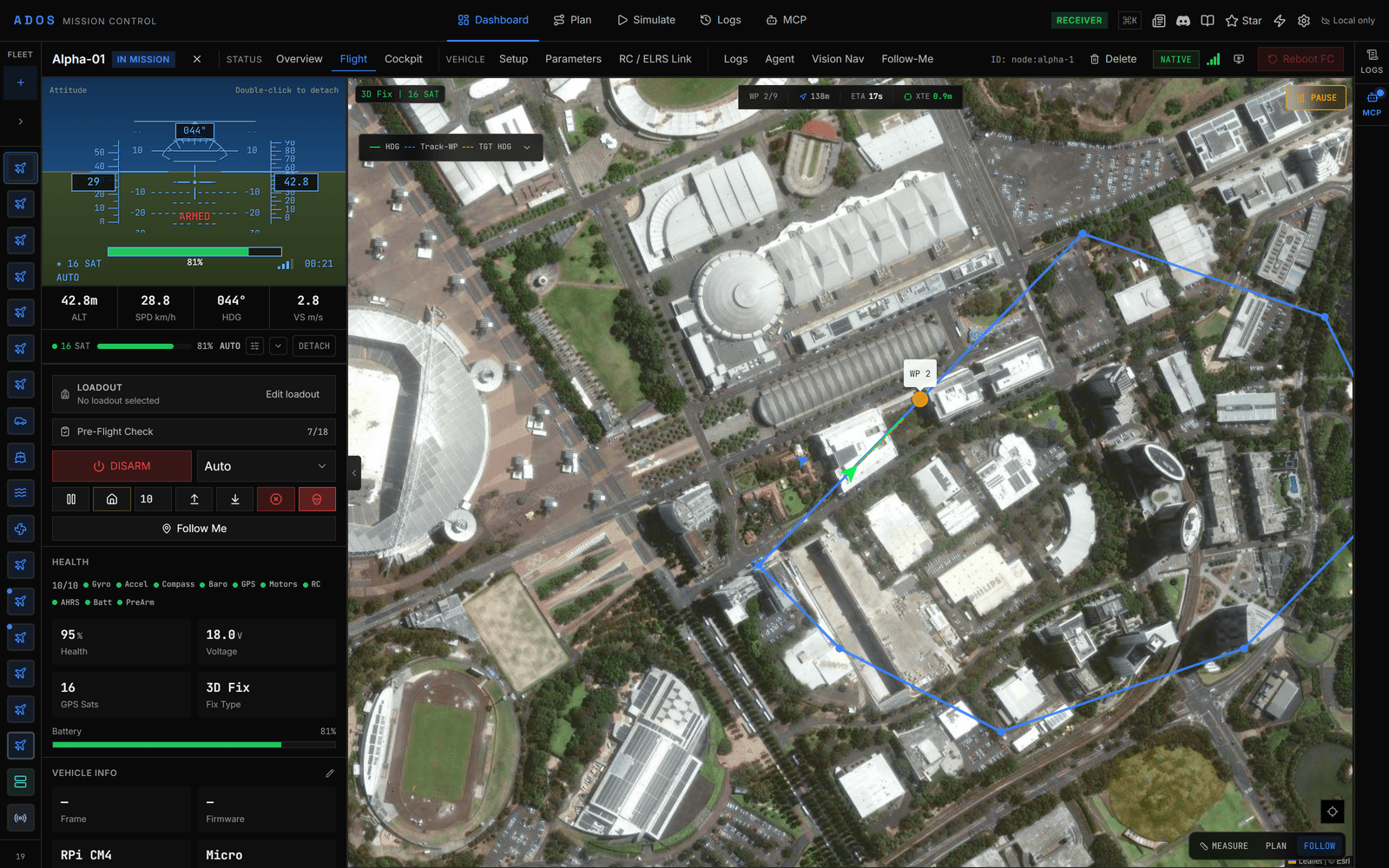
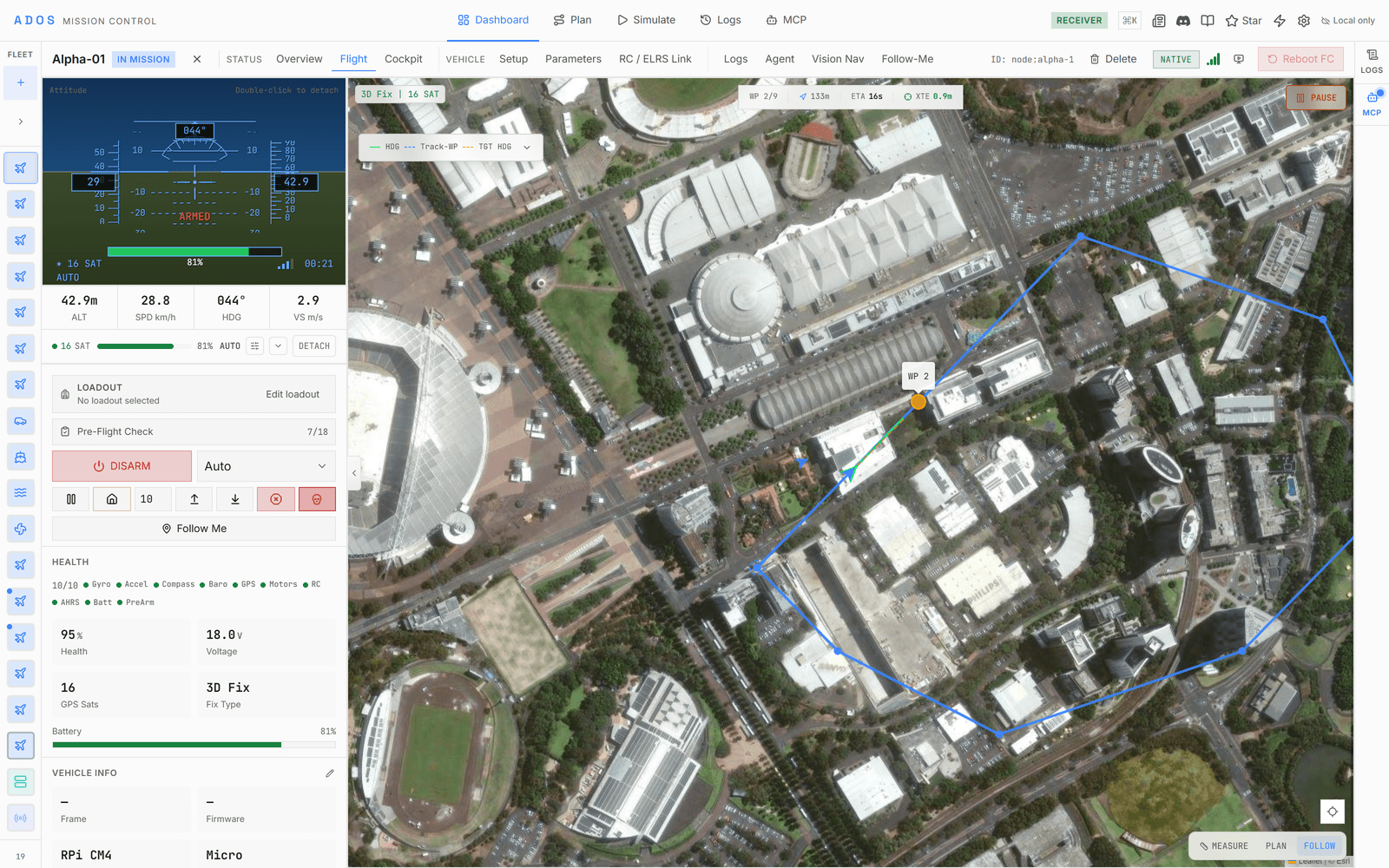
THE COCKPIT
A full-screen view built for flying.
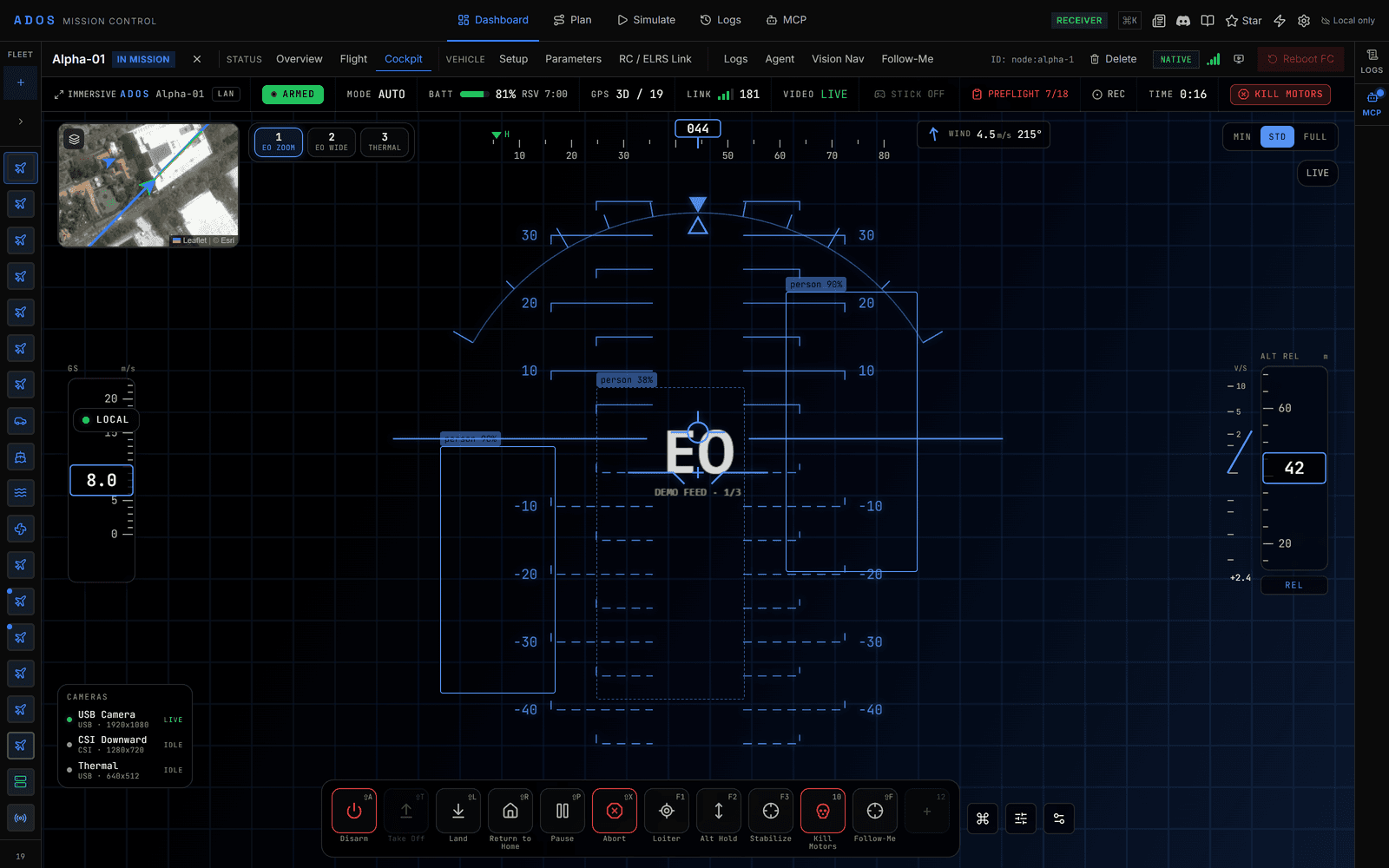
A dedicated cockpit goes immersive and hides the app chrome. The video feed fills the frame, a glass HUD paints attitude, altitude, and heading over it, a proximity radar shows obstacle distance, and the Skill Bar sits along the bottom. It is the same GCS underneath, arranged for the moment you are actually piloting.
- ✓Immersive mode that hides the app chrome
- ✓Glass HUD over live video with a proximity radar
- ✓A bottom Skill Bar with icons, hotkeys, and state
- ✓Reuses the same video, HUD, and gamepad pipeline as the rest of the GCS
THE LAYERS
One view, composited from layers.
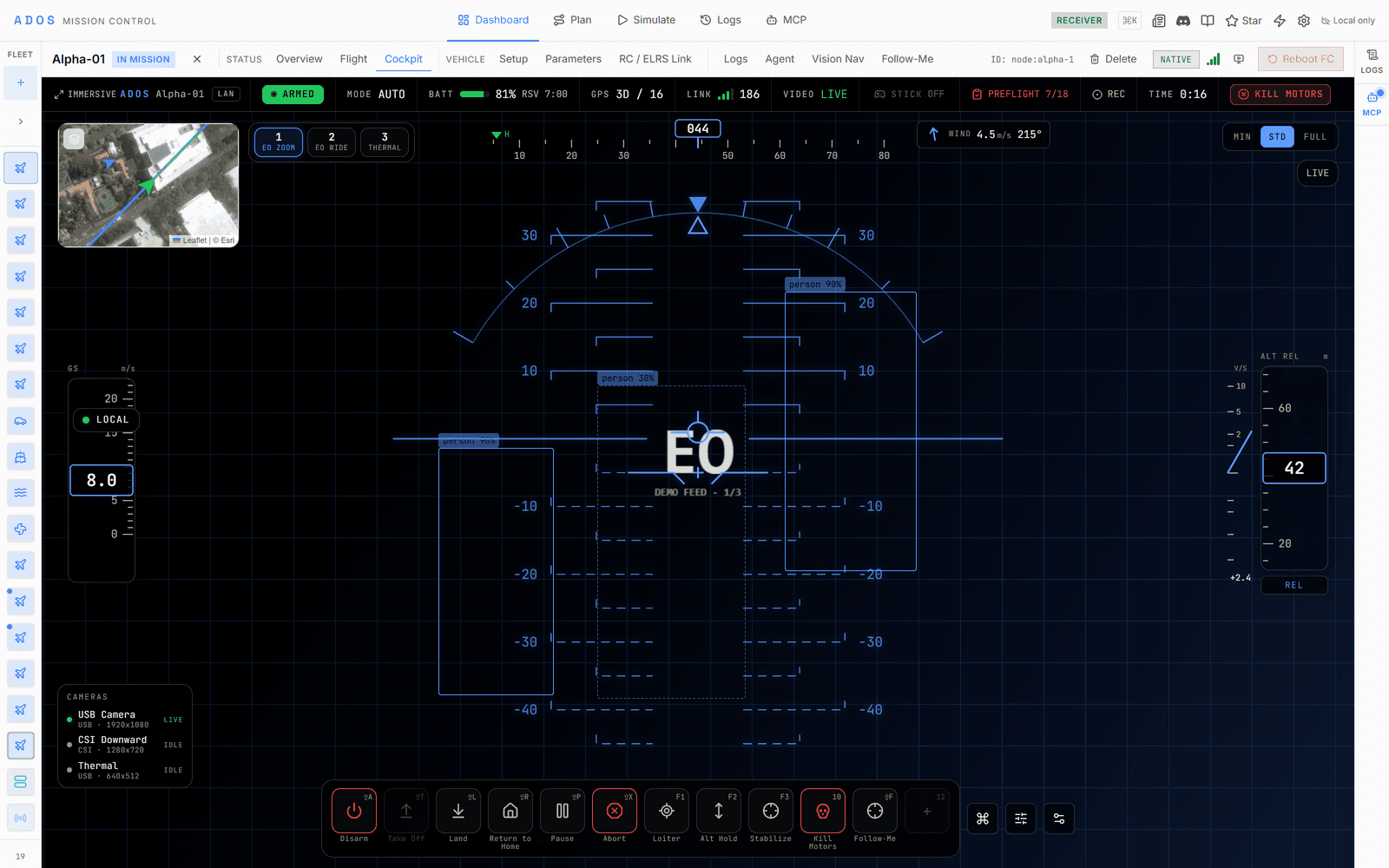
The cockpit is a stack of layers on one screen. Video is the base, and the HUD, the radar, and a map overlay paint on top, so everything you need to fly stays in a single glance.
Video
Live video fills the frame
The drone stream fills the view with low latency over WebRTC, direct or relayed. Everything else paints on top of it, so the picture is the cockpit, not a small pane in a dashboard.
HUD
A glass HUD over the picture
Attitude, altitude, speed, and heading draw as translucent SVG instruments over the video. The same instruments the rest of the GCS uses, arranged for a full-screen view.
Radar
A proximity radar
A radar ring paints obstacle distance from the proximity sensor, amber under 5 m and red under 2 m, so obstacles stay in view even outside the camera frame.
Map
A map overlay for context
A map layer keeps position, track, and the mission in the corner of the eye without leaving the flying view, so you never lose where the aircraft is over the ground.
ONE MODEL
Every action is a Skill.
A built-in command like Arm, Return-to-Home, or Land and an extension behavior like Follow-Me share exactly one shape. One registry, one Skill Bar, one binding system, one dispatcher. So an extension behavior binds to a key and fires from the bar the same way a core command does.
THE PIECES
A control surface you learn once.
The Skill Bar, the binding system, gamepad support, and the cooldown feedback give every action the same shape, so a new Skill needs no new habits.
Skill Bar
The bottom bar you fly from
Every bound Skill sits on a bottom bar with its icon, hotkey, and state, so the whole loadout is one glance away while you fly.
Keybindings
Bind any Skill to a key
Drag a Skill onto a slot to bind it. A global dispatcher owns the keyboard, so there is one place a chord is claimed and reserved chords are refused up front.
Gamepad
Buttons and a radial
The same Skills map onto gamepad buttons, and holding the radial button fans the loadout out around the screen so a stick alone reaches every Skill. Remap freely and save it.
Feedback
Cooldowns and charges
Skills carry honest cooldowns and charges, drawn on the bar so you always know what is ready. A disabled Skill shows why, and a risky Skill asks to confirm before it fires.
Loadouts
Save a loadout
Arrange the bar, bind the keys, and save the whole thing as a preset. Switch loadouts for survey, inspection, or manual flying without rebinding.
Layout
Arrange the cockpit
The cockpit has a layout editor. Show or hide the top bar, minimap, telemetry strip, and radar, place widgets in any corner, and the layout saves with your loadout.
TARGET DESIGNATION
Click a target, and everything follows it.
Click a detected object in the video and pick an action to designate it as the active target. That one designation is shared, so any Skill that follows a subject, a gimbal that tracks it, or an overlay that tags it all read the same target. A lock-state gate stops on an uncertain or lost track and never re-acquires on its own, so a designation is a deliberate act, never a guess.
- ✓Click-to-track over the live video
- ✓One shared designation every follow behavior reads
- ✓A lock-state gate that stops on an uncertain or lost track
- ✓A lost track reads Lost until you release or re-designate it


One designated target, shared by every behavior that follows it.
CONTRIBUTION SLOTS
Extensions plug straight into the cockpit.
The cockpit exposes named slots. An extension declares which ones it fills and the host mounts it in place, sandboxed, so the flying view grows without a fork.
A layer over the video
An extension paints a scoped overlay on the video, letterbox-correct, for a reticle, a track box, or a tag. The host owns z-order and never hands over the whole frame.
A Skill on the bar
An extension contributes a flight behavior that becomes a Skill on the bottom bar, bindable to a hotkey and a gamepad button like any built-in command.
A quick-settings panel
An extension mounts a panel in the cockpit for its own controls and readouts, so a payload or behavior is adjusted without leaving the flying view.
Reference Skill · Follow-Me
An extension behavior, on the same bar as Arm.
Follow-Me is an extension that contributes a Skill. It uses on-vehicle detection to follow a subject at a fixed distance and height, with a lock-state safety gate that stops on an uncertain or lost track and never re-acquires on its own. Because it is a Skill, it binds to a key, sits on the Skill Bar, and arms and confirms with the same guardrails as a core command. It is the reference for anyone building a flight behavior of their own.
BUILD ON IT
Skills come from the extension system.
Skills, overlays and panels arrive through the extension system; each lands in the open-source changelog.
Take the cockpit for a spin.
The Cockpit runs in demo mode with a simulated fleet. No hardware needed to feel the Skill Bar.
Launch Mission Control