A ground station for any drone.
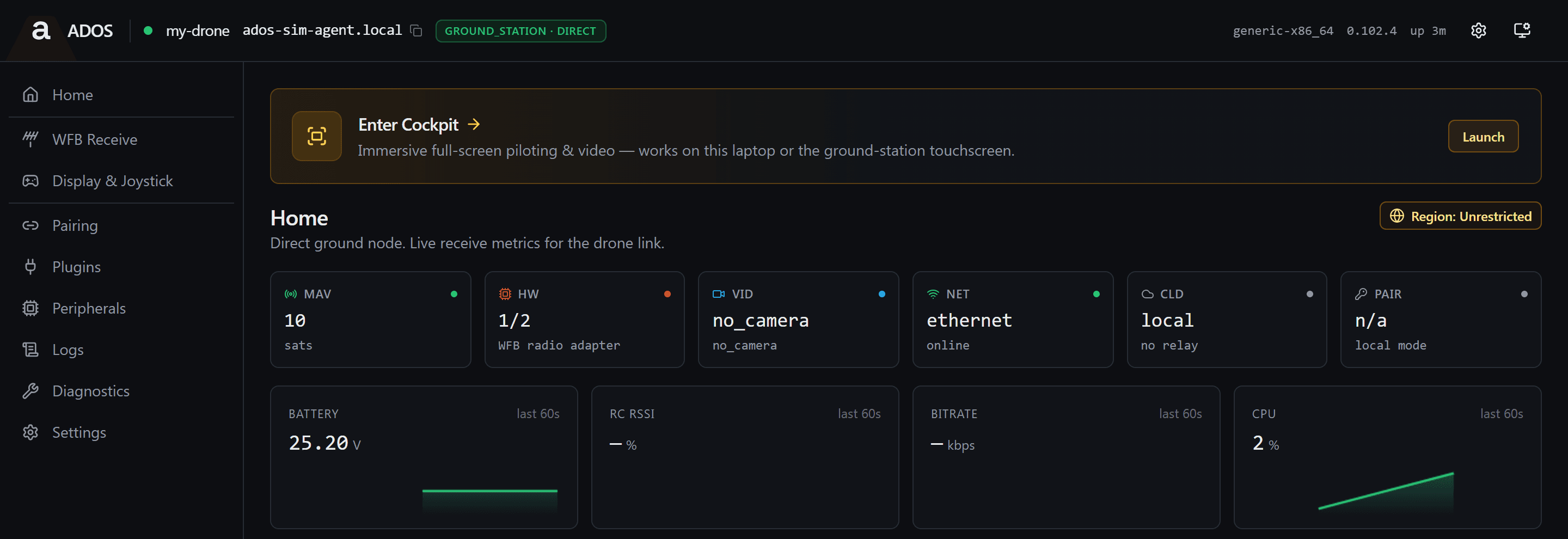
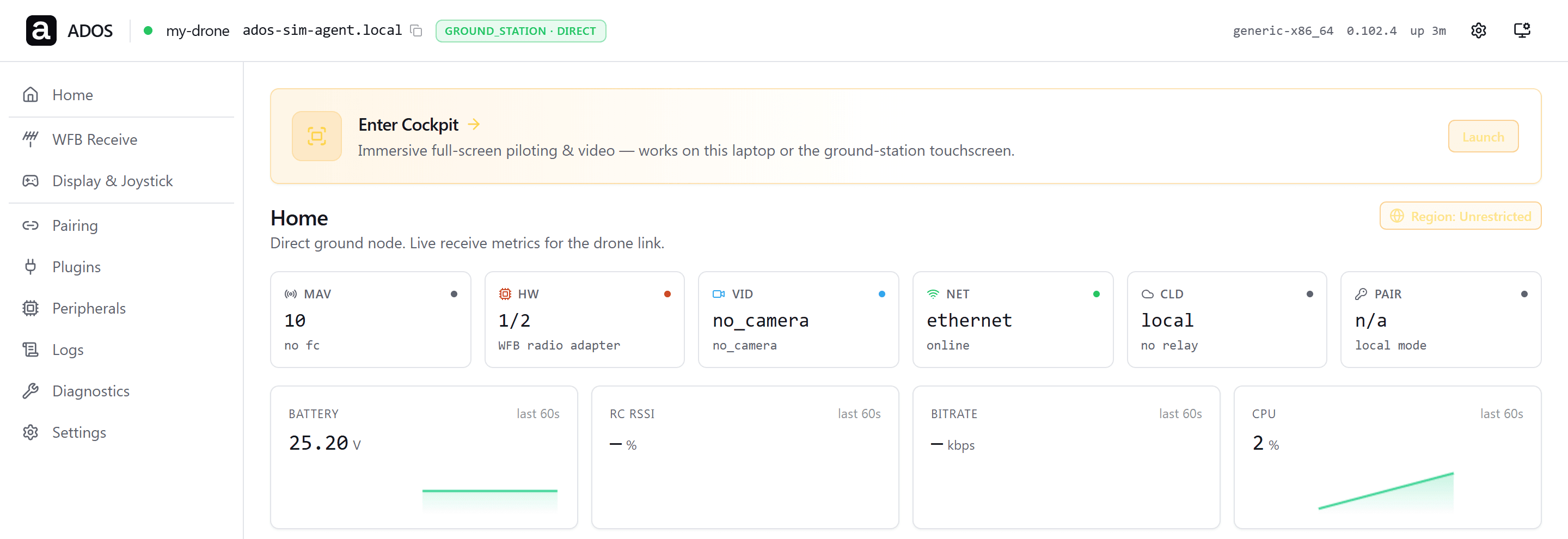


One node receives, records and serves every screen.
THE OTHER HALF OF THE RADIO PAIR
The ground side of ADOS.
The drone agent flies. The ground agent receives. Same codebase, different profile, picked at boot by a hardware fingerprint.
A ground station is more than a video receiver. It is the bridge between a flying drone on a closed RF link and the people who need to see, control, archive, or relay what it sees. A pilot in the field wants a screen and a stick, not a laptop. An engineer at the bench wants a USB cable and a browser tab. A fleet operator wants telemetry in the cloud. The ground agent does all of that from one Linux box, with one binary, and one update path.
The radio card is the same RTL8812EU chip the drone uses on the air side. WFB-ng handles the long link. MediaMTX serves WebRTC to browsers. systemd holds the services together. The same install command that turns a fresh board into a flying drone turns a fresh board into a ground station, because the fingerprint check at boot picks the right profile.
CLIENTS
Four ways to connect.
Every node serves all four at once. Pilot-in-command arbitration decides who holds the sticks.
HDMI kiosk
A monitor and a gamepad, no laptop.
The node runs its on-box cockpit full screen on the HDMI output and takes stick input from any USB or Bluetooth gamepad. Power on, plug in a display, fly.
WiFi access point
Any laptop or phone, any browser.
The node broadcasts its own WPA2 access point with a passphrase generated for that unit. Open the node dashboard and cockpit at the local address. Several observers can watch the same stream at once.
USB-C tether
A hardwired link for Mac and Windows.
The operating system sees a USB Ethernet adapter. No drivers, no chipset matrix, no WiFi congestion. The lowest-friction path for a bench engineer.
Native Android
The ADOS app, built for a phone.
The phone joins the WiFi access point or tethers over USB-C. Same telemetry and video surface as the browser, tuned for a hand-held screen.
DISTRIBUTED RECEIVE
One drone. Multiple ground nodes. One stream.
One node covers a clean line of sight. Two nodes cover a ridge. Three nodes cover a corridor. Fragments combine at the receiver and the mesh routes around any node that drops.
SINGLE CODEBASE
Same binary as the drone.
Air side and ground side are profiles of the same agent. One install command, one version number, one release cadence.
- ✓A hardware fingerprint at boot picks the air or ground profile.
- ✓The same install command runs on every board. No separate installer to maintain.
- ✓The same over-the-air update path serves the drone and the ground station.
- ✓The same cloud relay, MQTT topics, and pairing protocol on both halves.
- ✓The same REST surface, WebSocket telemetry, and log format.
- ✓A fix lands once and both halves get it on the next release.
HARDWARE TIERS
Three flavors. One agent.
Start at the bench, move to Lite when you ship, step up to Pro when you need diversity receive. The agent binary is the same on every tier.
| Bench | Lite | Pro | |
|---|---|---|---|
| Reference board | Raspberry Pi 4B | Radxa CM3 (RK3566) | Radxa CM4 (RK3588S2) |
| Radio card | 1x RTL8812EU | 1x RTL8812EU | 2x RTL8812EU |
| Diversity receive | ✓ | ||
| OLED and buttons | ✓ | ✓ | ✓ |
| HDMI out | ✓ | ✓ | ✓ |
| Typical use | Bench, first build | Single-site field | Long-range mesh hubs |
Reference board
Radio card
Diversity receive
OLED and buttons
HDMI out
Typical use
WHERE IT FITS
The path from drone to operator.
EXPLORE
Every layer of the ground agent.
FAQ
Frequently asked questions
What does the Altnautica ground agent do?
The ground agent turns a Linux board into a ground station for any drone. It receives long-range WFB-ng video and telemetry over an RTL8812EU radio, serves the video over MediaMTX WebRTC, and relays telemetry to every connected screen. It is the same binary as the drone agent, running the ground-station profile, under GPLv3.
How do screens connect to the ground station?
Four ways, at the same time: an HDMI kiosk with a gamepad, a WiFi access point for laptops and phones, a USB-C tether for Mac and Windows, and a native Android app. Pilot-in-command arbitration keeps one pilot on the sticks while everyone else observes.
Can several ground stations work together?
Yes. Two or three ground nodes take one of three roles: direct, relay, or receiver. A self-healing batman-adv mesh carries received fragments between them, WFB-ng FEC combines them, and any node with a working uplink is elected the cloud gateway. A relay can be promoted to receiver without a reboot.
Receive long-range video. Serve any client. Heal around drops.
One install command on a Linux SBC. Open source under GPLv3.
Read the docs