Four ways to connect.
CONCURRENCY
One node. Four surfaces at once.
Telemetry and video flow to every connected client. The node handles the WebRTC fanout so a pilot, a spotter, and a remote observer can all watch the same stream.
MODES
Every path in detail.
A monitor and a gamepad.
The node runs its on-box cockpit full screen on the HDMI output: live WebRTC video, a HUD, and a telemetry strip. Stick input comes from any HID gamepad, mapped to MANUAL_CONTROL frames sent at 50 Hz over the WFB-ng uplink.
- Any tier: bench, Lite and Pro all have HDMI out.
- A monitor, an FPV goggle, or any HDMI display.
- A USB or Bluetooth gamepad, no custom firmware.
Any laptop or phone, any browser.
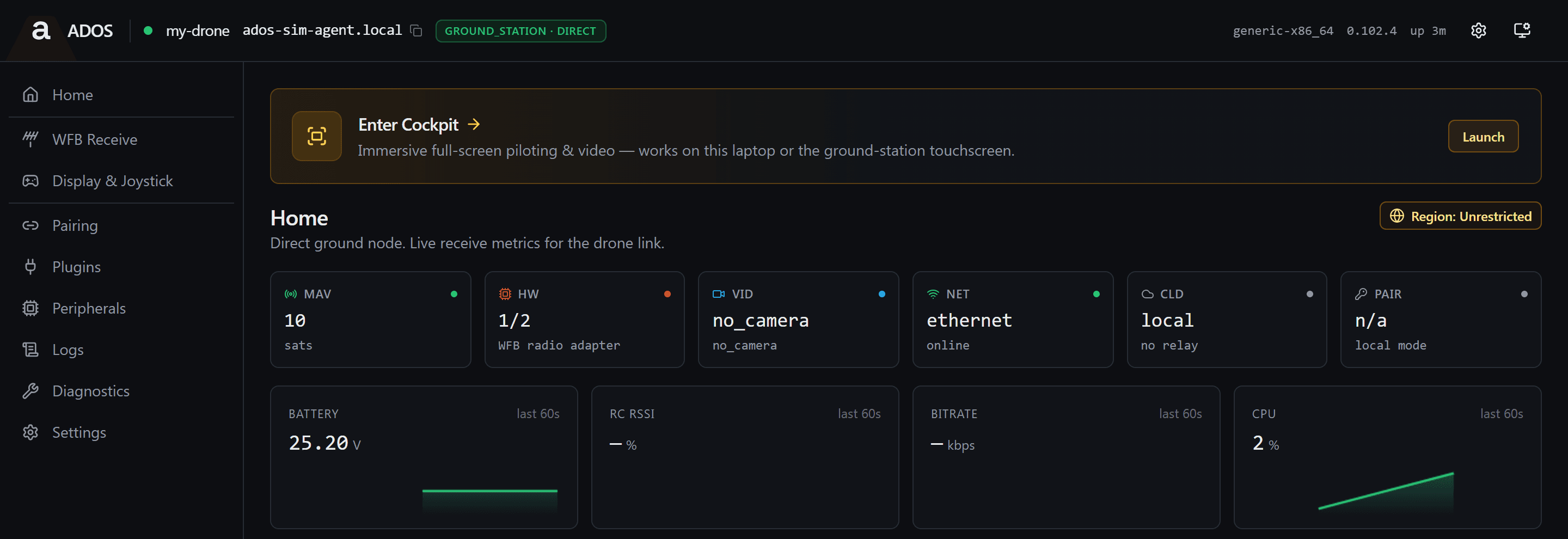
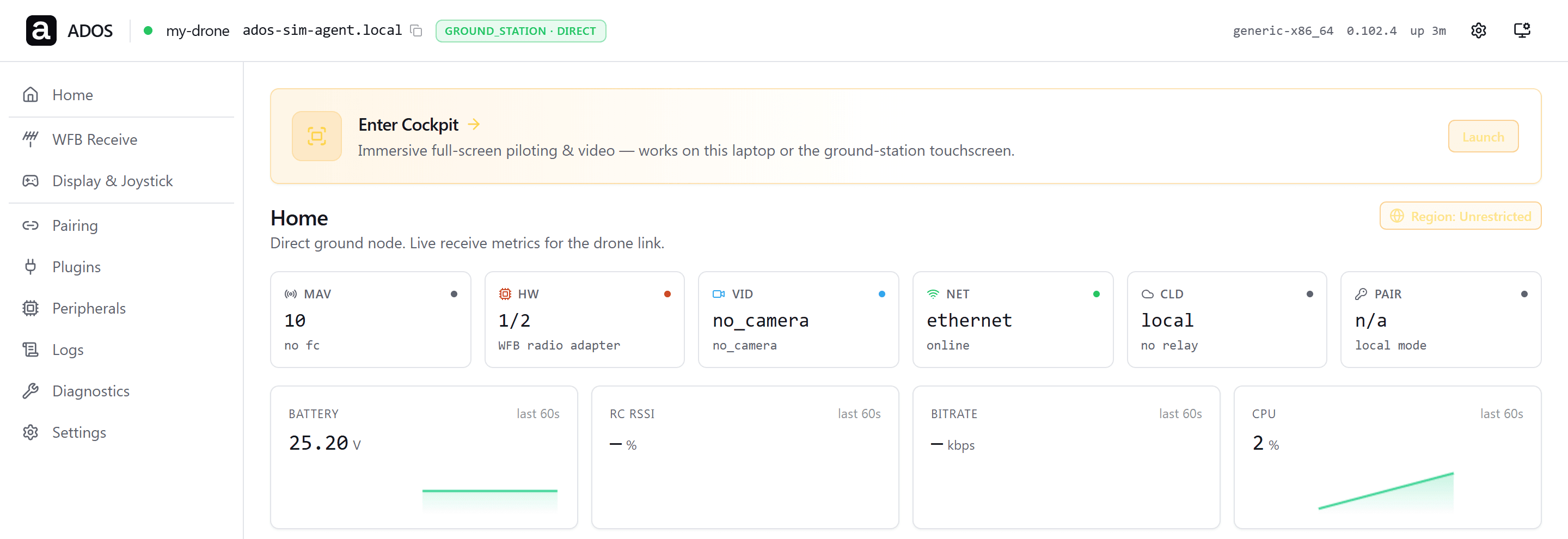
On first boot the node brings up a WPA2 access point with a passphrase generated for that unit. Read it from the installer summary or the on-box panel, which also shows a join QR code. Open a browser at the local address for the node dashboard and the on-box cockpit. Video and telemetry run locally with no cloud dependency.
- Bench work on your own laptop, no cables.
- A spotter on a phone while the pilot flies on HDMI.
- A classroom or demo with a few observers on one AP.
A hardwired link for Mac and Windows.
The node exposes itself as a USB Ethernet adapter over the Type-C data link. macOS, Linux, Windows 11 and Android 11 or later see CDC-NCM; Windows 10 falls back to RNDIS. DHCP hands the laptop an address and the browser reaches the node at 192.168.7.1. Mission Control on the laptop connects over the same wire.
- macOS and Linux: native CDC-NCM, no install.
- Windows 11: native CDC-NCM. Windows 10: RNDIS fallback.
- The lowest-friction path to rule out WiFi during a debug session.
The ADOS app, built for a phone.
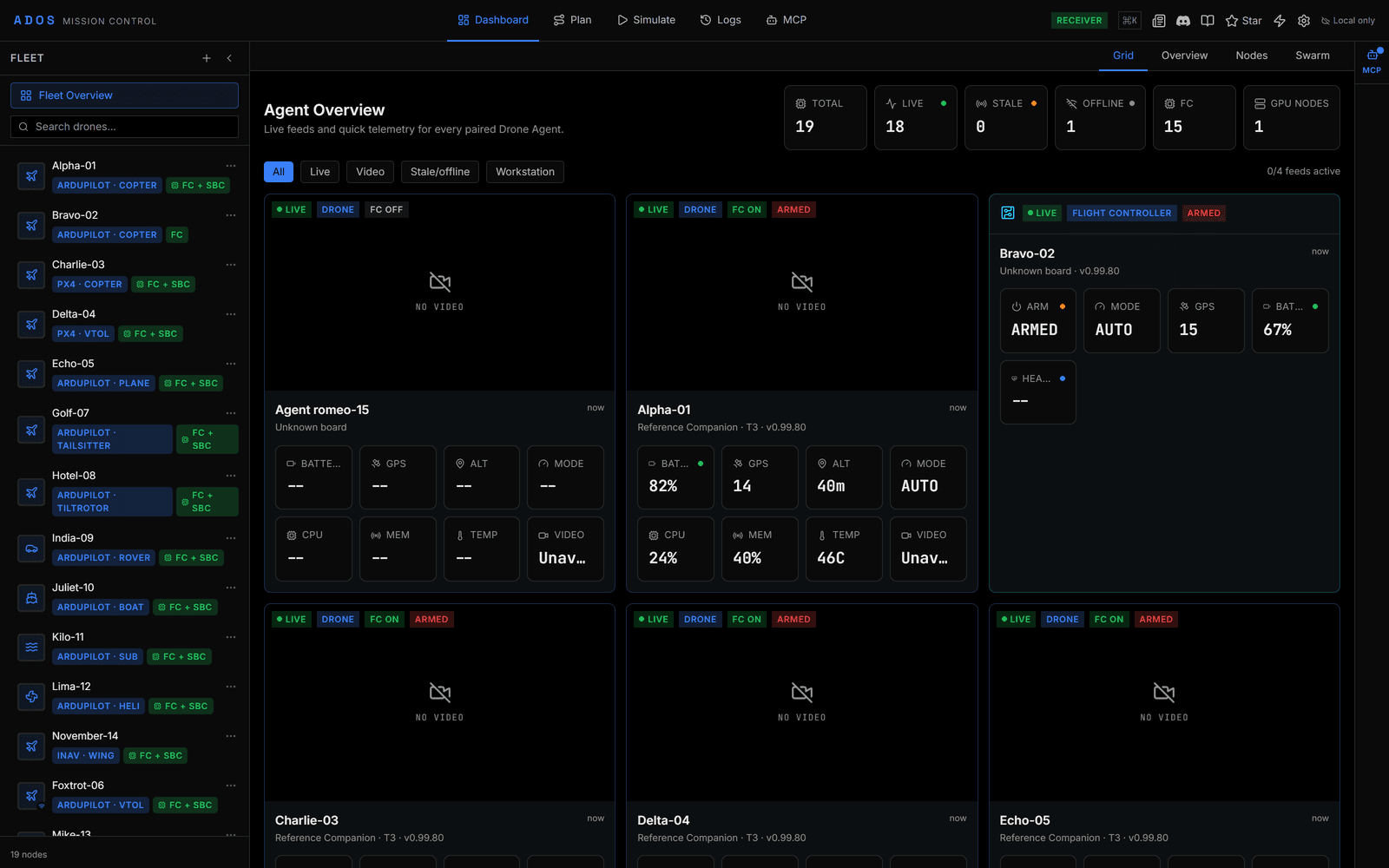
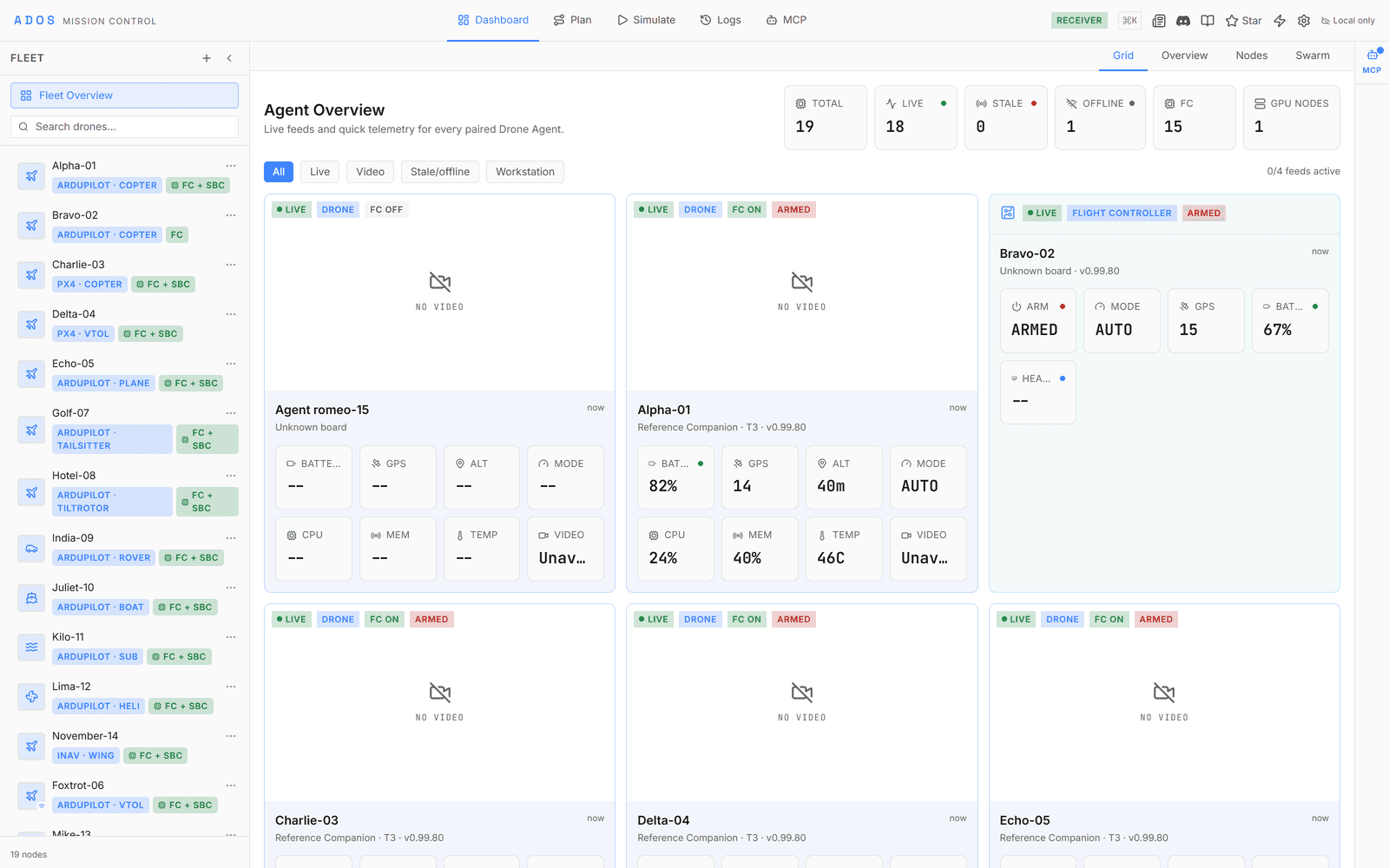
The Android app finds the node over the USB-C tether or the WiFi access point and pulls video over WebRTC. It carries live video with a HUD, a map, mission planning, parameters, calibration, and a ground-station panel. It installs by sideloading an APK you build from source.
- A spotter on a phone while a pilot flies on HDMI.
- Android 10 or later on an arm64 phone or tablet.
- A radio adapter on USB OTG for a direct link with no ground node.
The node's own screen.
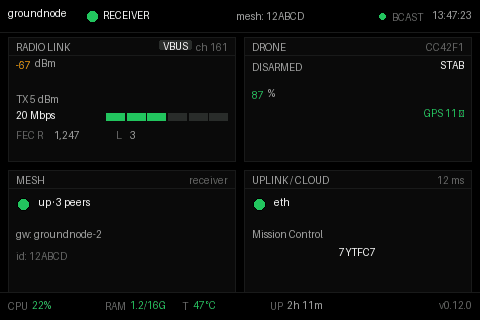
Beside the four client paths, a node can drive an optional 480x320 SPI touch panel. A native dashboard draws four tiles at a glance: radio link, drone, mesh, and uplink.
PILOT IN COMMAND
Many viewers. One pilot.
All four modes can be live at once. Stick authority is arbitrated by a small state machine, so only one client holds the sticks at any time.
A node can serve the HDMI kiosk, a laptop on the WiFi access point, a Mac on the USB tether, and an Android phone at the same time. Telemetry and video flow to all of them, but MANUAL_CONTROL frames are single-master. A dedicated arbiter decides who has stick authority.
The Hardware tab in Mission Control shows who holds pilot in command. Any other client can press Take Control. The agent warns that the sticks are held, and the transfer goes through only when the taking client confirms within two seconds. A holder that stops sending heartbeats for 30 seconds loses the claim. If no client holds the role, every screen stays an observer and no stick input reaches the drone.
PATH LENGTH
What each mode adds after the radio.
Every mode shares the same air link and the same receive stage. What separates them is how many hops sit between the ground node and your screen, and whether the mode can hold the sticks.
| After receive | Control authority | Best for | |
|---|---|---|---|
| HDMI kiosk | Decoded on the node, straight to the panel | Full, gamepad on the node | Field pilot, no laptop |
| USB-C tether | One USB network hop, browser decode | Full | Bench engineer, Mac or Windows |
| WiFi AP | One wireless LAN hop, browser decode | Full | Any browser, any device |
| Android app | One wireless LAN hop, native decode | Full | Phone pilot or observer |
| Cloud observer | Relay round trip over the internet | Telemetry only | Read-only, remote operator |
HDMI kiosk
USB-C tether
WiFi AP
Android app
Cloud observer
We publish no glass-to-glass latency figure for any of these paths, because we have not measured one end to end. See the video and data link page for what the in-tree probe does and does not cover.
One node. Many clients. One pilot at a time.
The public docs cover every mode with step-by-step pairing and troubleshooting.
Client docs