ADOS ATLAS
A 3D world model, built as you fly
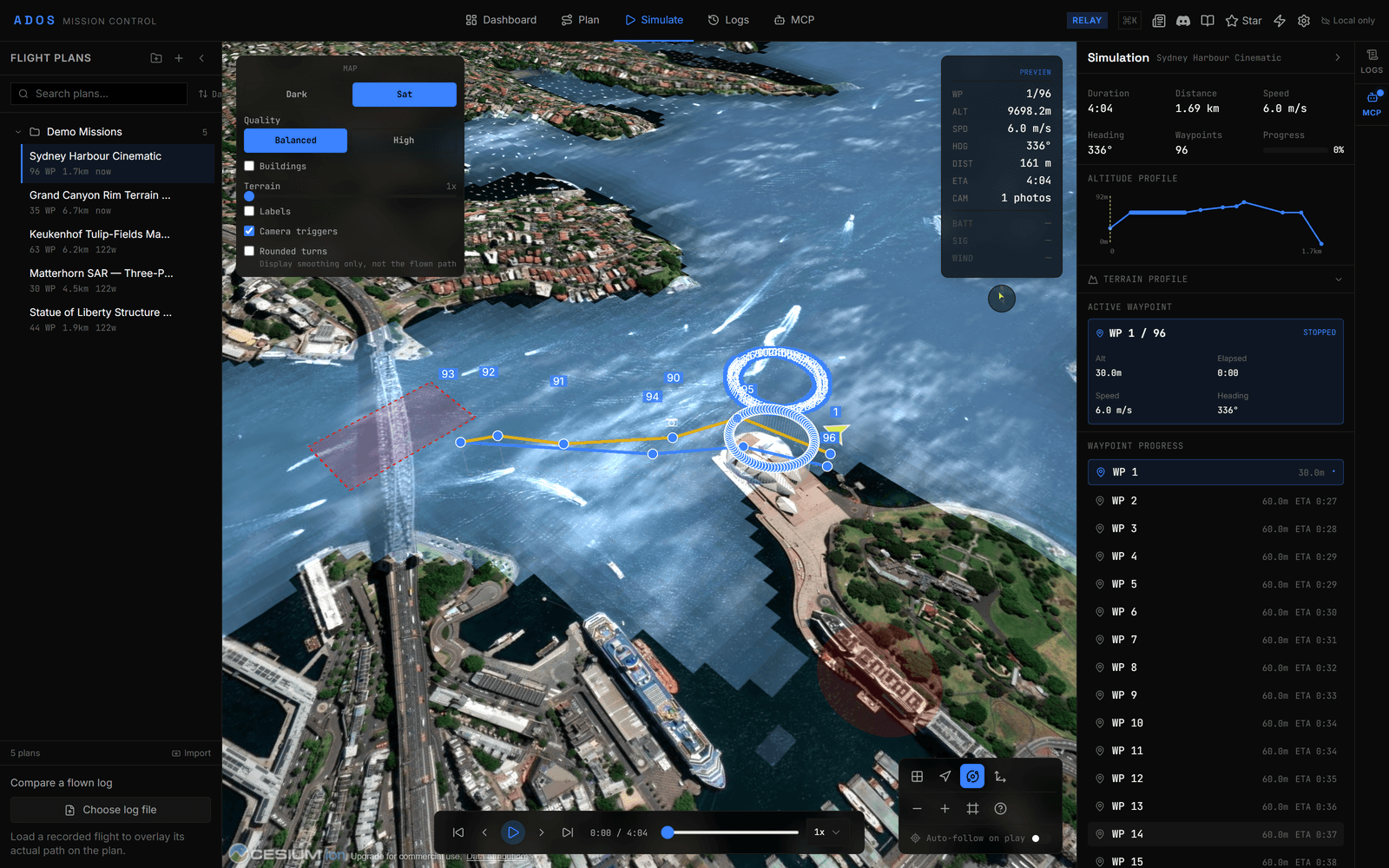
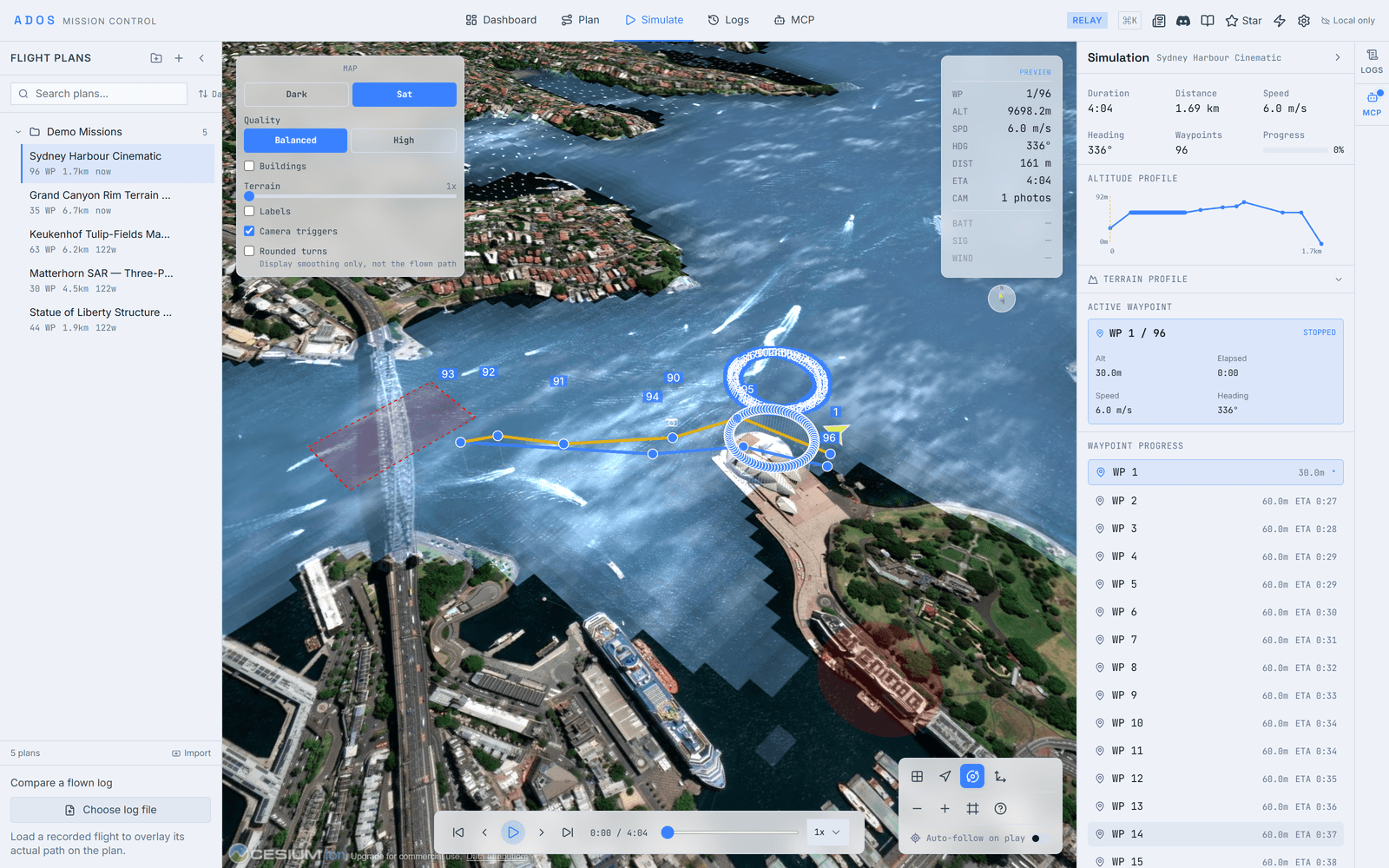
Drones capture pose-tagged keyframes in the air. A compute node reconstructs a gaussian splat, point cloud, mesh, or occupancy grid. Mission Control views the world model live and after landing. Available as the World Engine extension.
1–N
Cameras, one capture flow4
Reconstruction outputs3
Surfaces: capture, build, viewLive
And post-flight viewing

Pose-tagged keyframes become a 3D world model on a compute node.
How it works
Capture, reconstruct, view
Three surfaces do three jobs. The drone captures, a compute node reconstructs, and the ground station views. Reconstruction is heavy, so nothing is trained on the vehicle.
Capture to world model
Drone · CameraPose-tagged keyframe capture
Light on-vehicle workOne camera up to all-sides
Compute Node · Atlas ForgeReconstruction workbench
Gaussian splat, point cloudMesh, occupancy grid
Mission Control · ViewerWorld model viewer
Live and post-flightShared with plugins
Camera count is configurable from one up to an all-sides rig. It is one flow either way. The world model is published on shared topics that other plugins can subscribe to.
Outputs
Four ways to see the world
The same capture reconstructs into whichever representation the mission needs.
Gaussian splatRadiance-field capture
Point cloudDense 3D points
MeshVertices and faces
Occupancy gridVoxels or distance field
command.altnautica.com
Reconstruct your first flight
Capture on the drone, reconstruct on a compute node, and open the world model in Mission Control.
Read the docs