The onboard computer for any drone.
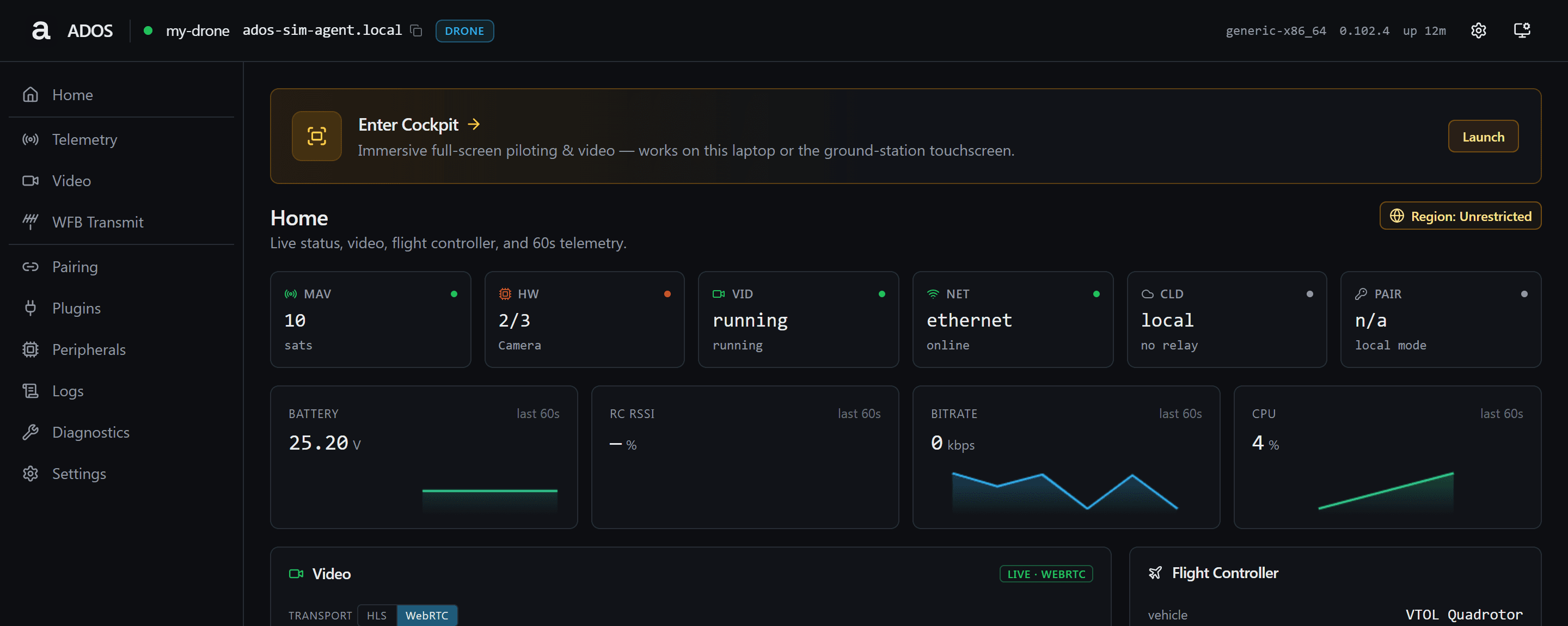
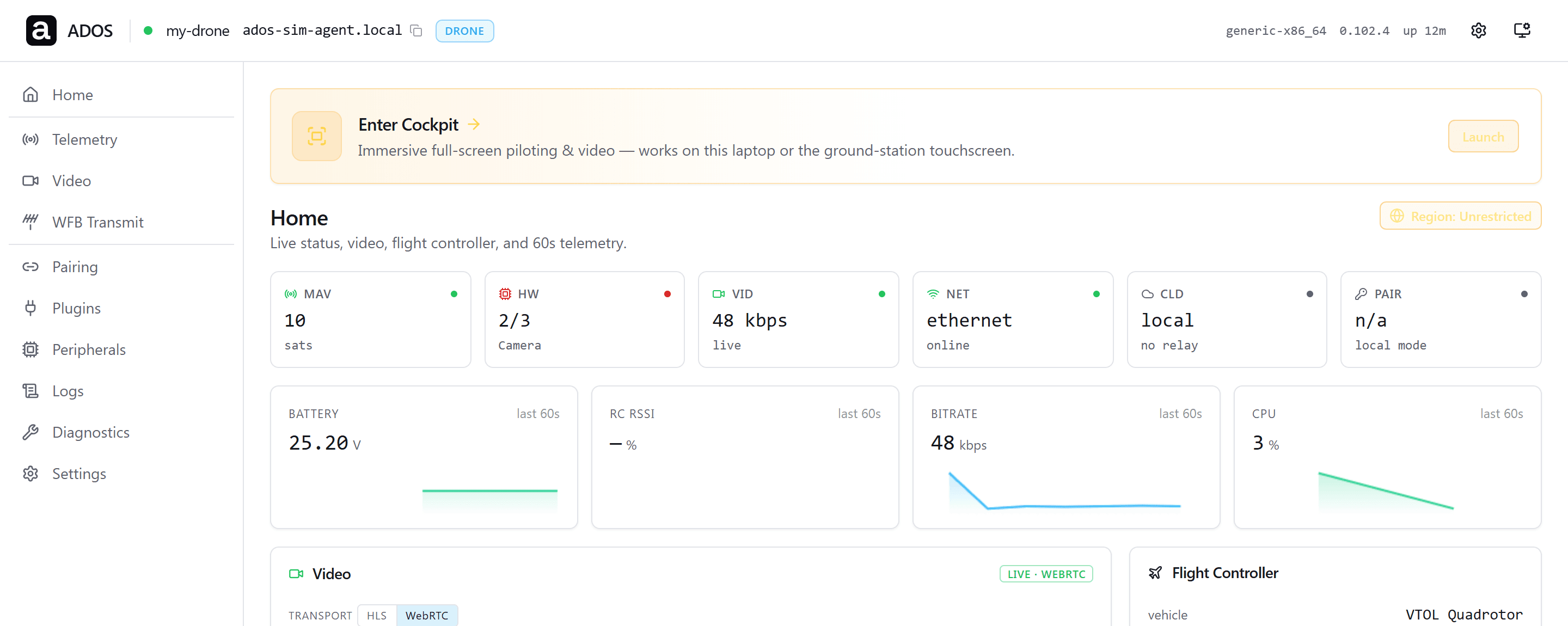


The agent runs on a Linux board beside the flight controller.
GET STARTED
One command on the companion computer.
SSH into the board, run the installer, and it auto-detects the hardware, installs dependencies, and starts every service. No follow-up steps.
curl -sSL https://raw.githubusercontent.com/altnautica/ADOSDroneAgent/main/scripts/install.sh | sudo bashThe one-line installer runs on Debian 11 or later and Ubuntu 22.04 or later on ARM64, including Raspberry Pi OS and Armbian images. It verifies the installer binary's checksum and signature before running it. Scales from a 1 GB Raspberry Pi 3 up to a Jetson Orin.
THE OPEN COMPUTE LAYER
Everything above flight, handled.
A flight controller stabilizes the airframe and drives the motors. The Drone Agent handles everything else on the companion computer.
Most smart-drone makers ship a closed vertical stack. That works for a single product line, and it has produced good drones. It also leaves everyone else stitching together video, telemetry, and fleet management by hand.
The Drone Agent is the horizontal layer that sits between the flight controller and your applications. Write signed plugins without forking the core. Get cloud connectivity out of the box. Scale from a 1 GB Raspberry Pi running telemetry to a Jetson Orin running vision and mission autonomy. Same agent, different tiers.
- ▶One platform: write once, deploy on any ADOS drone
- ▶Extension ecosystem: third-party extensions without a fork
- ▶Fleet-ready: every drone reaches the cloud or your own server
- ▶Tiered scaling: from a Raspberry Pi to a Jetson Orin, same agent
- ▶Local-first: works fully offline in the field, cloud optional
- ▶Secure by default: TLS, signed installers, and MAVLink signing
ARCHITECTURE
A layered stack, one install.
The agent implements the six layers between the Linux OS and your ground station. Each layer is a stable seam, so a plugin at L5 never touches the FC link at L4.
Below the agent sits Layer 0, the Linux OS. Above it, Layer 7, your ground station or dashboard, connects over WebSocket, MQTT, REST, and WebRTC.
RUNTIME
Built Rust-first.
A hybrid Rust and Python runtime. The right language runs each layer, in one codebase.
Rust
The runtime and safety-critical path
The process supervisor, the MAVLink router, the video pipeline, the radio stack, the on-device vision host, and the HTTP control surface are Rust. Long-running services that carry flight data are memory-safe and deterministic.
Python
The ecosystem layers
AI and vision inference, the plugin runtime, the setup webapp, and hardware bring-up stay in Python, where the libraries live. Plugin authors write Python and get the full on-vehicle SDK.
CAPABILITIES
What the agent does.
Built modular, shipped as one package. Every capability below works today.
Long-range HD video
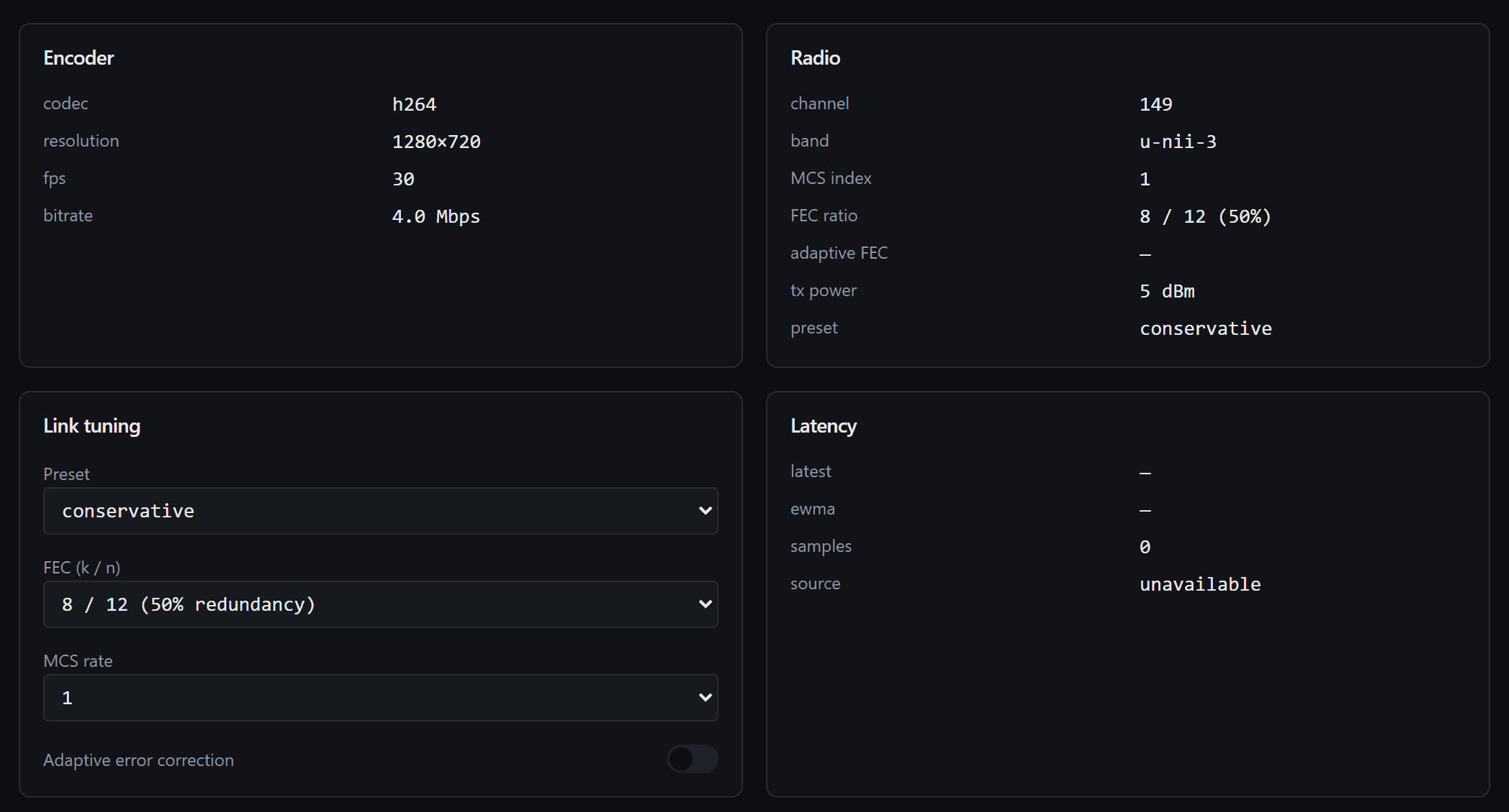
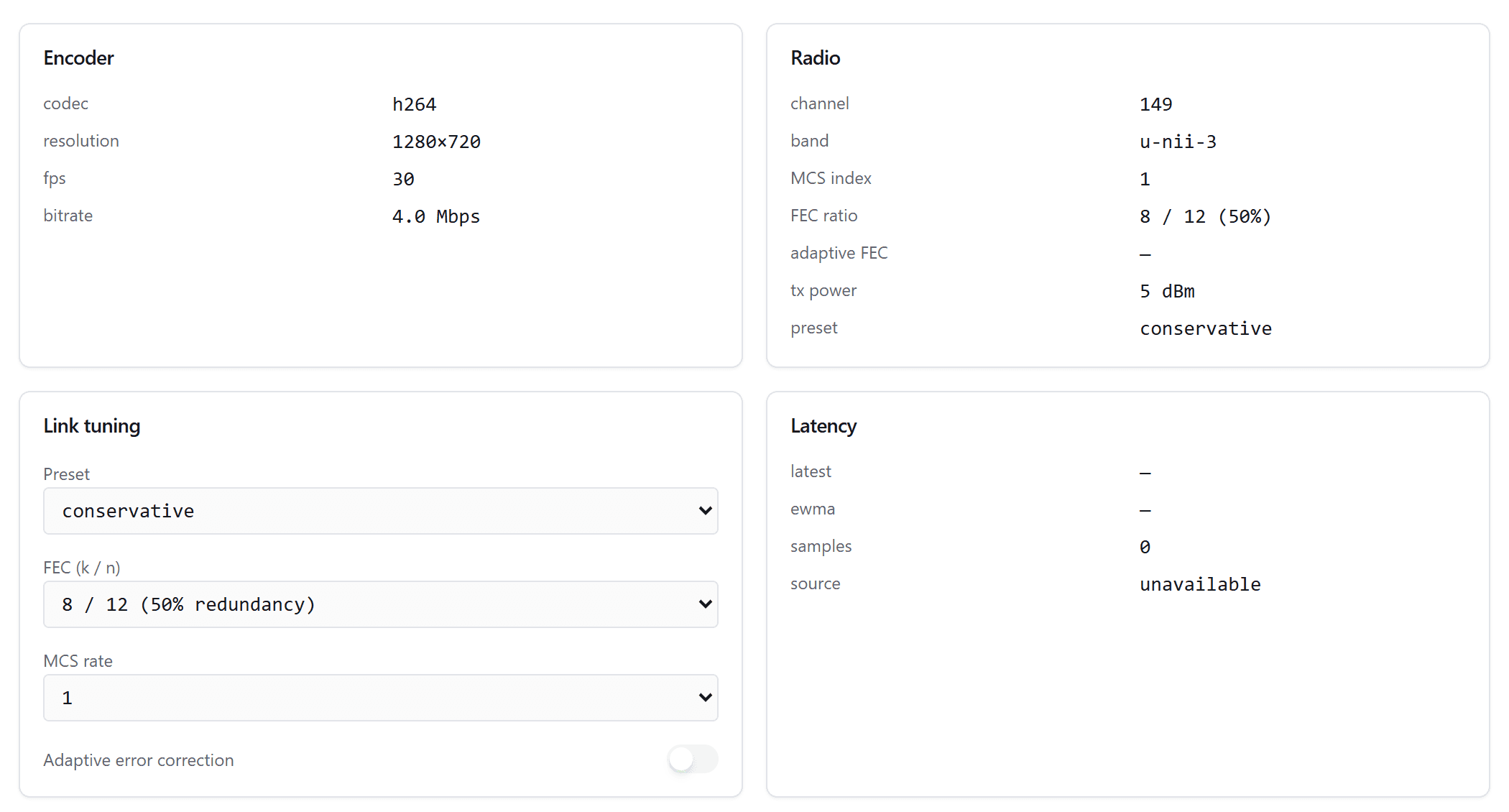
Camera auto-discovery over CSI, USB, and IP, hardware encoding, an OSD overlay, and a radio link reaching 20 to 50 km line of sight with a directional ground antenna, or a WebRTC cloud relay.
MAVLink routing and signing
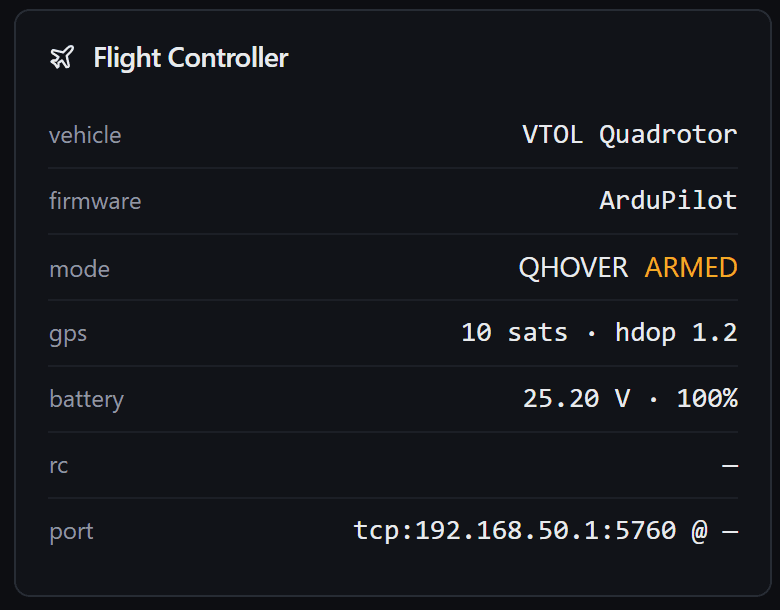
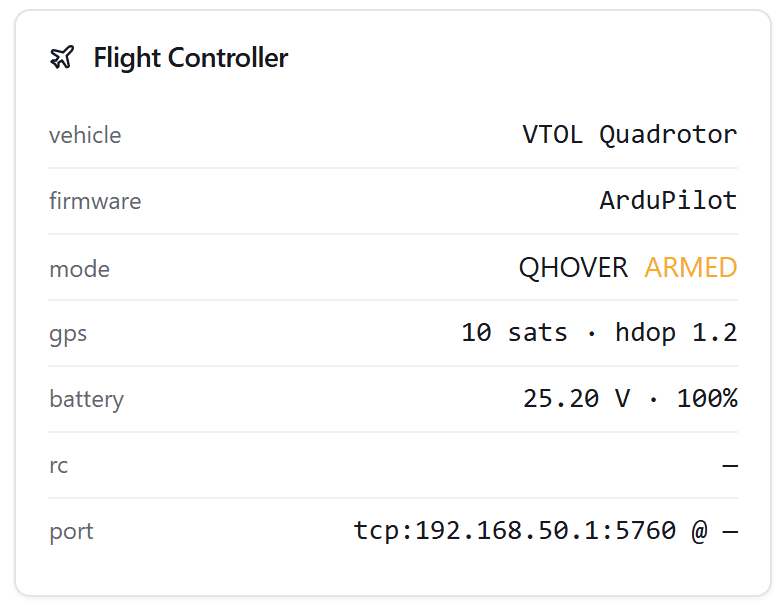
Route MAVLink from the flight controller over serial or USB to every consumer over WebSocket, TCP, and UDP at once. Sign every v2 frame with a key that never leaves the browser.
Signed extension system
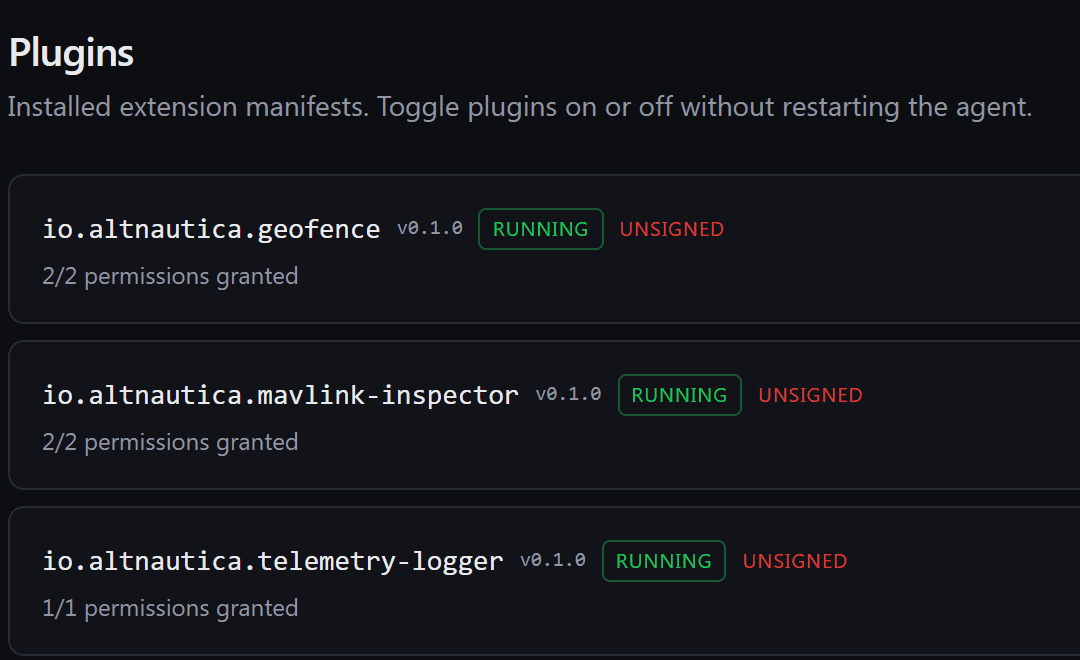
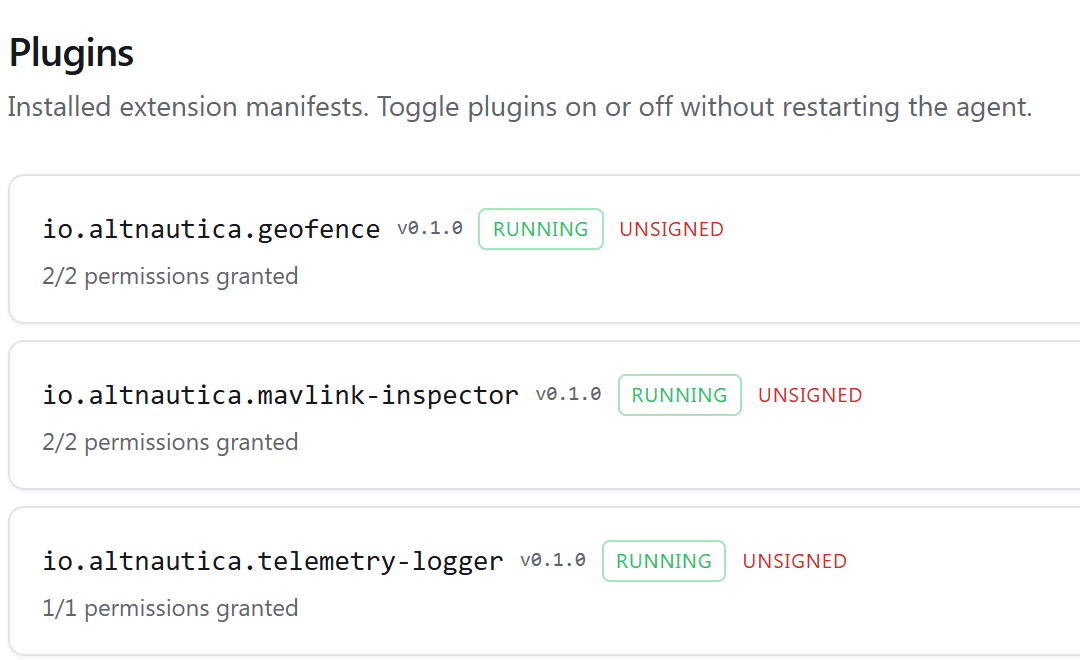
Add hardware drivers, sensors, and behaviors as signed .adosplug plugins in a subprocess sandbox with capability permissions. No core fork.
Cloud and fleet connectivity
MQTT telemetry to the Altnautica cloud or your own server, and a WebRTC relay for remote video. Every link is optional: the agent runs fully offline.
MeshNetOn-vehicle vision and AI
Run detection and tracking models on the companion NPU or CPU and publish detections on a shared bus that plugins subscribe to.
Vision EngineOne-command setup and updates
The agent detects the board at boot, enables only what the hardware supports, and updates with ados update, which re-runs the installer.
Setup and StatusHARDWARE
Runs on what you already have.
The hardware abstraction layer fingerprints the board at boot and enables only the features the silicon supports. Nineteen board profiles ship today, plus generic ARM64 and x86_64 fallbacks.
FEATURE TIERS
Features scale with the board.
The agent picks a tier from the board profile, or from available RAM on an unknown board. Each tier adds services to the one below. Set agent.tier in the config to override it.
- Tier 1
- MAVLink proxy. Under 512 MB
- Tier 2
- Adds REST API, health, mDNS. 512 MB to 2 GB
- Tier 3
- Adds video, radio link, cloud relay. 2 to 4 GB
- Tier 4
- Adds vision host, model registry. Over 4 GB
GO DEEPER
Explore the agent.
ACROSS THE PLATFORM
What the agent connects to.
FAQ
Frequently asked questions
What companion computer works with ArduPilot?
A Raspberry Pi, NVIDIA Jetson, or almost any ARM64 Linux board works as an ArduPilot companion computer once you install the Altnautica drone agent. It connects to the flight controller over MAVLink and adds video, long-range links, cloud connectivity, and on-vehicle AI. Nineteen boards have their own profile today, and generic ARM64 and x86_64 fallbacks cover the rest.
What hardware does the drone agent run on?
The drone agent ships profiles for 19 companion boards, plus generic ARM64 and x86_64 fallbacks, from a Raspberry Pi 3, 4, and 5 and Compute Modules to NVIDIA Jetson Nano and Orin Nano, Radxa, Orange Pi, BeagleBoard, and other ARM64 Linux boards. One install command detects the board and configures it.
How do I make an existing drone autonomous?
Add a companion computer running the Altnautica drone agent next to your flight controller, connect them over MAVLink, and control the drone from Mission Control. You keep your existing ArduPilot, PX4, Betaflight, or iNav flight controller and gain autonomy, long-range video, and fleet connectivity in software.
One agent. Any board. Any flight controller.
The source is on GitHub and the one-line installer works today.
View on GitHub