Plan it. Validate it. Fly it.
HOW IT FLOWS
From a shape to a mission
Draw
An area or a corridor
Generate
A pattern
Check
Terrain and geofence
Upload
To the aircraft
Fly
- Draw: An area or a corridor
- Generate: A pattern
- Check: Terrain and geofence
- Upload: To the aircraft
- Fly
WAYPOINTS
Point, click, and script each stop.
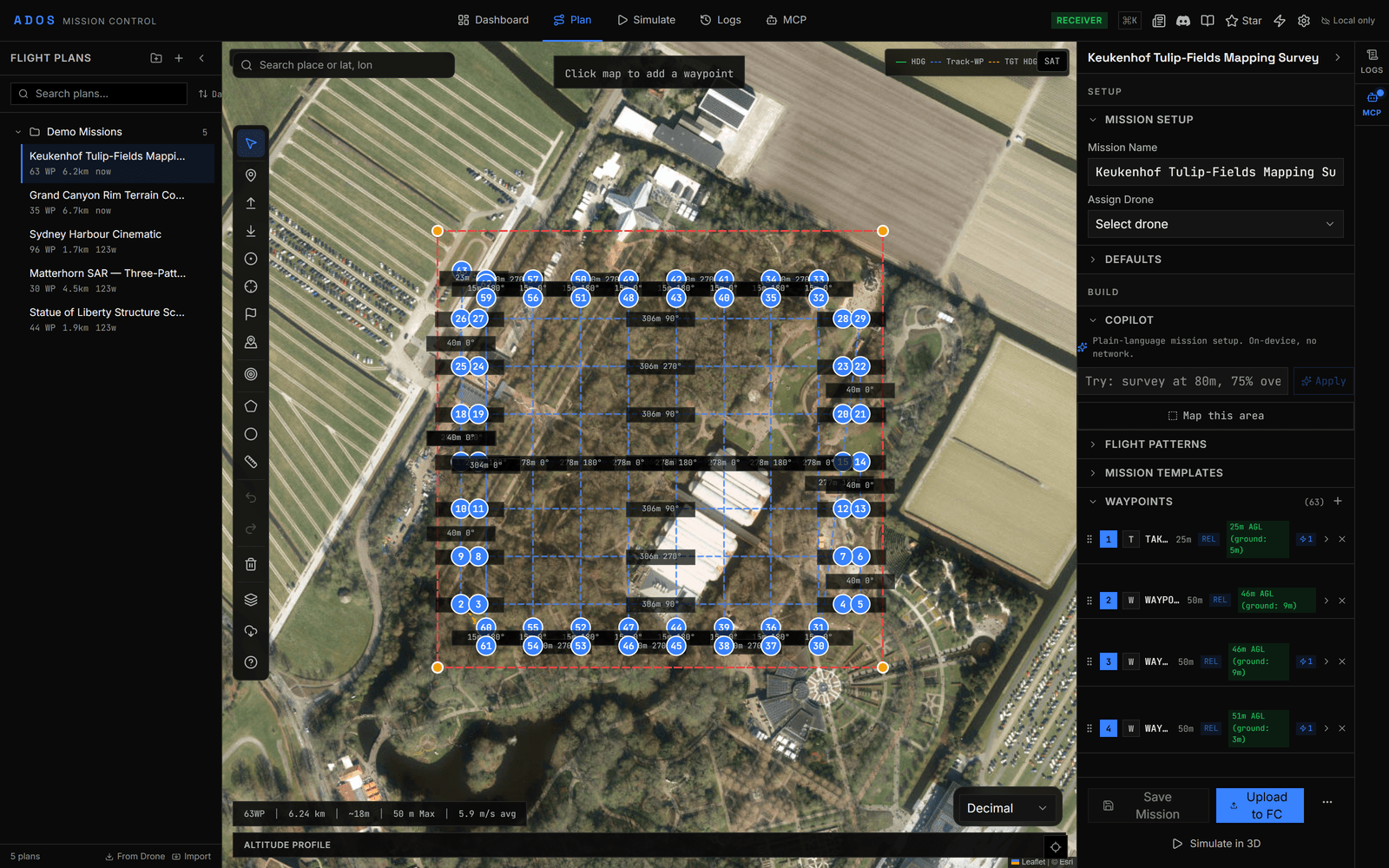
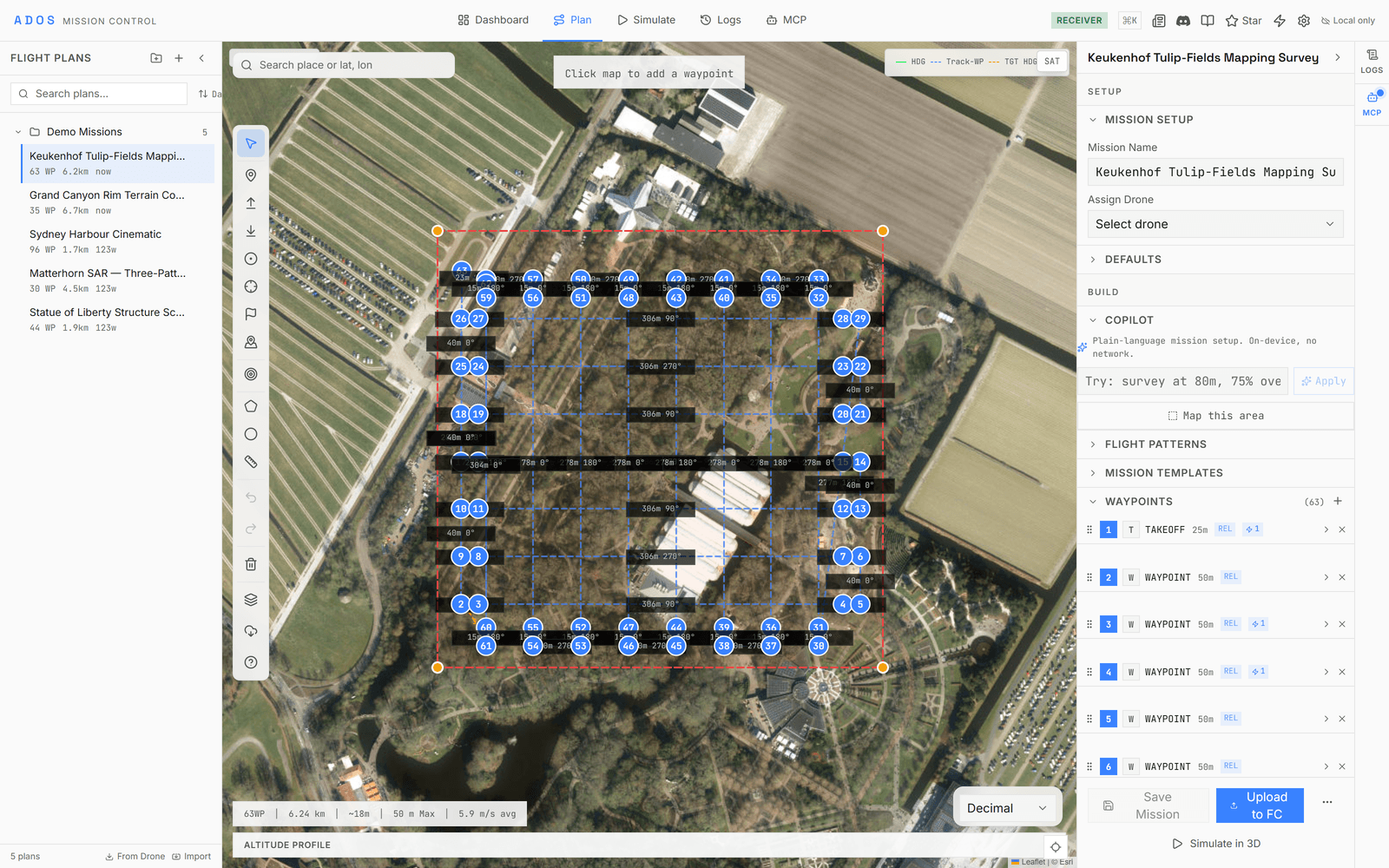
Click the map to place a waypoint, drag to reposition, and set altitude, speed, and hold time. Each waypoint carries a nested timeline of actions you expand and edit inline: camera triggers, servo moves, delays, and jumps. Batch-select with Ctrl or Shift to edit many at once, with full undo and redo.
- ✓Drag-and-drop placement with multi-select batch editing
- ✓Per-waypoint action timeline: triggers, servos, delays, jumps
- ✓Jumps reference a waypoint by a stable id, so reordering never breaks them
- ✓AGL altitude profiles with automatic terrain elevation
PATTERNS
Nine generators. Zero manual work.
Select an area, pick a pattern, and adjust the parameters. The planner computes the waypoints, and all nine generators are open source.
Survey
Boustrophedon
Area coverage with configurable overlap and sidelap. Set the camera parameters and line spacing is computed for you.
Orbit
Circle POI
Orbit a point of interest at a set radius, altitude, and pass count. Built for inspection and 3D capture.
Corridor
Linear scan
Follow a road, pipeline, or power line. Set the corridor width and cross-track passes are generated along the path.
SAR
Expanding square
An outward spiral from a known point. The standard search pattern for maritime and wilderness operations.
SAR
Sector search
A triangular pattern radiating from a datum. Used when the search area is roughly known.
SAR
Parallel track
Parallel sweeps across a defined area. Covers large zones methodically.
3D scan
Structure scan
Multi-altitude orbits around a building or structure, generating data for photogrammetry.
Landing
Fixed-wing approach
Places a landing-start marker and an approach waypoint set back along your glide slope, then the touchdown, from a chosen point and heading.
Landing
VTOL transition
Brings the aircraft in on forward flight to an approach point, then a VTOL landing that transitions to hover and descends.
Generated, then editable
A generator writes ordinary waypoints onto the map, so every leg can still be dragged, deleted, or given its own actions.
Resolution in, altitude out
The ground-sample-distance calculator turns a target resolution into a flight altitude and line spacing for the survey grid.
No premium tier
Every generator ships in the current release. No add-on unlock, no paid plan.
DECISION
Which pattern for the job.
The generator you reach for follows from what you are covering.
TERRAIN
Follow the ground, automatically.
Set a waypoint's frame to terrain and its altitude is held above the ground beneath it, so the sensor stays at the right distance over hills and valleys. Elevation samples are kept in an in-memory cache, so repeat lookups in a session skip the network.
- ✓Relative, MSL, and terrain-following (AGL) altitude frames
- ✓Automatic terrain fetch on waypoint placement
- ✓In-memory LRU cache of up to 10,000 elevation samples
- ✓A terrain profile drawn along the whole mission path
SAFETY
Boundaries and backup plans.
Geofence editor
- ✓Inclusion and exclusion zones
- ✓Polygon and circle shapes
- ✓Upload and download from the flight controller
- ✓A visual overlay on the mission map
Rally points
- ✓Emergency landing locations
- ✓Drag-and-drop placement on the map
- ✓Upload to and download from the flight controller
- ✓Visual markers on the mission map
VALIDATION
Catch problems before takeoff.
The validator runs a set of pre-upload checks. Errors block the upload, warnings let you proceed with a flag. You see every problem before the drone leaves the ground.
FILES
Import anything. Export everywhere.
Supported formats
Every format imports and exports. Bring a plan from another tool, or hand one off.
Plan library
Save, load, duplicate, and organize missions. Everything is stored locally in IndexedDB, so there is no cloud and no account required. Name plans, file them in folders, and search them later. Built for operators who fly the same routes and want quick access to past work.
TRANSFORMS
Move it, rotate it, scale it.
Move
Shift the whole mission by a set bearing and distance.
Rotate
Pivot all waypoints around the mission center or a point you choose.
Scale
Expand or shrink the mission area proportionally.
Ready to see your mission fly?
Simulate it in 3D on a CesiumJS globe with real terrain, animated flight paths, and camera presets.
Explore 3D Simulation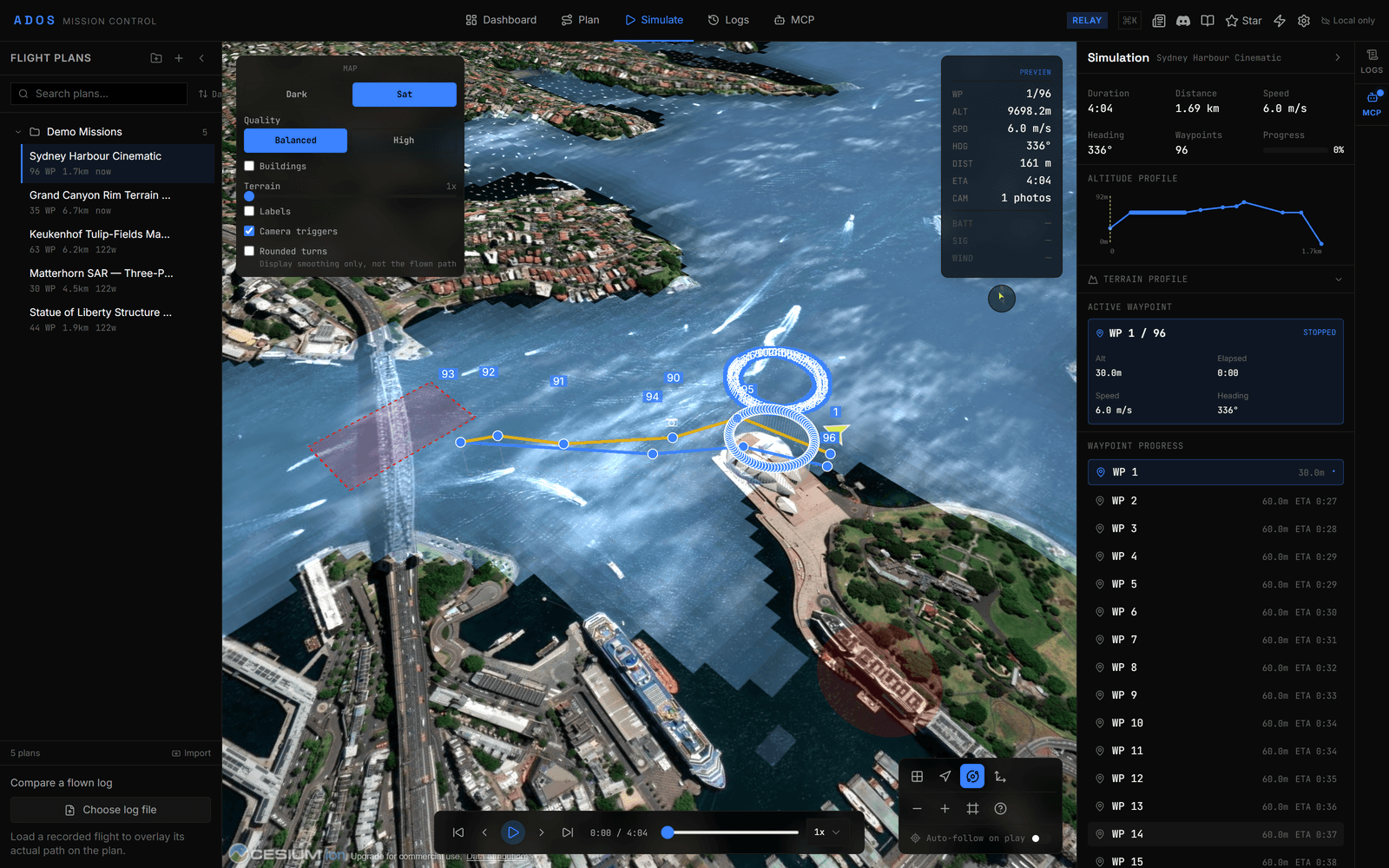
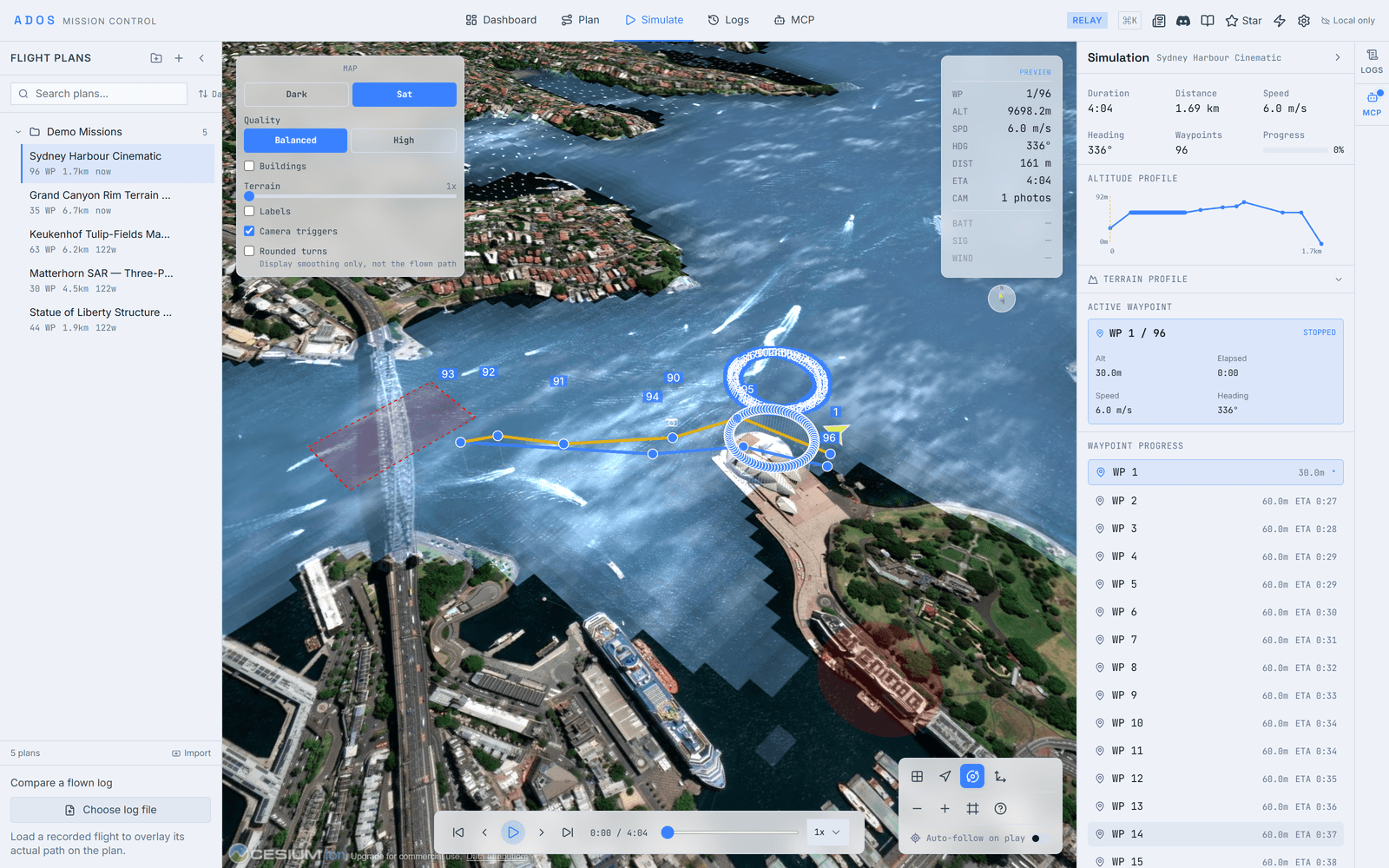
Plan your first mission in the browser.
Drop waypoints, generate a pattern, validate it, and upload to the flight controller.
Launch Mission Control