50 km of HD video, low-latency control


Video down, control up, one radio pair.
How it works
Camera to screen over one radio pair
The signal path from the camera on the drone to a screen on the ground, with two output paths at the receiver.
On latency
We publish no glass-to-glass number because we have not measured one. The latency probe in the agent covers only the publish side, from encoder output to the drone's RTSP endpoint, and is off by default because it sits in the video path. It is in the repository if you want to measure your own link.
Two links
Video down, control up
One radio pair carries a broadcast video stream and a bidirectional control link.
RF video link
H.264 encoded on the companion, broadcast on 5.8 GHz with forward error correction. No association, no handshake, no IP addresses. Packets that arrive are decoded, and FEC recovers the rest.
Control link
Telemetry streams from the flight controller to the companion over serial, then down the radio's control channel to the ground station, which hands it to the browser over WebSocket. In cloud mode it rides MQTT instead. Gamepad input runs at 50 Hz.
A laptop as the ground station
The RF video and telemetry link ships today and runs on a dedicated ground station. Direct Link, in development, is designed to drive the same USB radio straight from a laptop with a userspace driver, so a macOS, Windows, or Linux machine becomes the ground station with no separate box.
See Direct LinkTransport modes
Three modes, one link
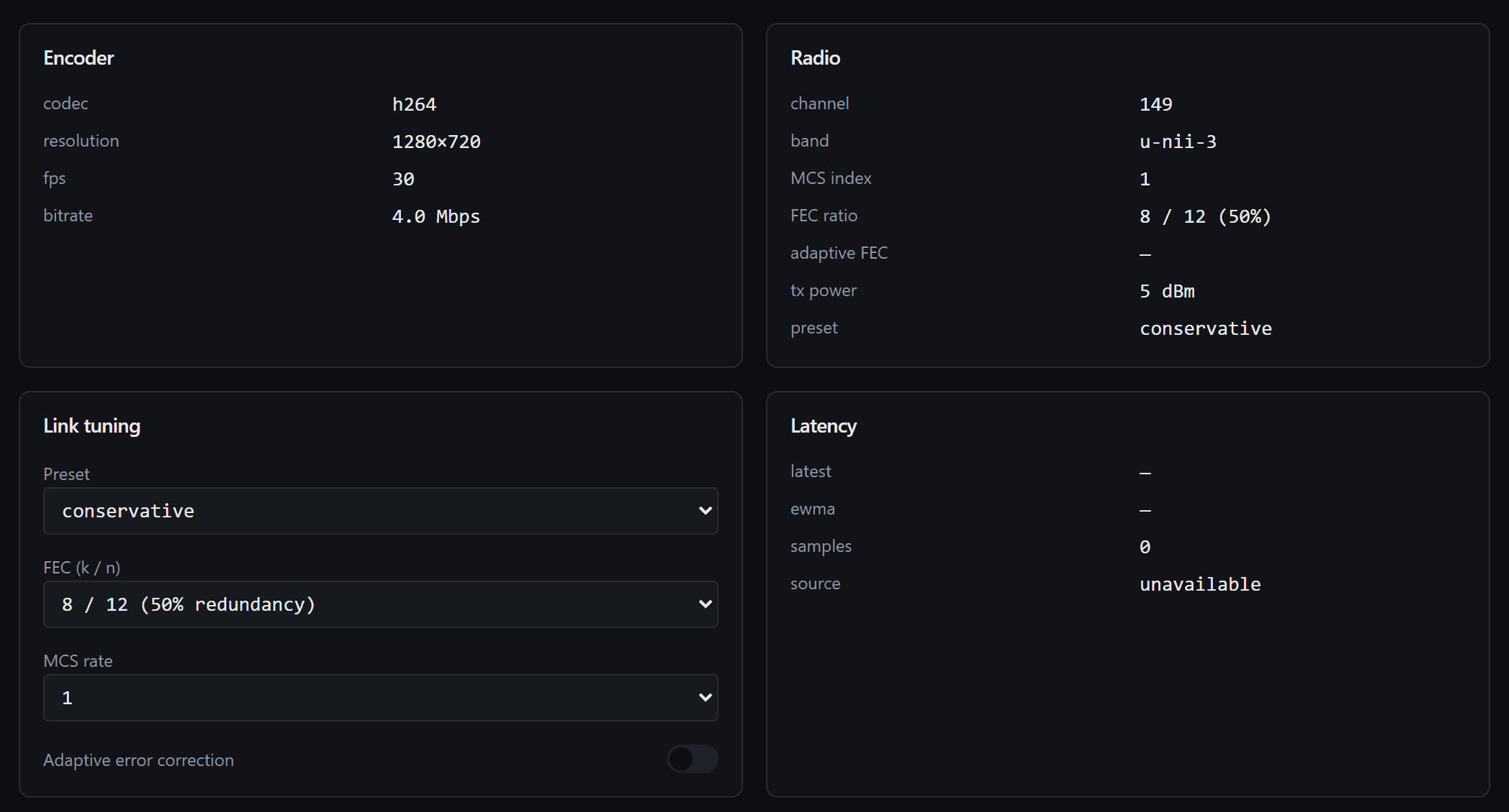
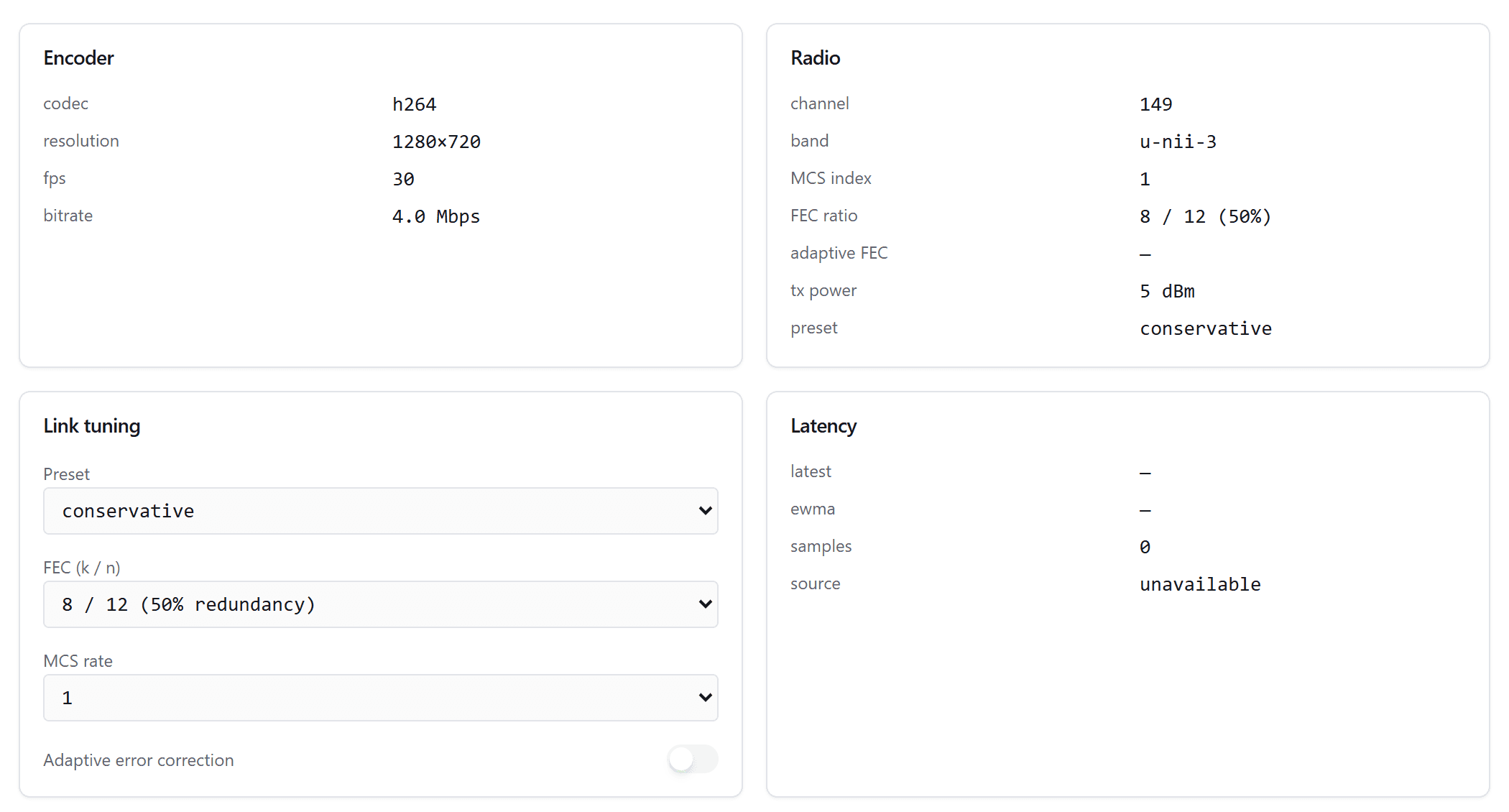
Local radio, cloud relay, or both at once. The drone agent's video page shows the encoder and radio state behind each one.
Direct RF broadcast with no internet required. Video and control travel over the local link, which is the low-latency path and the primary one for active flight.
See the whole platform
The video and data link is one layer of a complete, open drone stack.
View the platform