A laptop as the ground station
THE PATH
Drone to laptop, over the air
The drone streams over the long-range video radio to a USB dongle plugged into the laptop. The laptop runs the ground station itself, with no separate single-board computer in between.
TWO LAYERS
The link and the laptop radio
Two separate pieces. The transport that carries video and telemetry runs on the Ground Agent. The userspace USB radio that lets a bare laptop drive it is in development.
The video and data link works now
A Ground Agent receives the HD video link today and serves it to the laptop. Mission Control connects over UDP, TCP or the ground station. With the right antennas and line of sight the link reaches 10 to 50+ km.
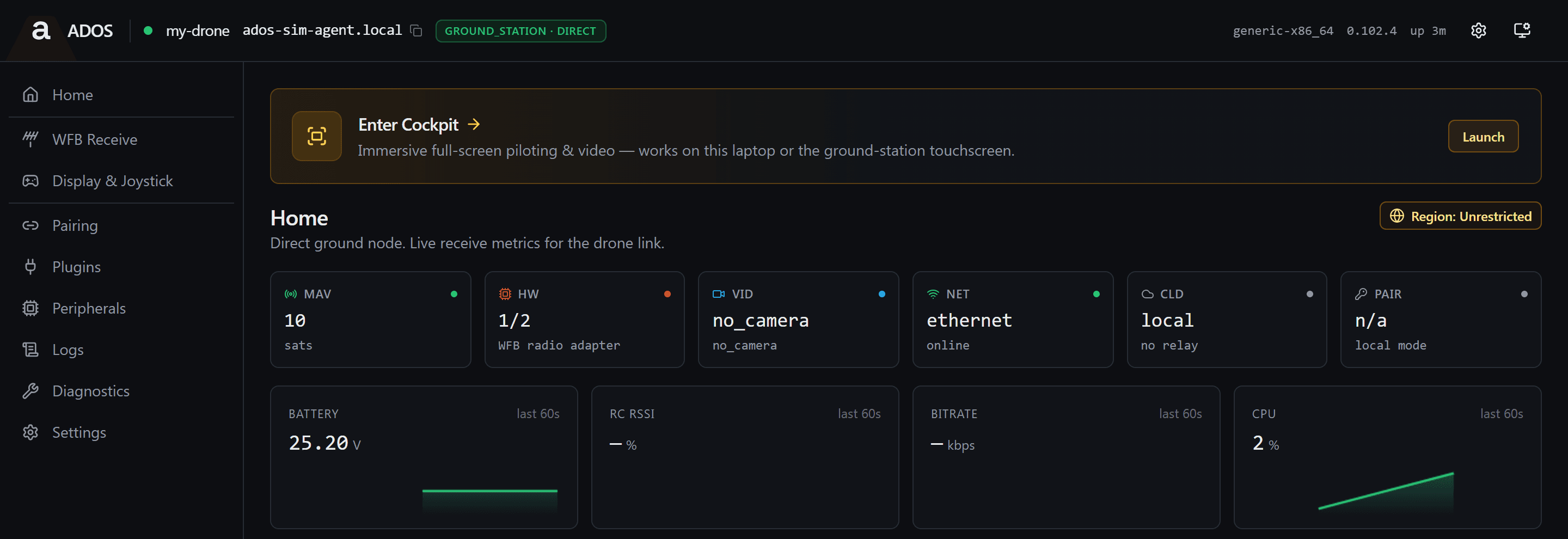
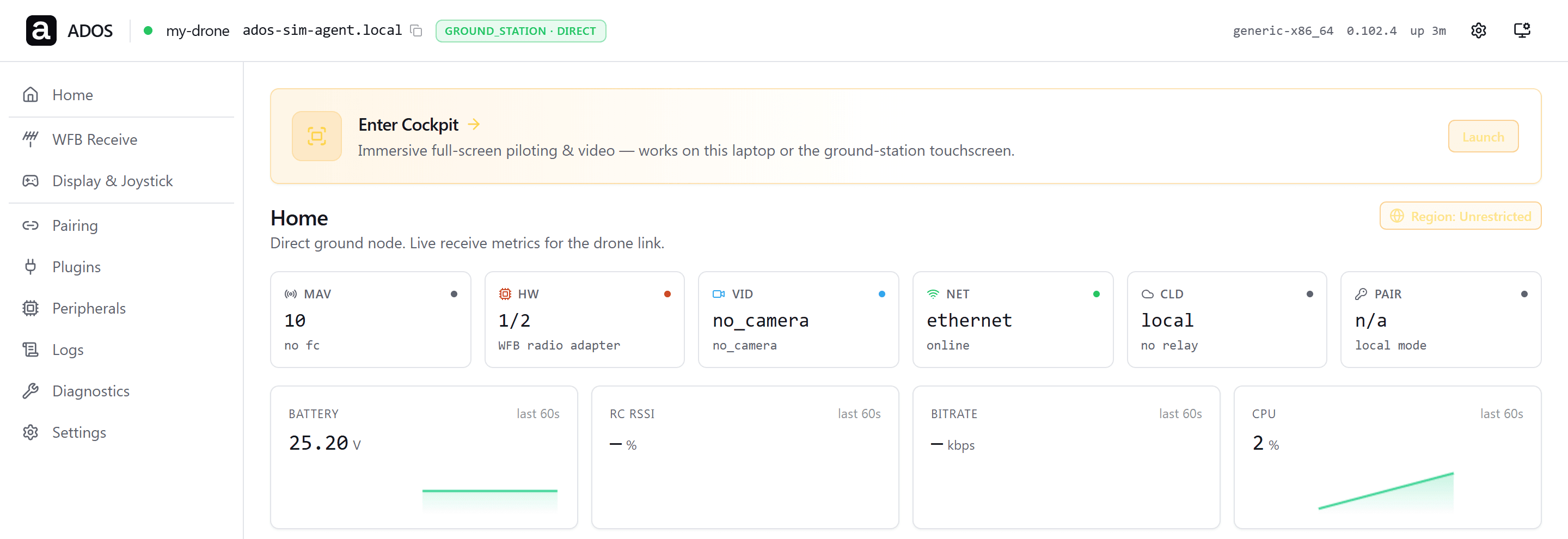
The laptop radio
Direct Link removes the dedicated ground computer by running the long-range video radio on the laptop through a userspace USB driver. Today the radio service has one backend, the Linux kernel monitor-mode path.
HOW IT WORKS
One dongle, any laptop
The radio runs in user space
A userspace USB driver drives the radio dongle directly, with no kernel monitor-mode driver to build. That is what lets the same dongle work on macOS, Windows and Linux.
Nothing above the radio changes
The radio service carries a backend seam, built and tested but not yet on the live path, that keeps one local contract for video, stats and control. Direct Link is designed as a second backend under it, so the encoder, FEC and channel settings, pairing and Mission Control stay as they are.
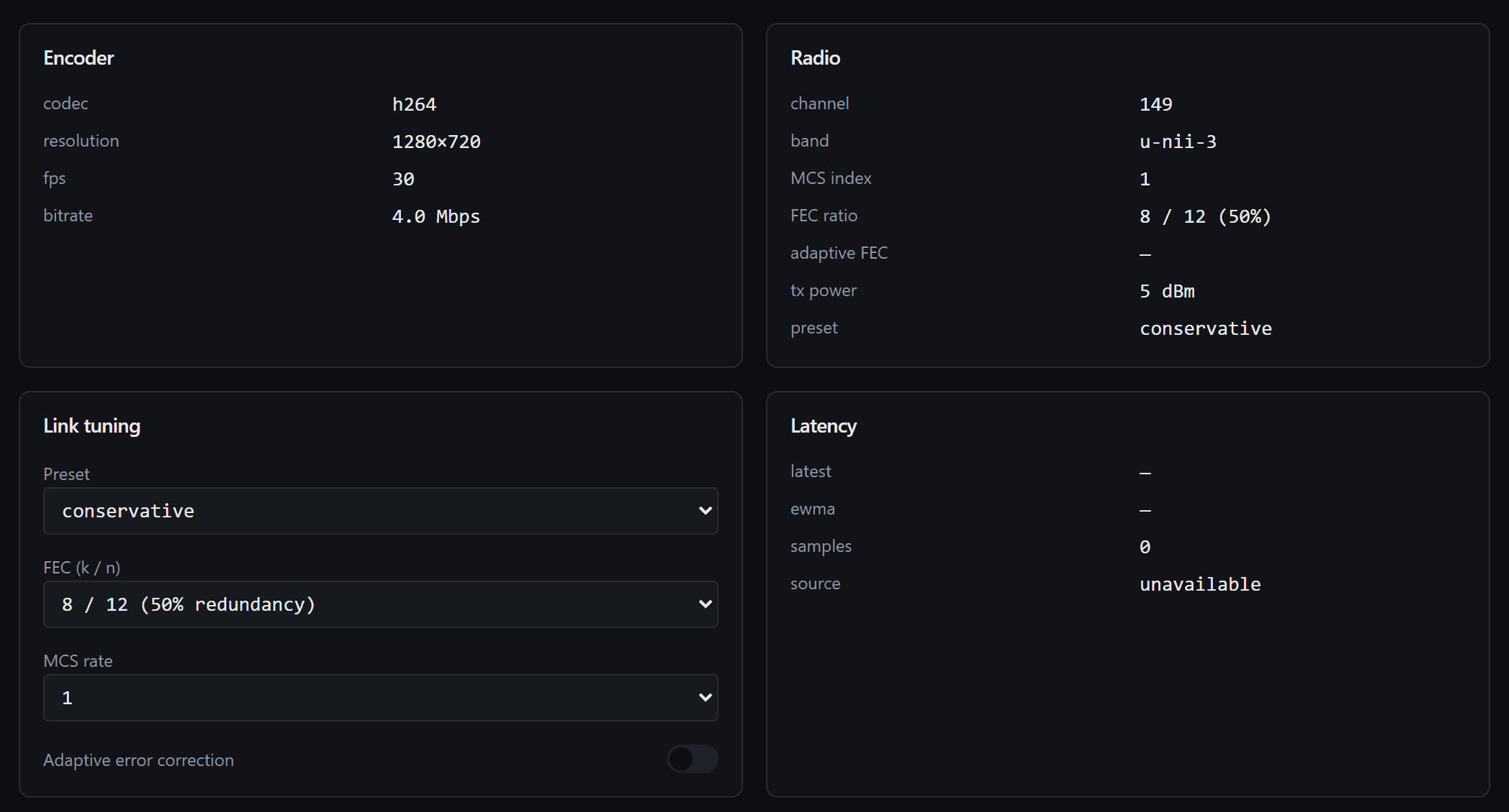
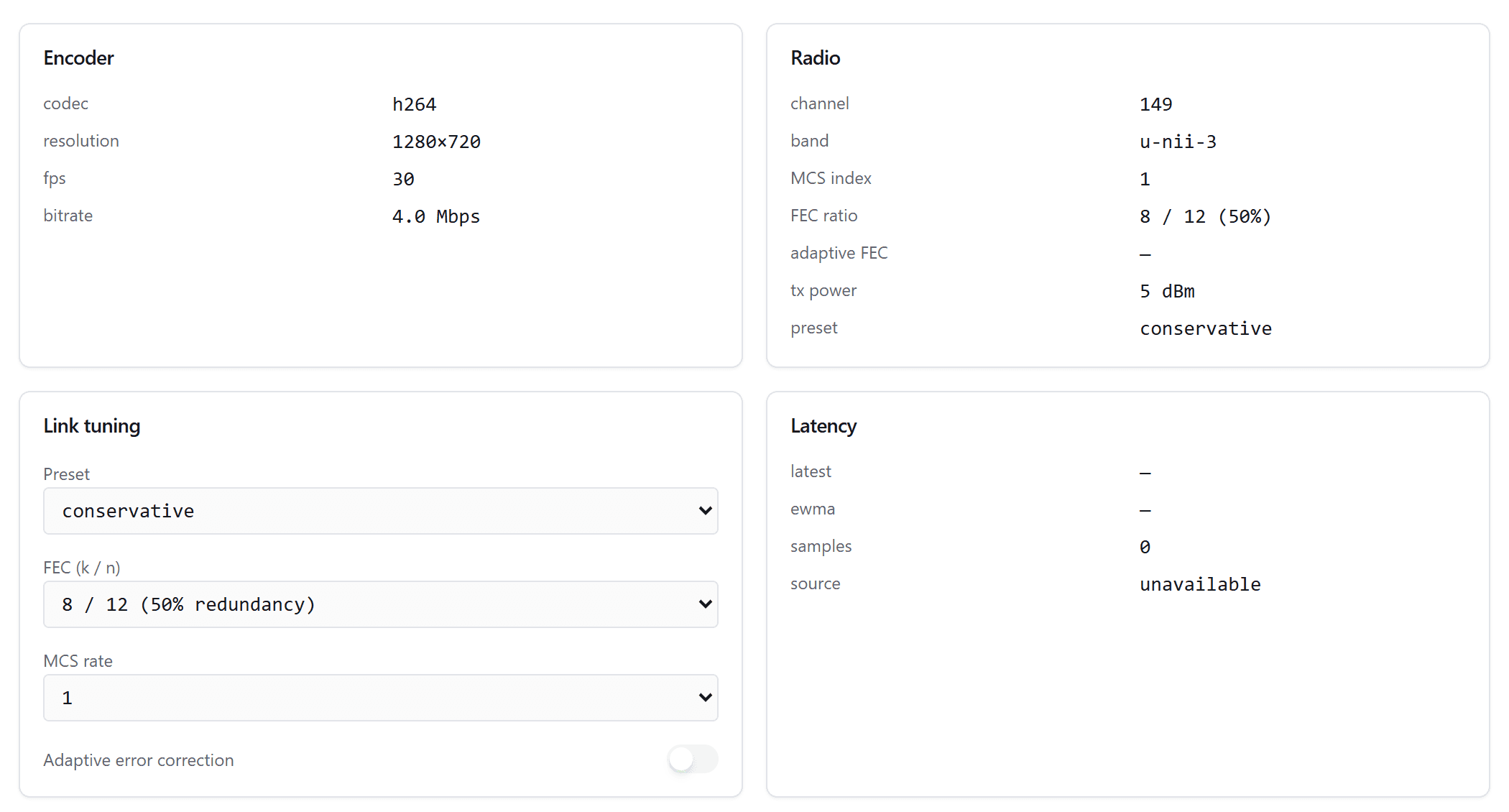
The same dongle
The design drives the same USB radio dongle a ground station uses today, so one radio works in both setups.
SPEC
Direct Link
- Ground computer
- None (the laptop)
- Radio
- USB radio dongle
- Driver
- Userspace, cross-platform
- Operating systems
- macOS, Windows, Linux
- Backend today
- Linux kernel monitor mode only
- Software above
- Standard ground station, unchanged
THE LINK TODAY
Use the shipping ground station now
You do not have to wait for the laptop radio. The Ground Agent runs the same HD video link on a small dedicated node today, and the Workstation connects to it over the standard transport.
EXPLORE
Related
One laptop, no ground box
Direct Link is the ground-radio path for the Workstation. Read how the video and data link works today.
See the video link