One ground station for every drone.
HOW IT FLOWS
Plan, rehearse, fly, review
Plan
Survey patterns and waypoints
Simulate
3D terrain
Configure
Setup and parameters
Fly
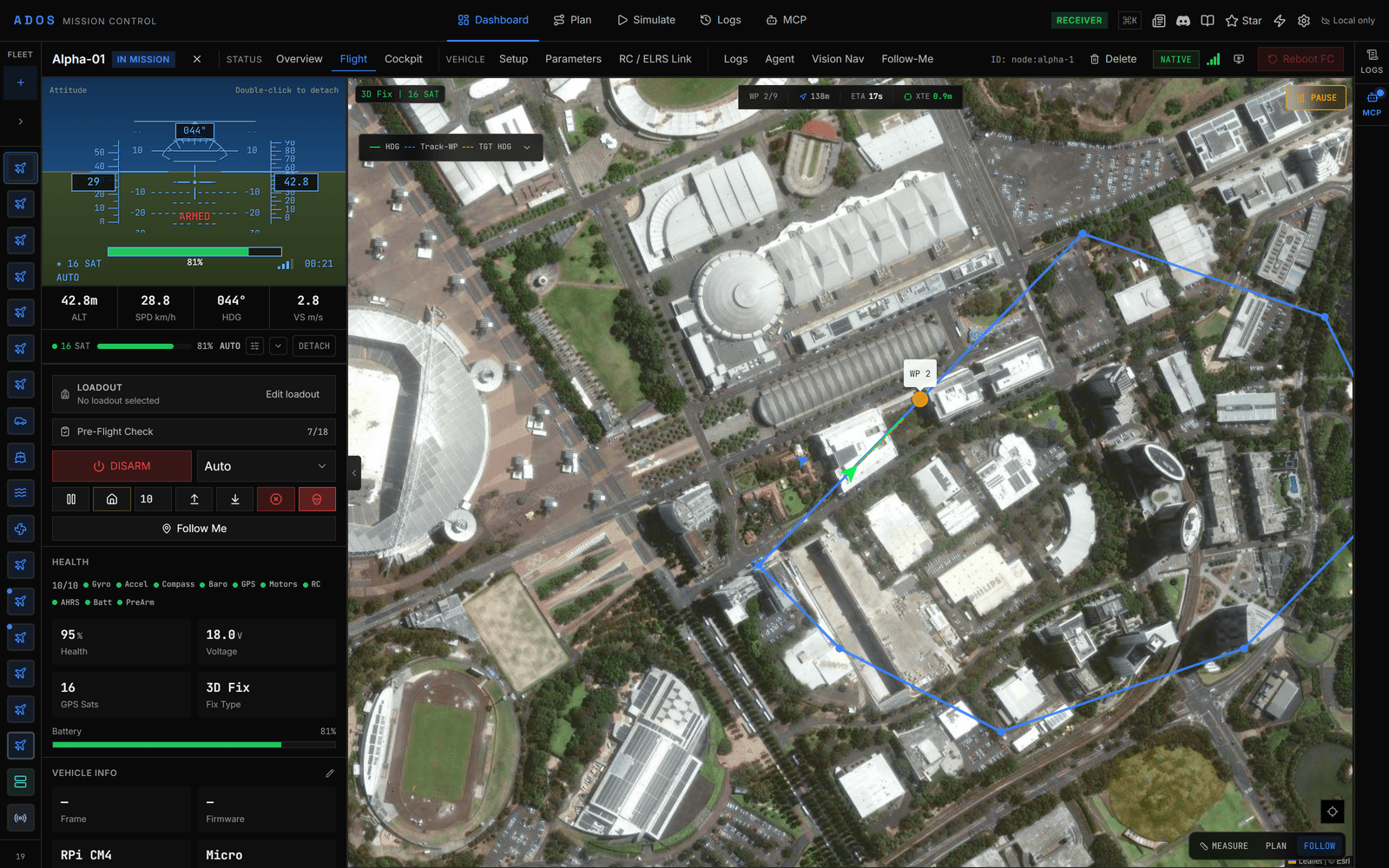
Flight view and cockpit
Review
Flight logs
- Plan: Survey patterns and waypoints
- Simulate: 3D terrain
- Configure: Setup and parameters
- Fly: Flight view and cockpit
- Review: Flight logs
THE STATION
Six surfaces, one browser tab.
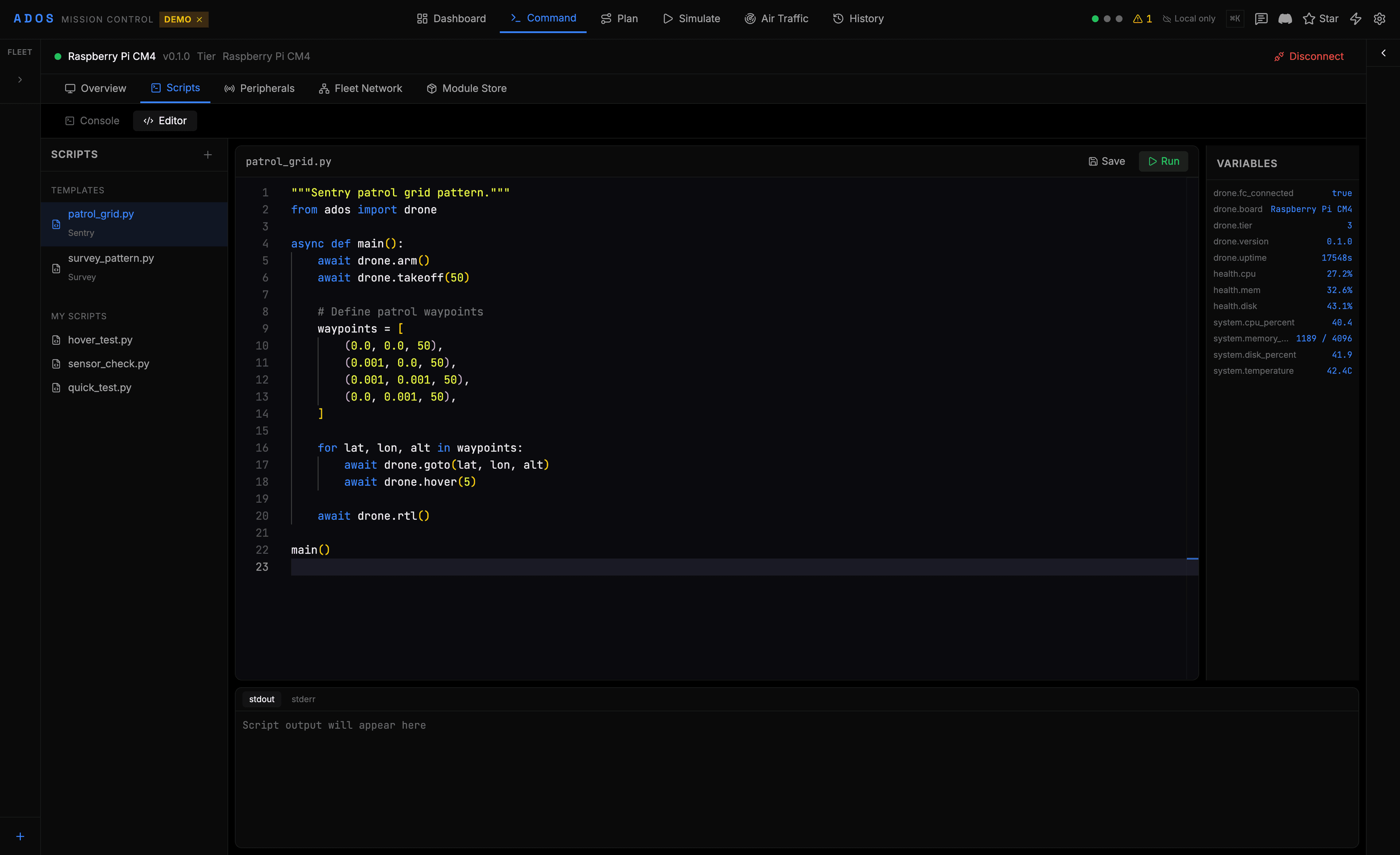
Every operator surface is a dedicated view inside the same app. Plan a mission, simulate it, fly it, and configure the aircraft without switching tools.
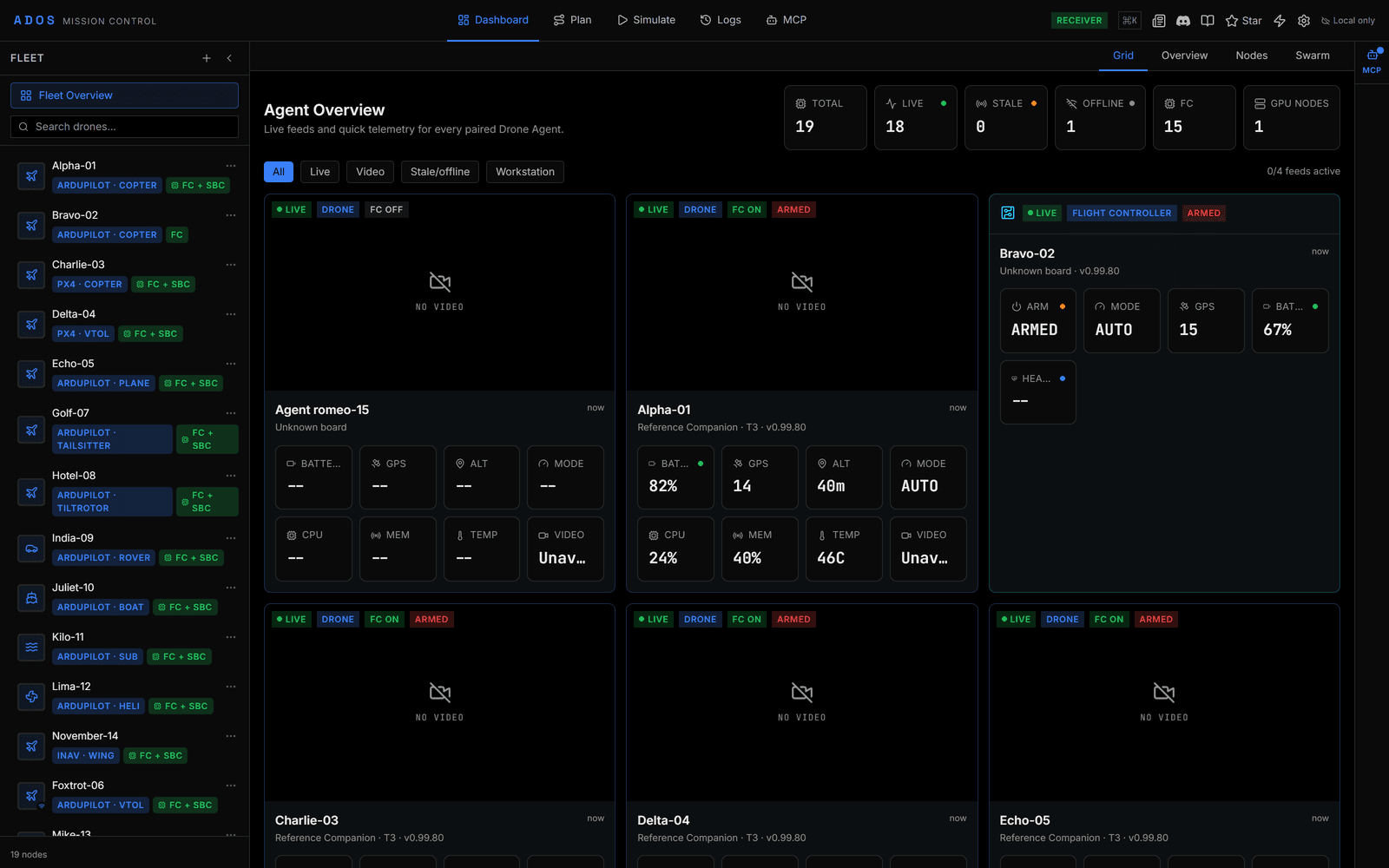
Live fleet dashboard
Real-time telemetry for every connected drone. Battery, GPS fix, RSSI, and flight mode at a glance, with live positions on an interactive map.
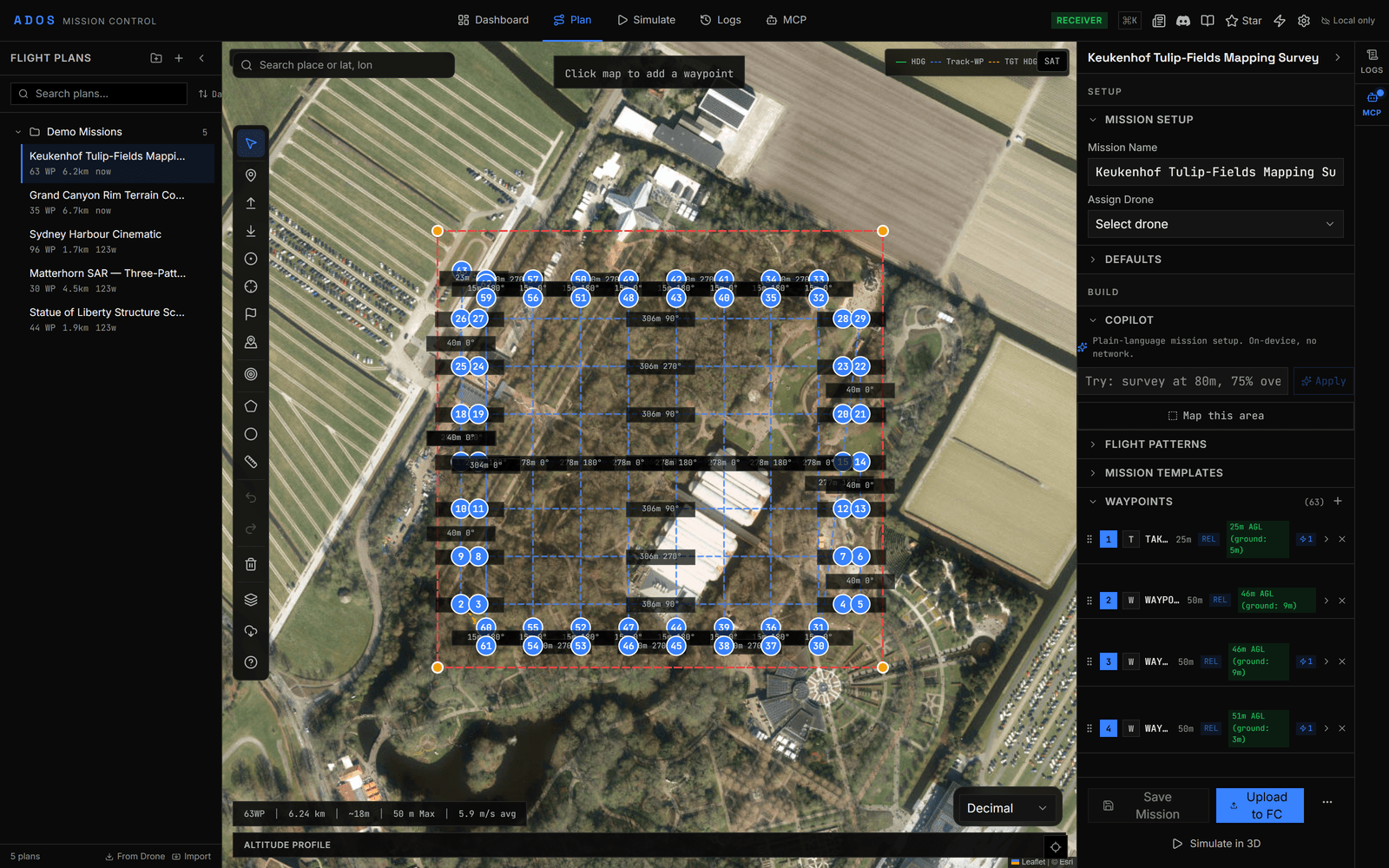
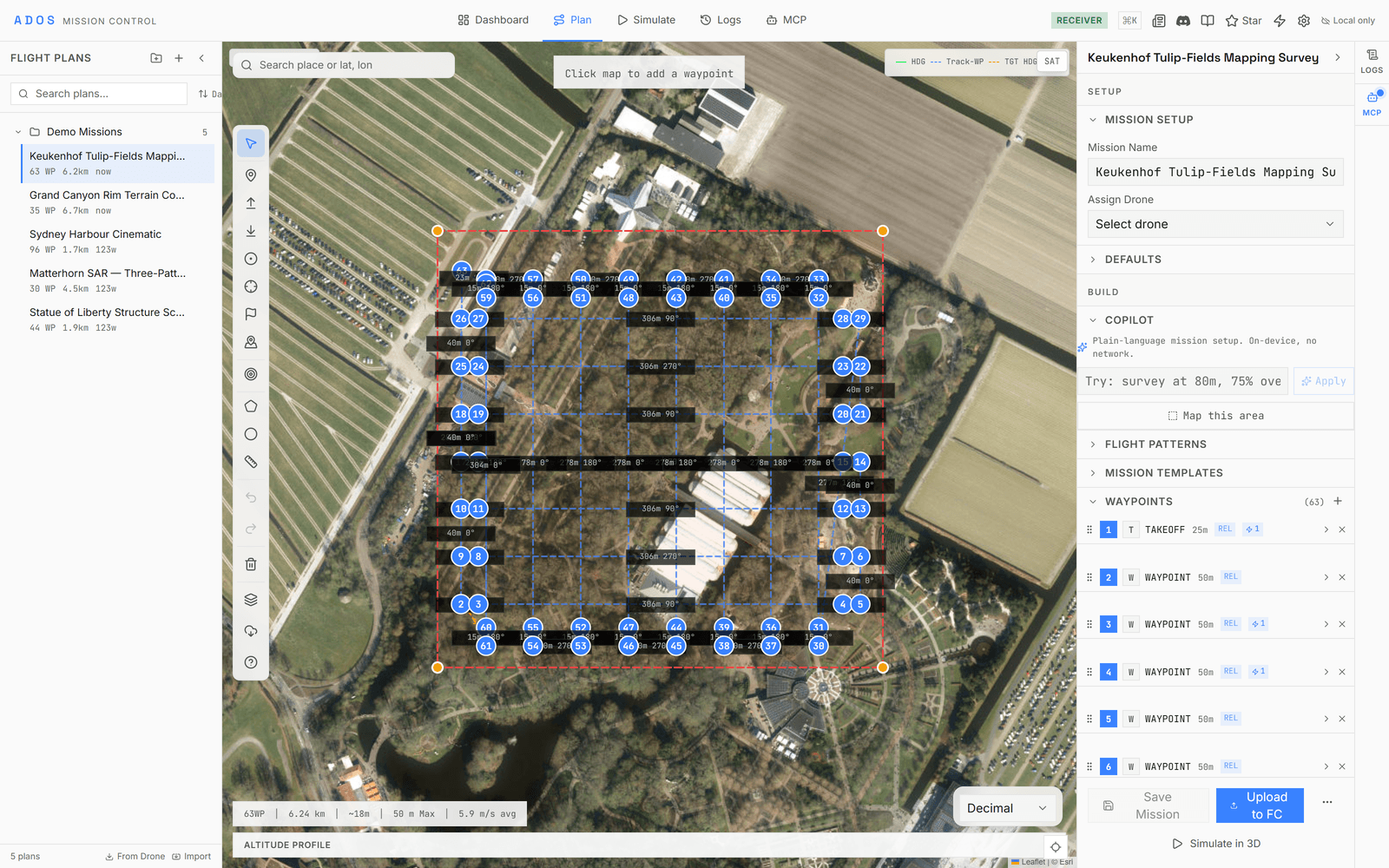
Mission planning
Drag-and-drop waypoints, nine pattern generators, terrain following, geofences, and rally points. Import and export six file formats.
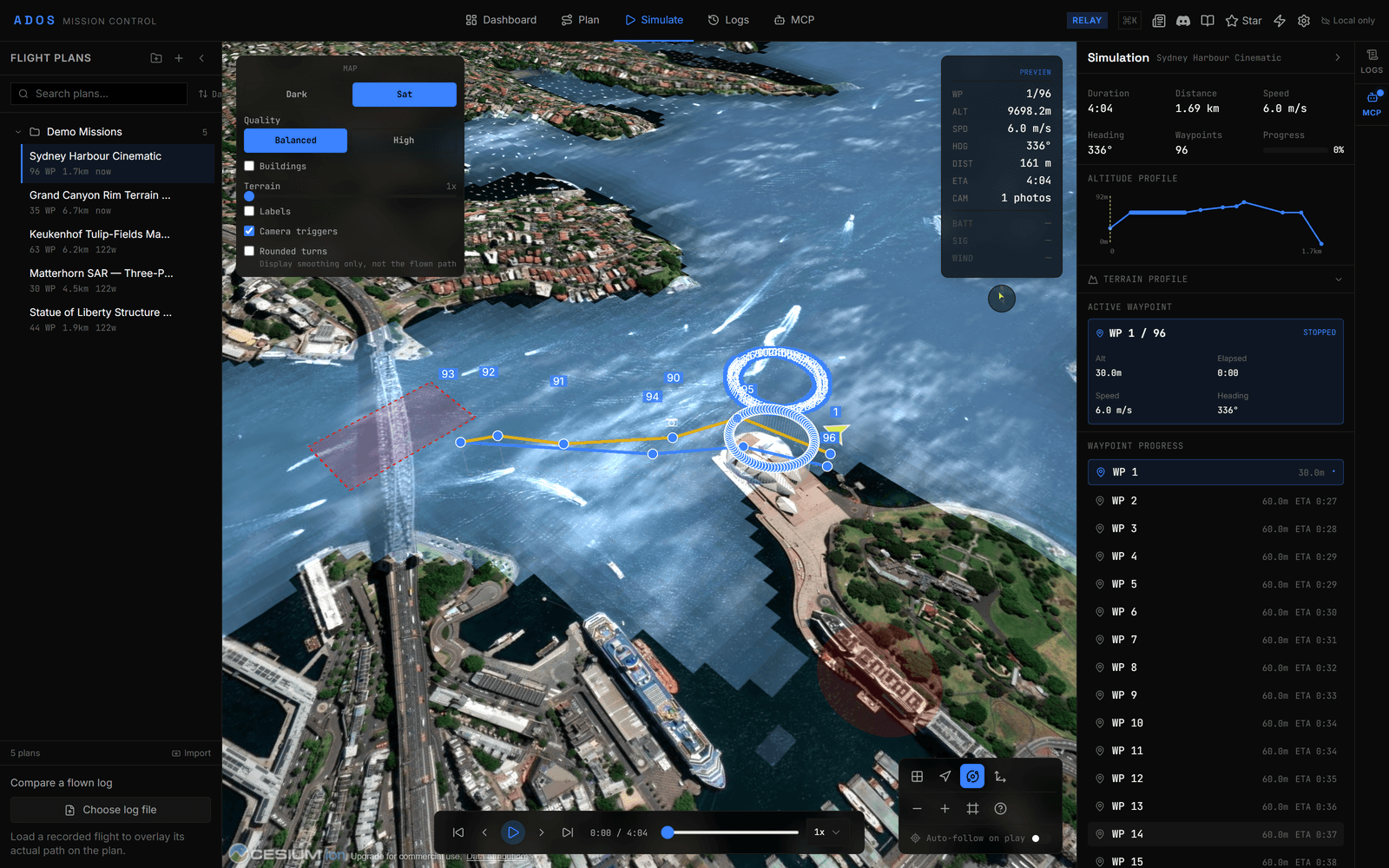
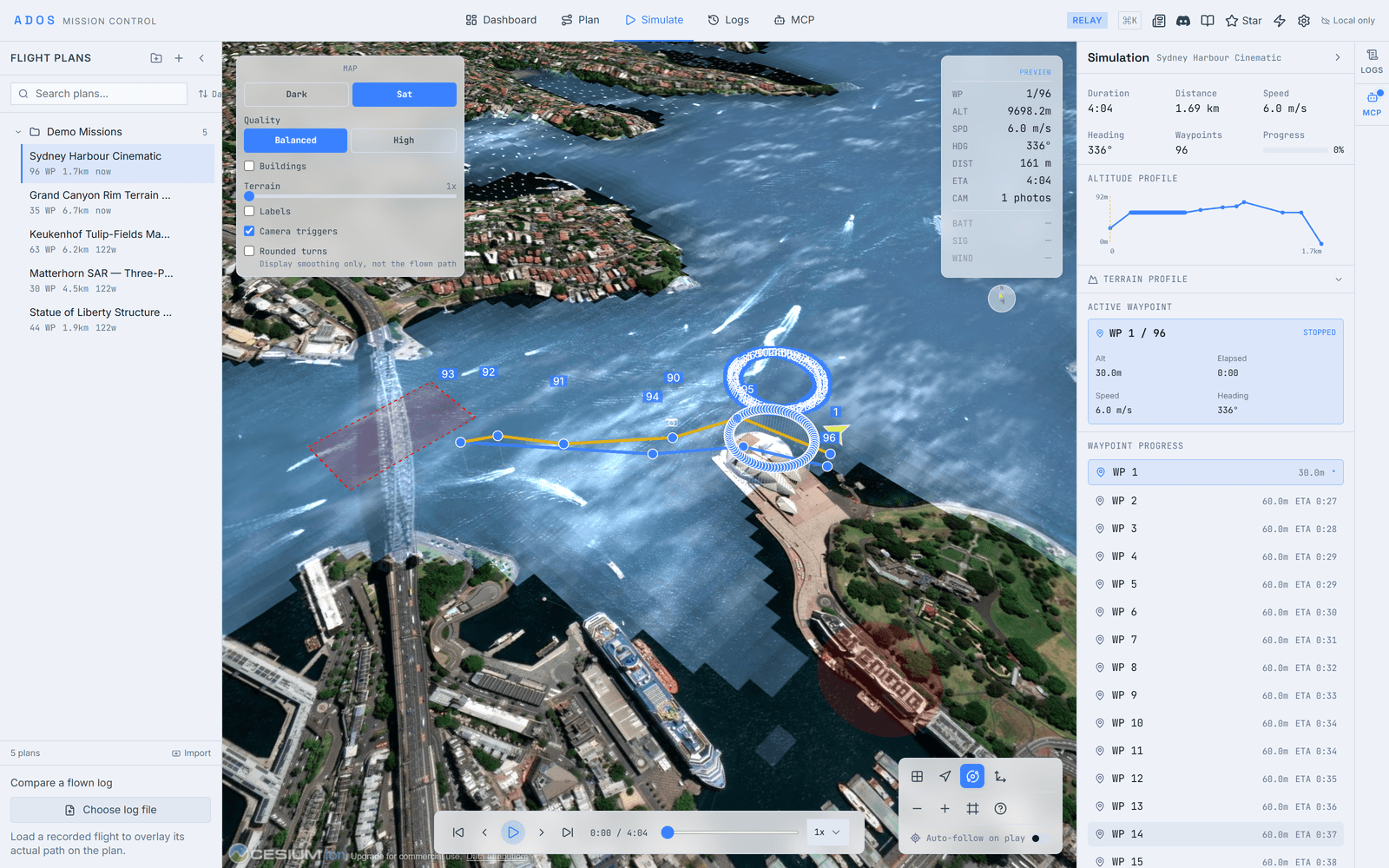
3D simulation
Watch a mission fly on a full CesiumJS globe with real terrain before the drone leaves the ground. Playback, camera presets, and a mode-aware sky.
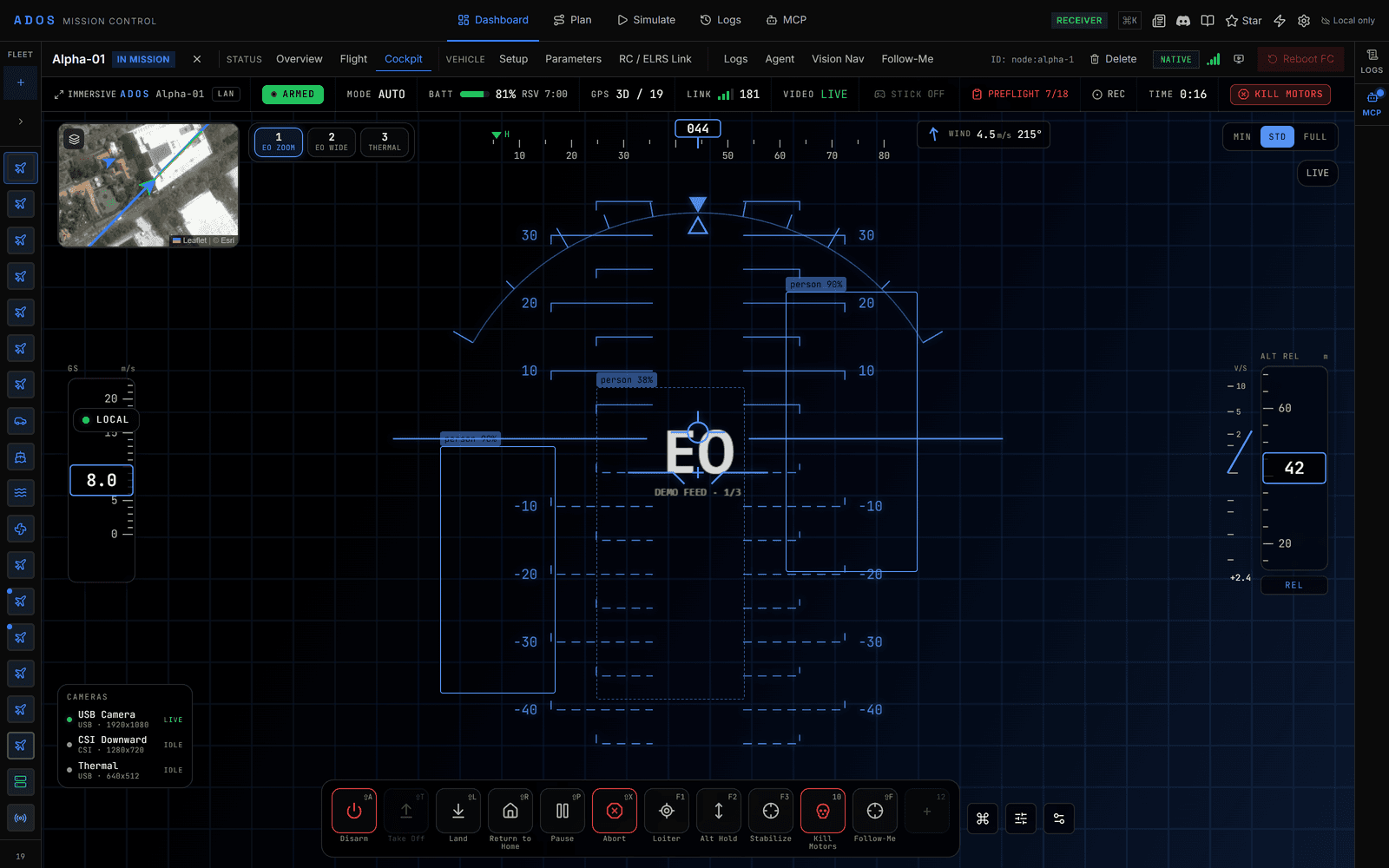
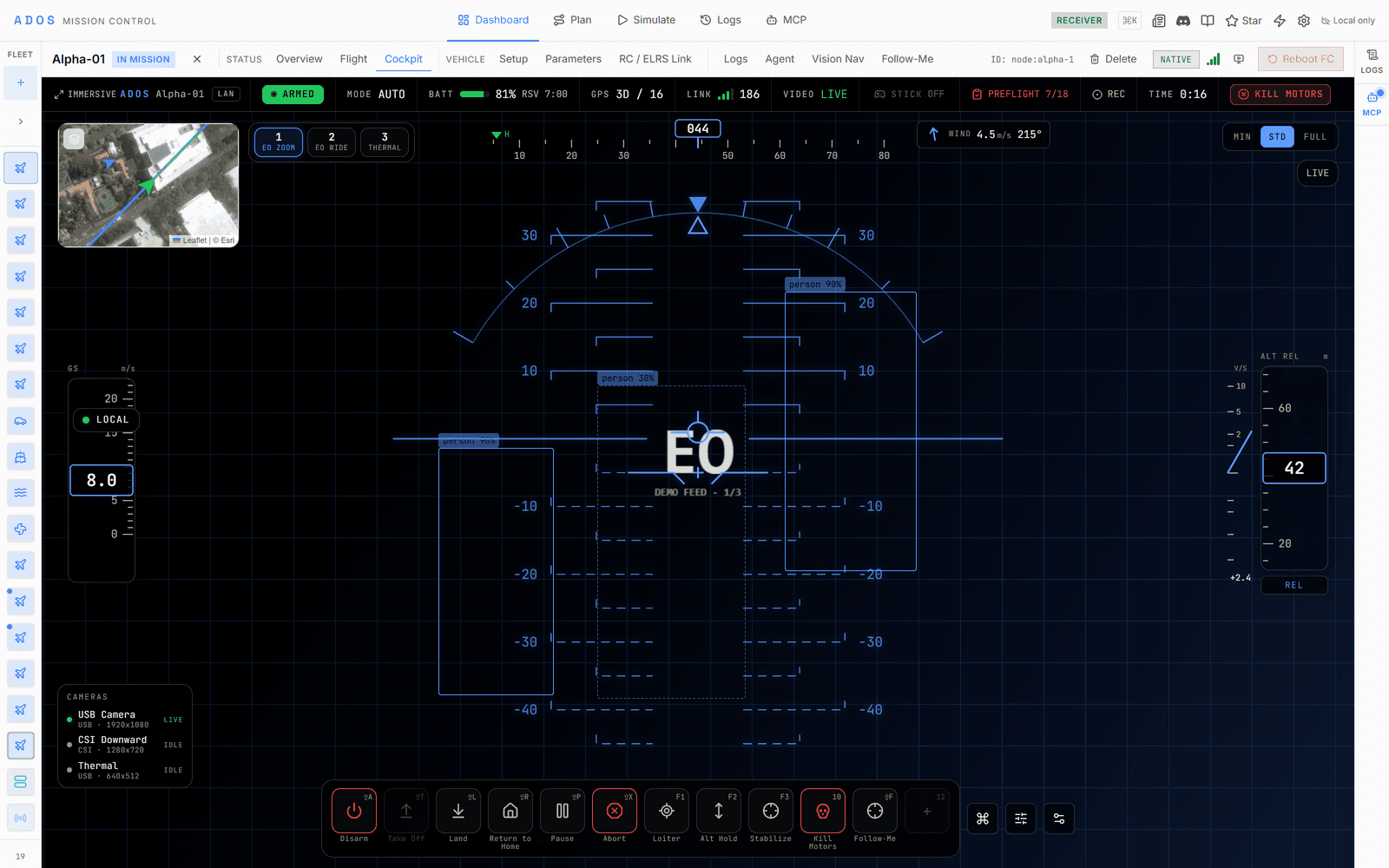
Cockpit
A full-screen piloting cockpit. Flight behaviors are Skills bound to hotkeys and a gamepad, shown on a bottom Skill Bar over a glass HUD.
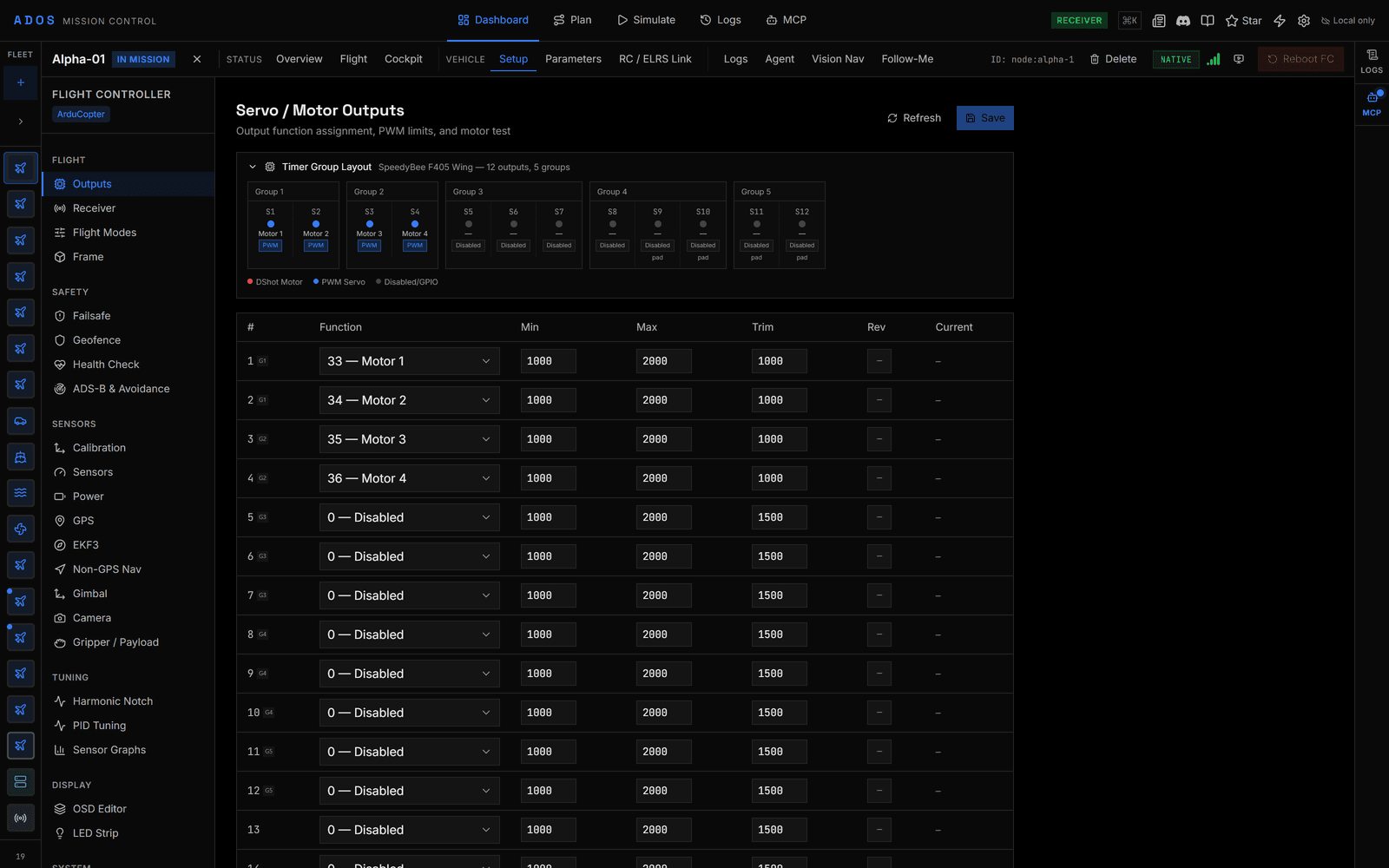
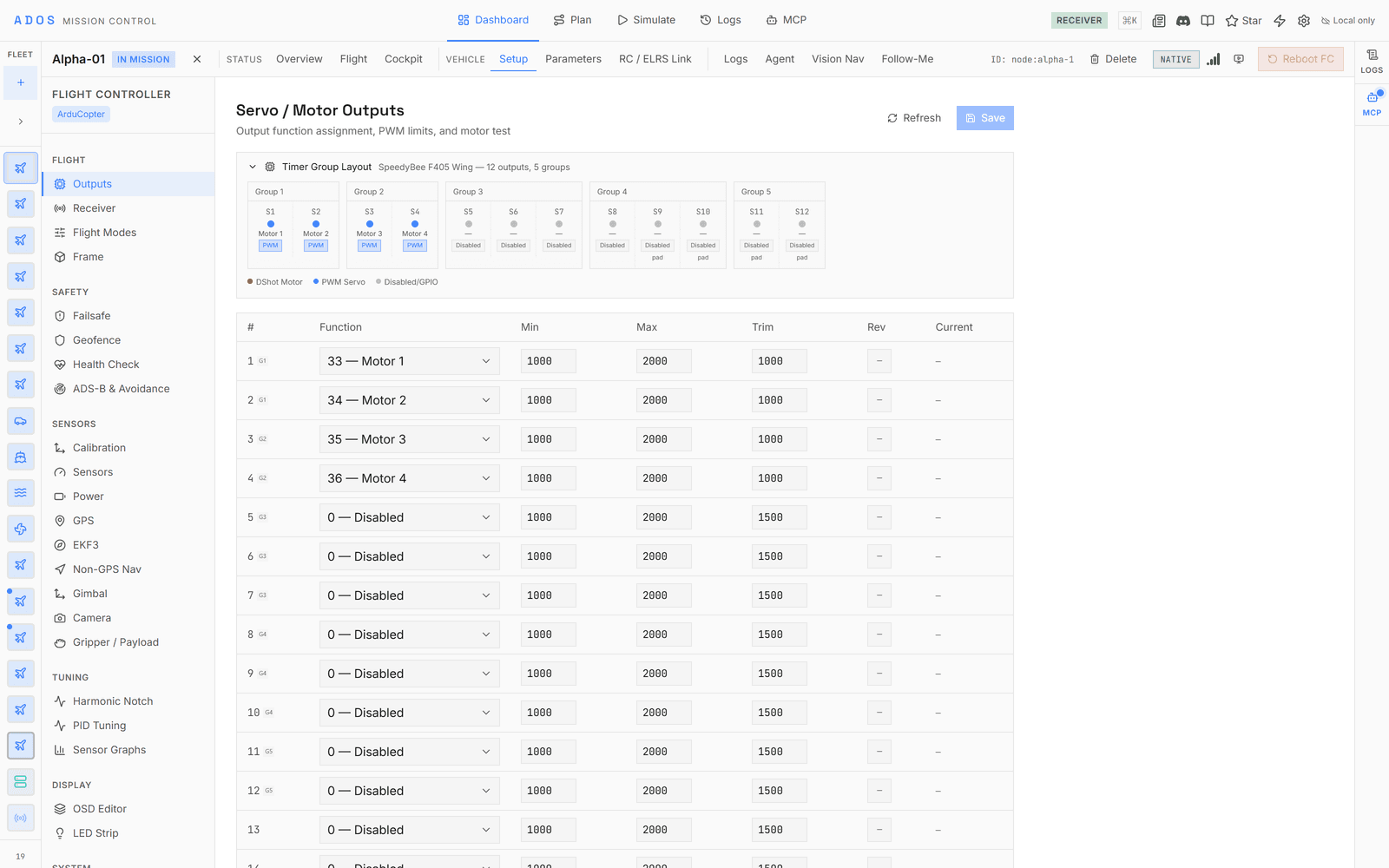
Deep FC configuration
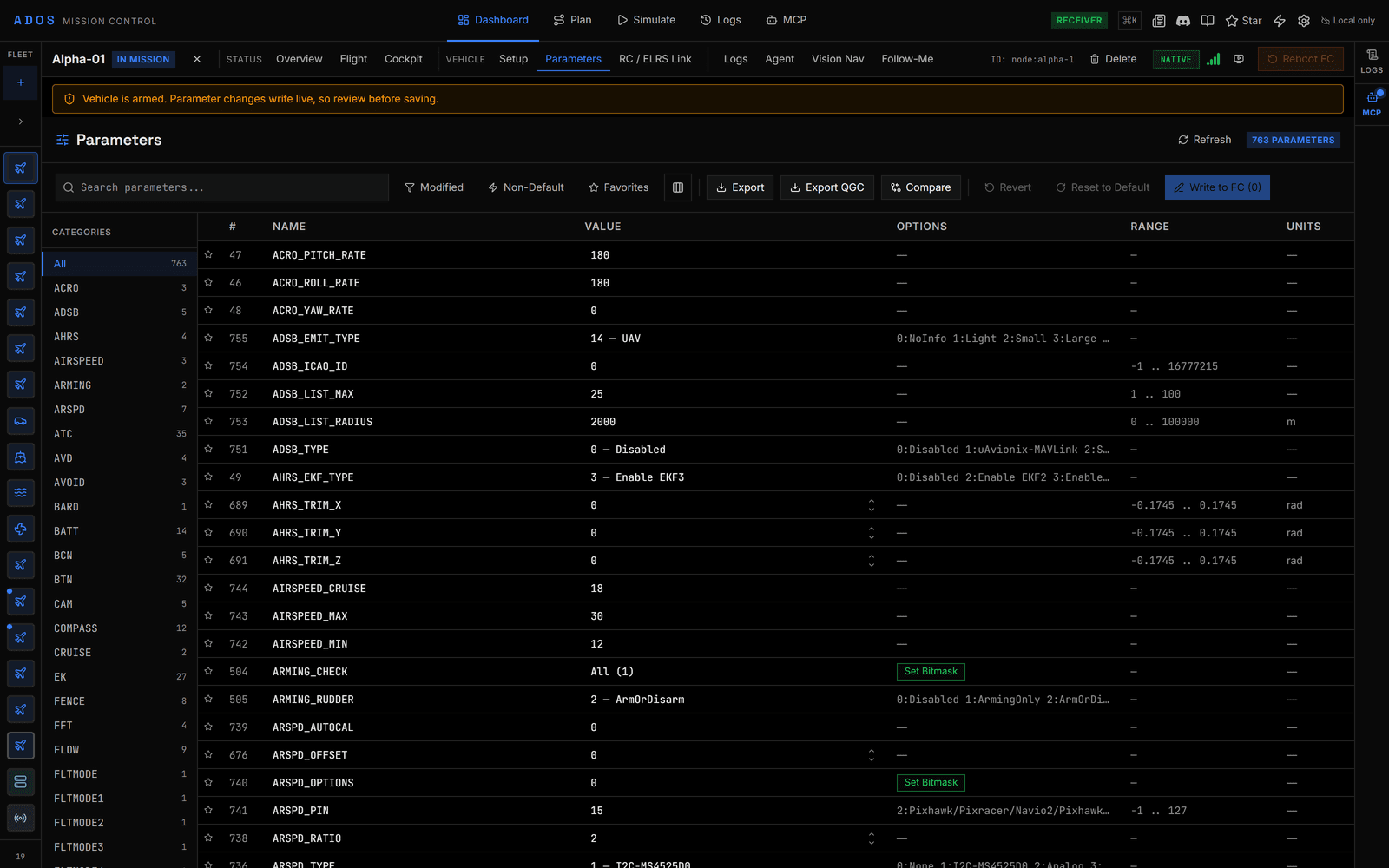
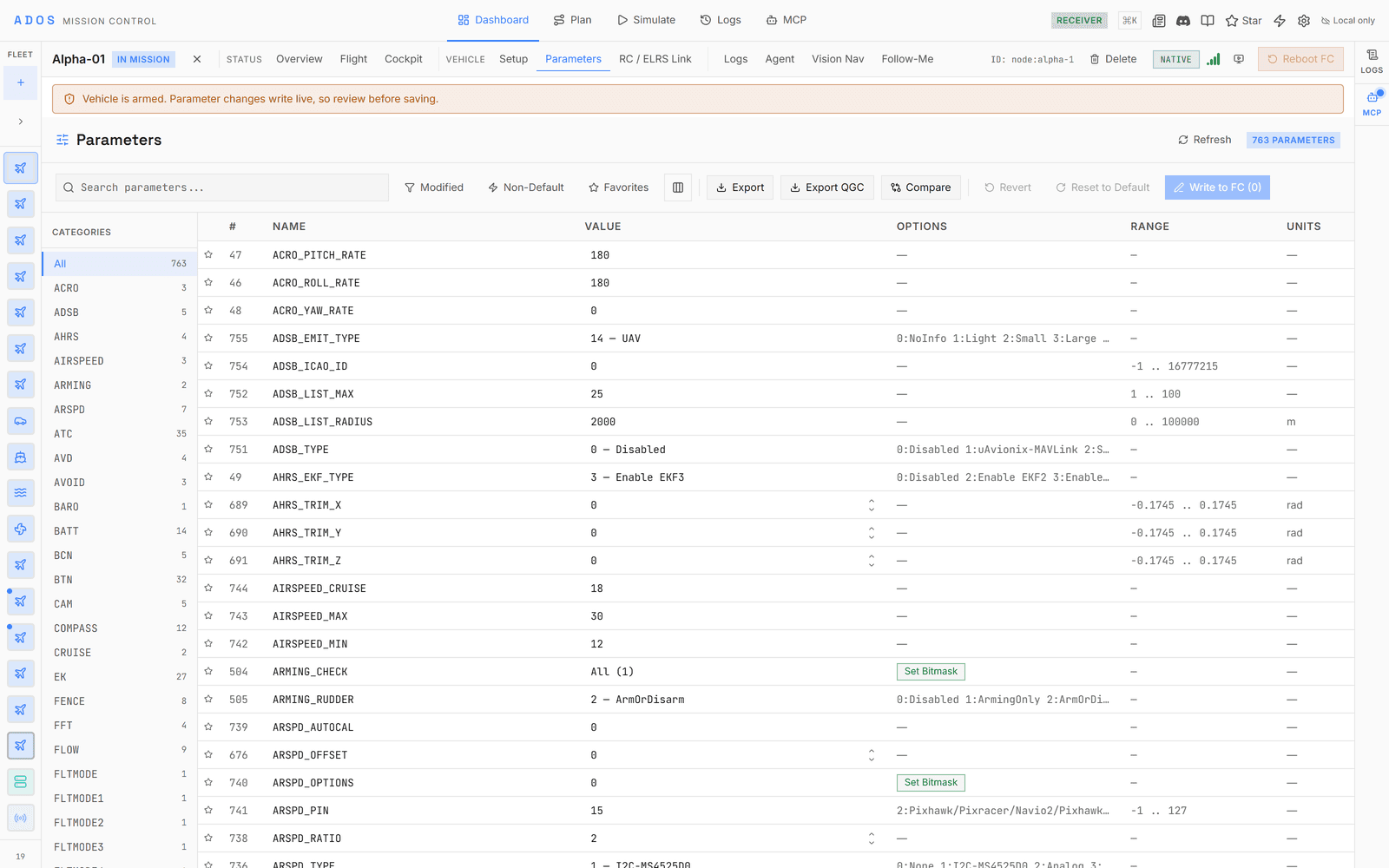
Seventy-eight config panels, nine calibration wizards, and offline metadata for 5,000+ parameters. WebSerial connects the FC straight from the browser.
Extensions and overlays
Custom panels, overlays, and workflows load in sandboxed iframes with capability tokens and named UI slots. Extend the GCS without forking it.
UNDER THE HOOD
The plumbing a real operation needs.
Signed links, multi-mode video, in-browser flashing, and a simulator, all built in. Every item here ships in the current release.
Protocols
Four firmwares, one app
MAVLink v2 for ArduPilot and PX4, MSP v1 and v2 for Betaflight and iNav. One protocol adapter interface serves all four: shared panels work everywhere, and firmware-specific panels load where they apply.
Control
Full joystick flight
MANUAL_CONTROL at 50 Hz. Gamepad, HOTAS, RC transmitter, and keyboard, with four-axis analog and configurable dead zones.
Security
MAVLink packet signing
MAVLink v2 packet signing (SHA-256 over a shared 32-byte key) on command and telemetry links. Per-link keys, timestamp replay protection, a key-rotation UI, and a per-drone signing history.
Video
Multi-mode transport
LAN direct, peer-to-peer relay, an automatic cascade, or off, chosen in settings. Automatic failover with per-mode health indicators.
Flashing
Browser firmware flashing
WebSerial and WebUSB flash the FC direct from the browser. No desktop flasher, no external toolchain. ArduPilot, PX4, and Betaflight firmware.
Simulation
Local SITL bridge
A SITL launcher ships in the repo: real ArduPilot, PX4, or Betaflight firmware on your machine, bridged to the browser over a local WebSocket. Demo mode adds fourteen simulated vehicles with no setup.
PROTOCOLS
Every major open firmware, one GCS.
Connect any supported flight controller and the GCS detects the protocol and loads the right panels.
| Firmware | Connect | Configure | Parameters | Missions | Flashing |
|---|---|---|---|---|---|
| ArduPilot | |||||
| PX4 | |||||
| Betaflight | |||||
| iNav |
ArduPilot
Connect, Configure, Parameters, Missions, Flashing
PX4
Connect, Configure, Parameters, Missions, Flashing
Betaflight
Connect, Configure, Parameters, Flashing
No missions
iNav
Connect, Configure, Parameters, Missions
No flashing
ArduPilot
MAVLink v2Copter, Plane, Rover, and Sub. 5,000+ documented parameters, nine calibration wizards, mission upload, MANUAL_CONTROL, gimbal manager v2, SITL tools, and full telemetry.
PX4
MAVLink v2Parameter mappings, PX4 flight modes including Orbit and Offboard, airframe and actuator panels, structured events, component metadata, and a MAVLink shell. Multicopter, fixed-wing, and VTOL tuning panels.
Betaflight
MSP v1 / v2Full MSP codec with dedicated panels: OSD editor, rate profiles, AUX modes, VTX, ports, and blackbox. Bundled settings catalog for offline metadata.
iNav
MSP v1 / v2Missions with waypoint actions and multi-mission storage, 8 safehomes, up to 63 geozones, navigation modes, battery and mixer profiles, and iNav-specific panels.
FLIGHT RECORDS
Every flight logged. Every regulator a peer.
Mission Control captures a structured record for each flight: duration, distance, peak altitude, battery consumed, operator, and aircraft. The same record exports in the format a regulator asks for, sealed with a SHA-256 hash.
Capture
Automatic logbook
A per-flight entry is written with zero manual input. Duration, distance, altitude, operator, and aircraft, captured as you fly.
Export
PDF, CSV, JSON
One record, three regulator-shaped formats, one click. ICAO exports add XML. Two insurer logbook profiles export from the same record.
Trust
Hash-sealed
Each record is sealed with a SHA-256 hash and can carry the pilot's signature, so later edits show. Every export states its jurisdiction's retention period.
Jurisdiction templates
Seventeen profiles export today, covering FAA Part 107 and Part 137, the three EASA categories, CAA UK, CASA, Transport Canada, JCAB, GCAA, CAAS, ANAC, DGCA, ICAO, a generic logbook, and two insurer schemas. Each profile carries its own required fields and retention window; DGCA has its own PDF layout, and the rest render on a shared logbook layout.
INTERFACE
Straight from the app.
Every image here is a capture of the running app, the same build you can clone from GitHub.
Open source · GPLv3
No community edition with missing features. No paywall. Built from source, it sends no analytics. The Mission Control we run is the same one you clone from GitHub, all of it, free.
EXPLORE
Go deeper on any surface.
FAQ
Frequently asked questions
Is there an open-source ground control station?
Yes. Altnautica Mission Control is an open-source, browser-based ground control station for any drone. It runs in the browser with no install and covers fleet telemetry, mission planning, a 3D simulator, deep flight-controller configuration, and an immersive cockpit, all under GPLv3.
Which flight-controller firmware does Altnautica support?
Altnautica supports ArduPilot and PX4 fully over MAVLink, and Betaflight and iNav over MSP. The same Mission Control ground station configures and flies all four.
Does Altnautica need the internet or the cloud?
No. The platform is local-first. Mission Control reaches a drone directly over the local network, and the drone-to-ground link is a local radio. Cloud fleet management through MeshNet is an optional layer for remote access and analytics.
Fly fourteen simulated drones in your browser.
Demo mode simulates a fleet with realistic GPS tracks, battery curves, and 5 Hz telemetry. No hardware, no account, no backend.
Launch Mission Control