Capture to reconstruction, one pipeline


Plan, fly, capture, reconstruct.
How it works
Plan, fly, capture, reconstruct, export
The pipeline runs from a planned flight through keyframe capture into reconstruction, and every stage reads or writes standard files.
Plan
Pattern generators
Fly
Terrain-relative altitude
Capture
Pose-tagged keyframes
Reconstruct
Splat, cloud, mesh in Atlas
Export
PLY and mission files
- Plan: Pattern generators
- Fly: Terrain-relative altitude
- Capture: Pose-tagged keyframes
- Reconstruct: Splat, cloud, mesh in Atlas
- Export: PLY and mission files
Plan in Mission Control, capture with ADOS, then reconstruct in Atlas. The keyframe dataset uses the Nerfstudio layout, and splats and point clouds come out as PLY.
Capture
Checks before and during the flight
Two checks run in the planner, one on the aircraft and one on the compute node, so you land with a dataset you can actually reconstruct.
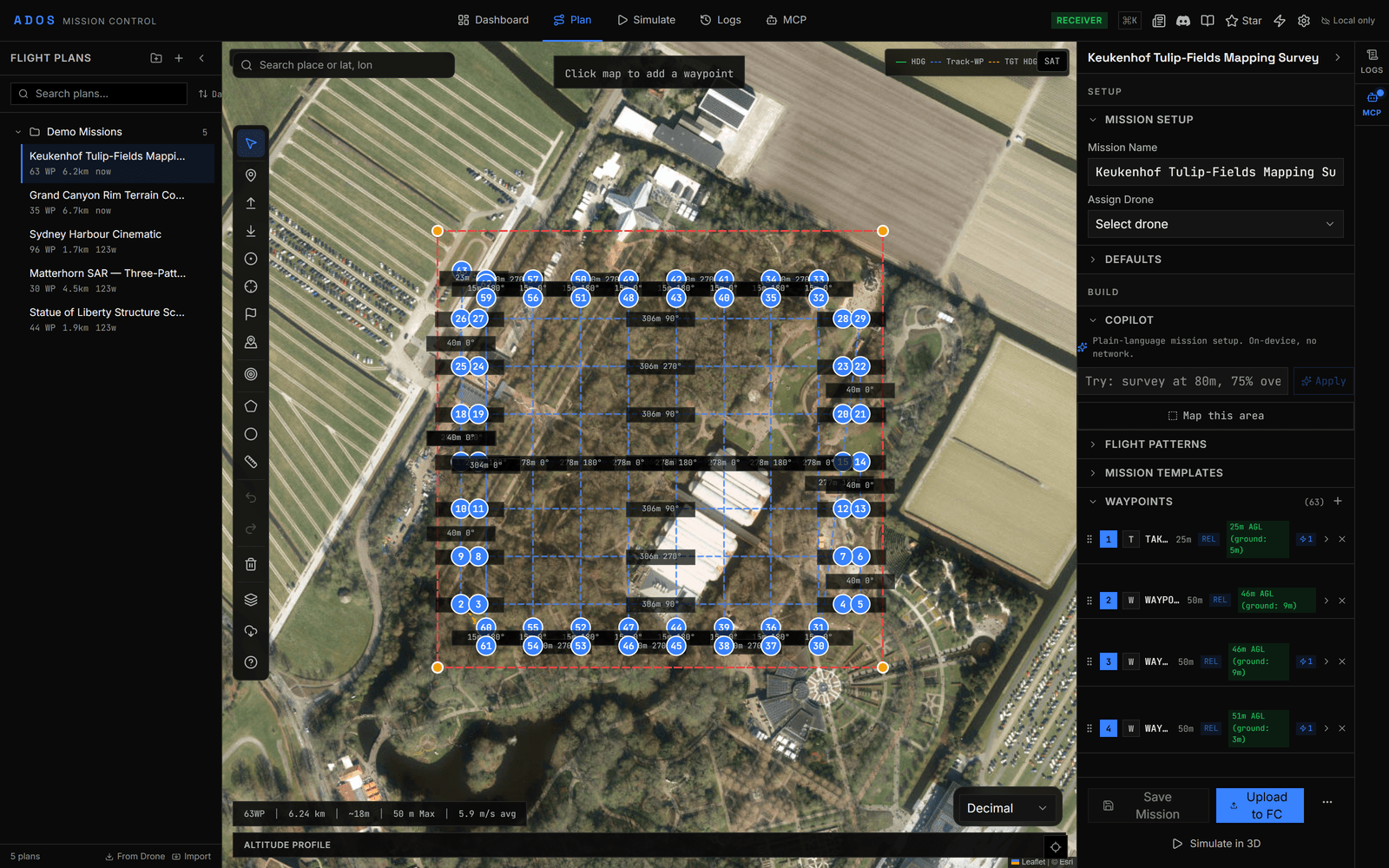
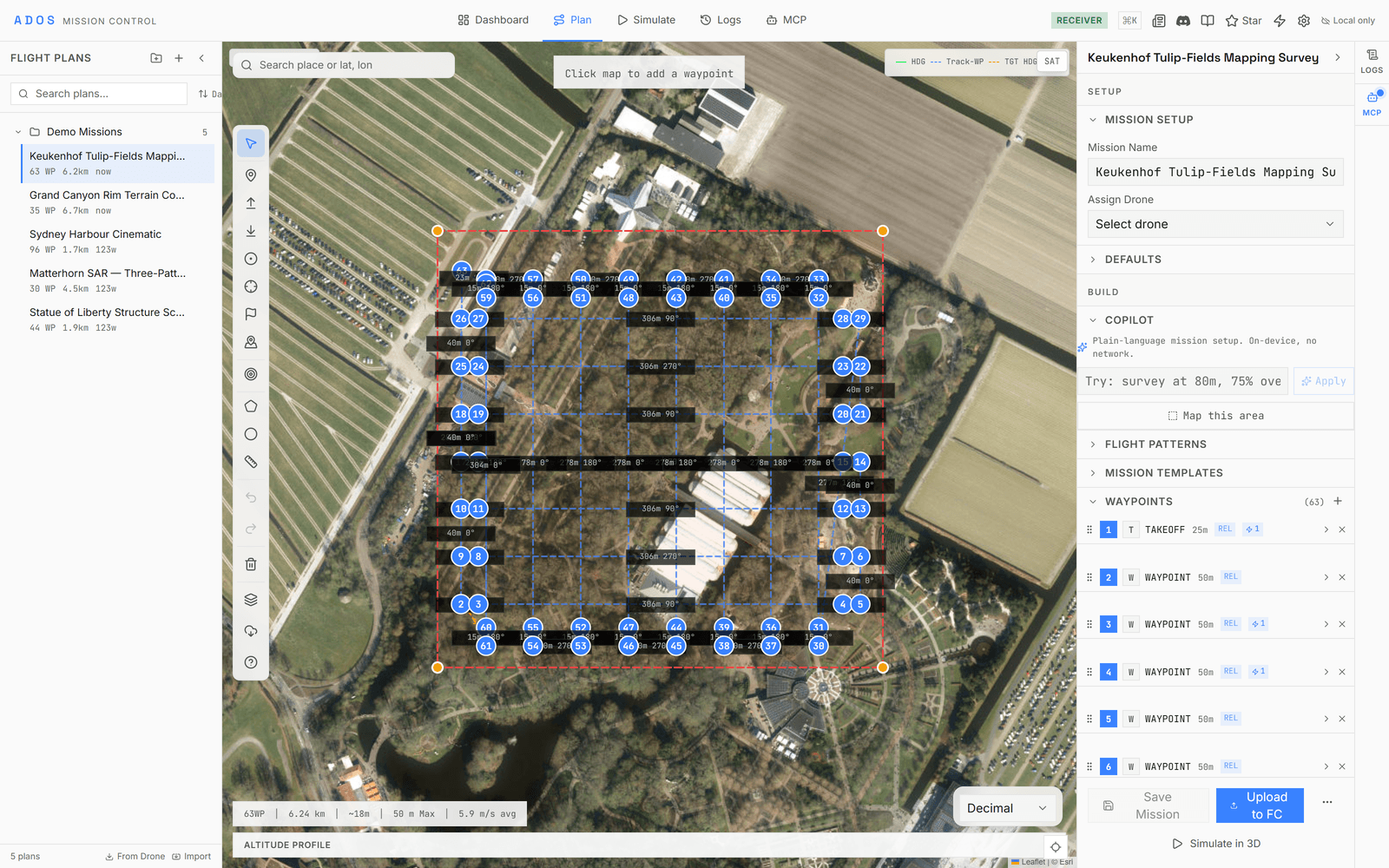
GSD and coverage, while you plan
Ground sample distance, image footprint, line spacing, and trigger distance come from the camera profile and altitude. The planner also works out front and side overlap and flags a coverage gap when the lines sit too far apart for the target overlap.
Keyframe selection
In flight, a new keyframe is taken when the camera has moved or turned past a threshold, or when a time limit passes.
Keyframe checks
Each keyframe carries its pose and covariance. The compute node refuses a frame whose pose sits too far from the exposure instant rather than reconstruct from it.
Precision
Where each frame was taken
Altitude means one thing per waypoint, and every keyframe carries how sure the aircraft was of its pose.
- Altitude frames
- Absolute (AMSL), relative to home, or above terrain
- Pattern generators
- Survey, orbit, corridor, structure scan, three search patterns, two landing patterns
- Keyframe pose
- Position and attitude with covariance
- Pose freshness
- Oldest pose a keyframe may use: 500 ms by default
- RTK receivers
- GPS drivers can accept RTCM corrections
Files
Standard files in, standard files out
Plans move to and from ArduPilot and QGroundControl files. Captured sessions land as JPEG keyframes with a Nerfstudio transforms.json, and reconstructions come out as PLY.
| Item | Formats | Import | Export |
|---|---|---|---|
| Mission plan | ALTMISSION, WAYPOINTS, PLAN, KML, KMZ, CSV | ||
| Survey boundary | KML, KMZ, Shapefile | ||
| Base map | GeoTIFF orthophoto | ||
| Keyframe dataset | JPEG + Nerfstudio transforms.json | ||
| Reconstruction | PLY splat, PLY point cloud, mesh, Rerun recording |
Mission plan
Formats (ALTMISSION, WAYPOINTS, PLAN, KML, KMZ, CSV), Import, Export
Survey boundary
Formats (KML, KMZ, Shapefile), Import
No export
Base map
Formats (GeoTIFF orthophoto), Import
No export
Keyframe dataset
Formats (JPEG + Nerfstudio transforms.json), Export
No import
Reconstruction
Formats (PLY splat, PLY point cloud, mesh, Rerun recording), Export
No import
Reconstruction
See it in 3D with Atlas
Reconstruction is heavy, so it runs on a compute node in ADOS Atlas, not on the drone.
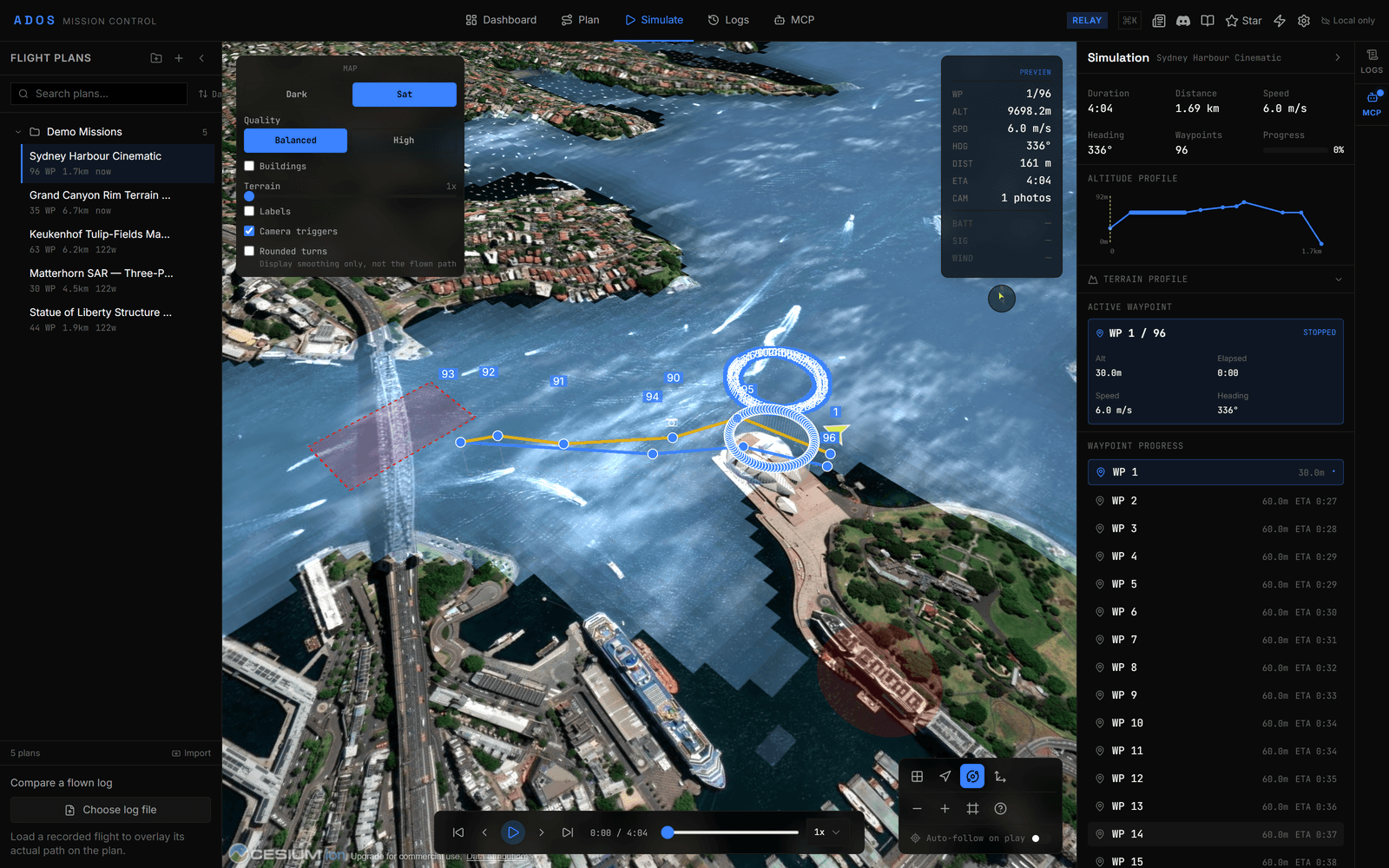
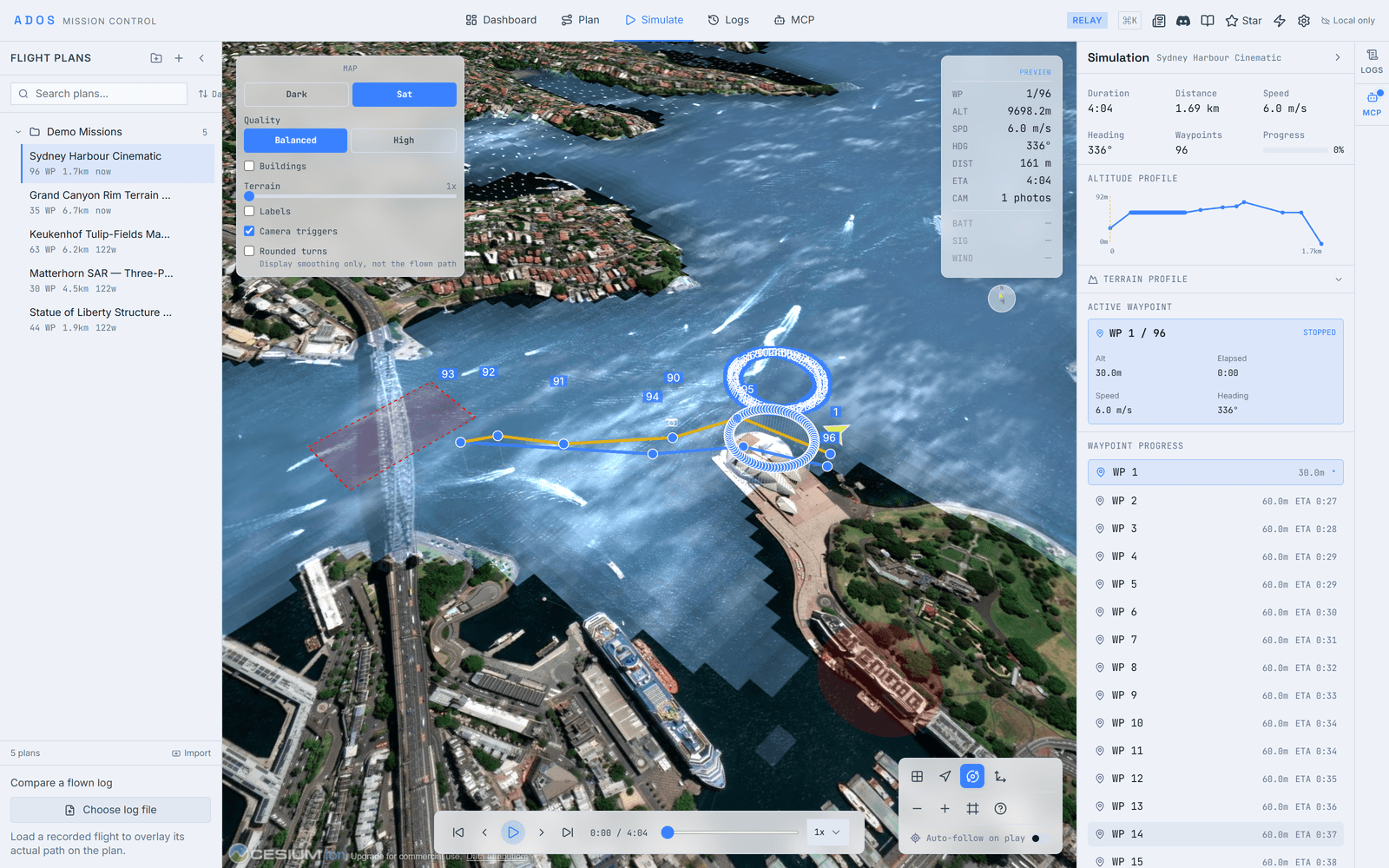
ADOS Atlas turns a survey into a gaussian splat, point cloud, mesh, or occupancy grid on a compute node. Mission Control views the world model live during the flight and after landing, and the result is published on shared topics other plugins can subscribe to.
Build your first world model
Plan in Mission Control, capture with the agent, and reconstruct in Atlas on a compute node.
See Atlas