Set up from any terminal, finish in the browser.
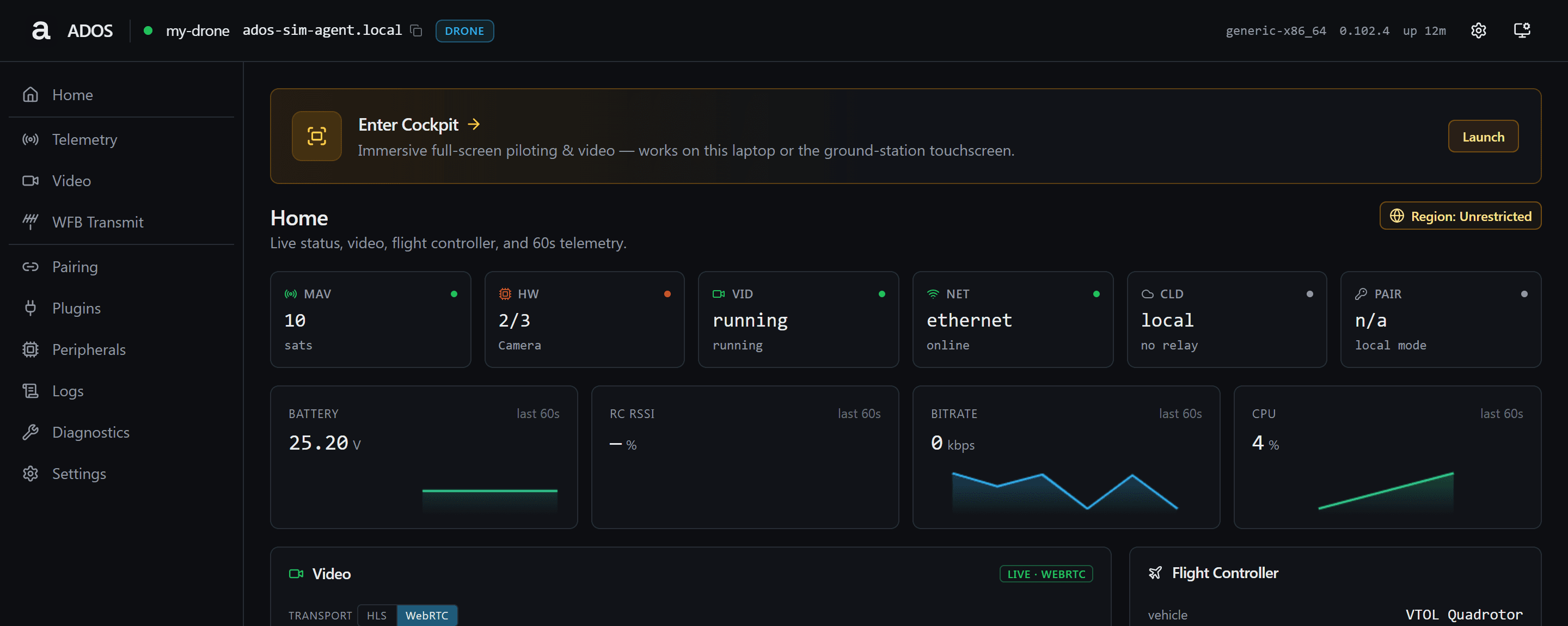
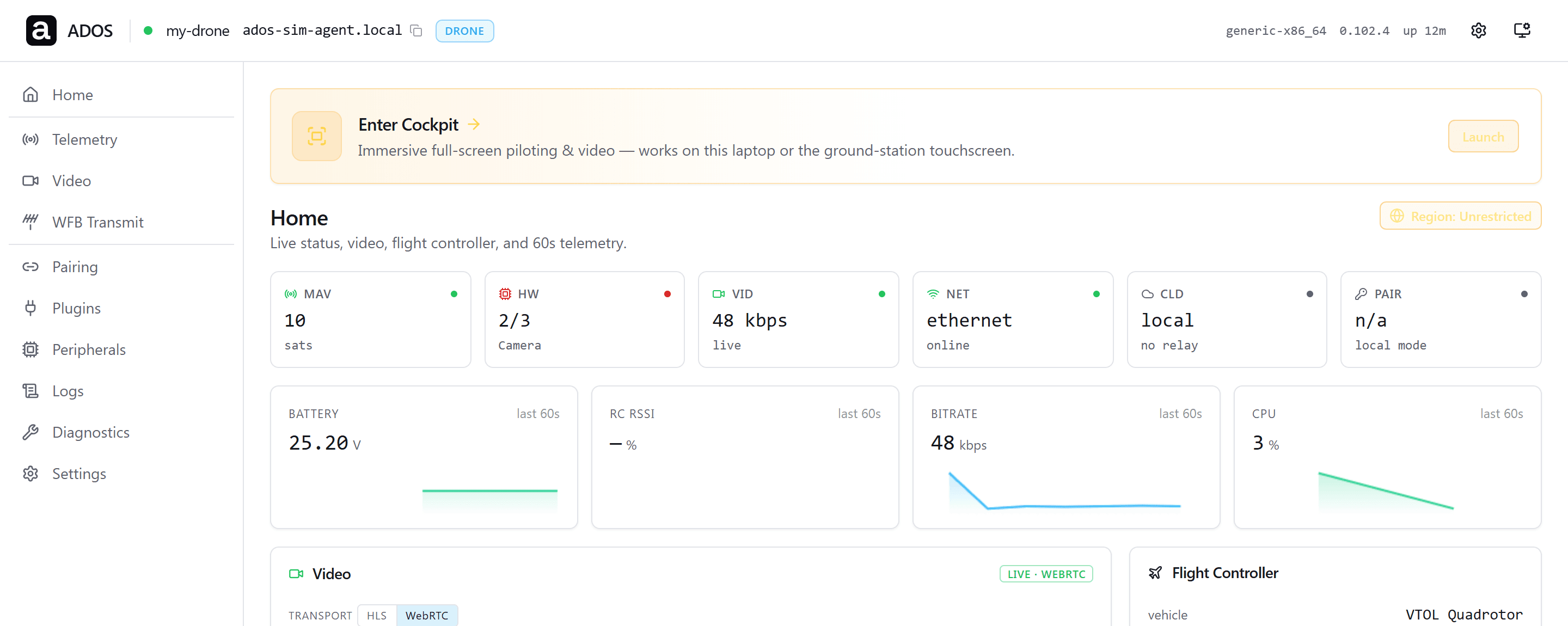
SETUP WEBAPP
One mobile-first flow.
The agent serves the webapp itself. It reads the same status object as the CLI, Mission Control, and the Android handoff, so every surface agrees.
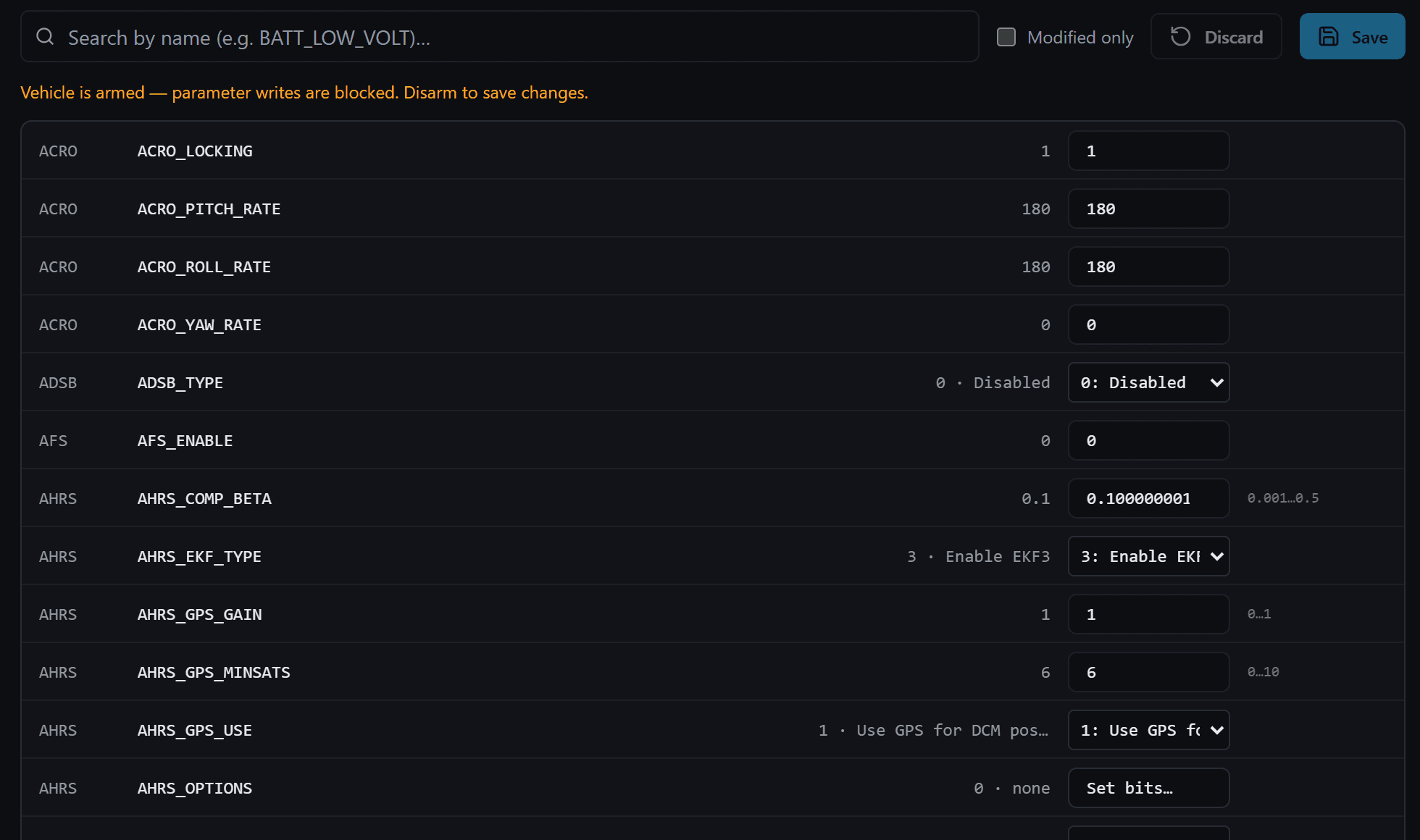
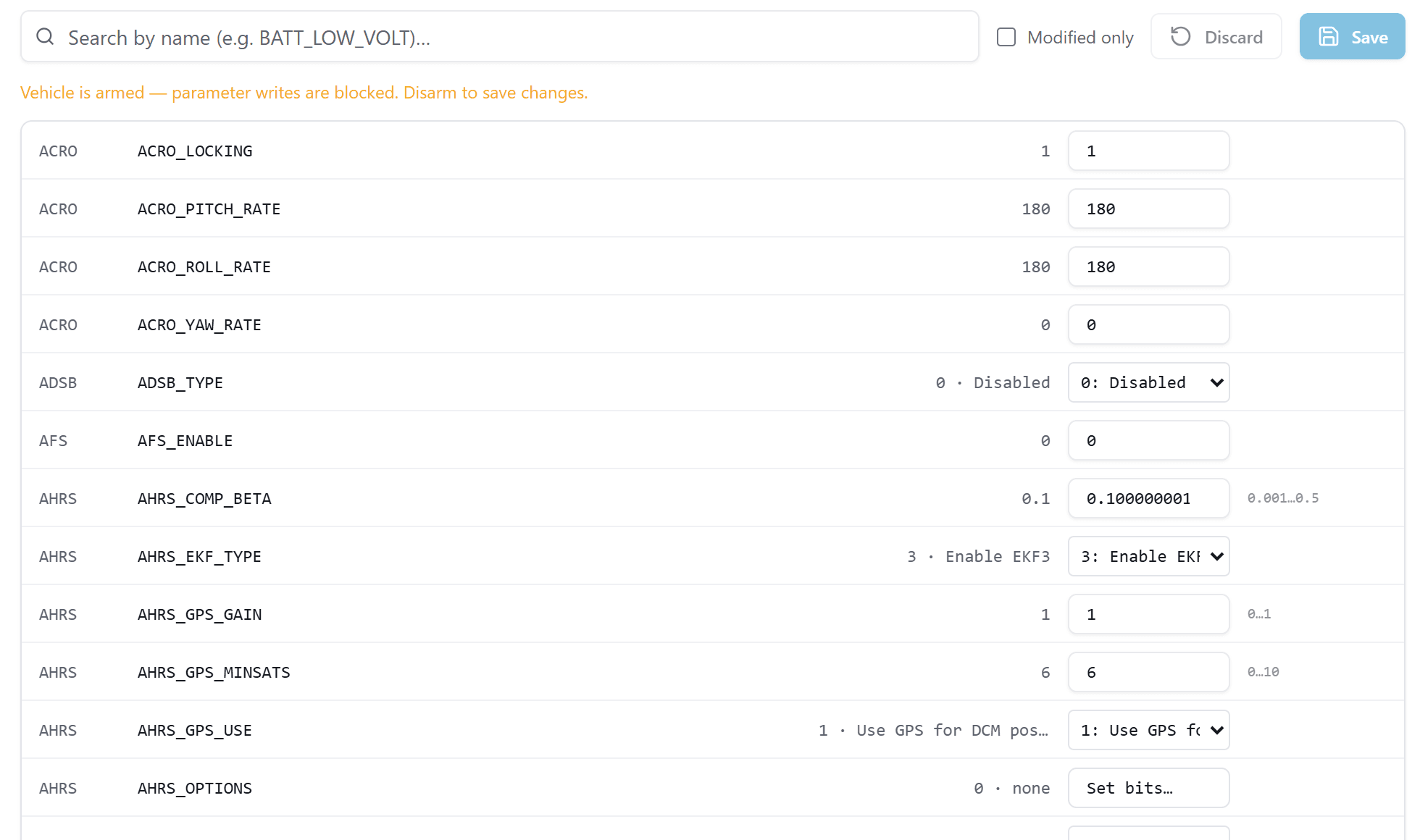
Parameters without a laptop GCS
Read and write flight controller parameters from the agent's own page, on the hotspot or the LAN.
Every page, one checklist
Identify, MAVLink, video, network, remote access, Mission Control, finish. Required steps show as done or needing action.
- StatusProgress, access URLs, services
- MAVLinkFC link, baud, heartbeat, WebSocket URL
- VideoCamera, WHEP URL, recording, link stats
- NetworkHotspot, LAN, USB tether, mDNS, modem
- Remote accessOptional tunnel token and health
- System and logsServices, logs, version, support summary
- AdvancedFactory reset, config import and export
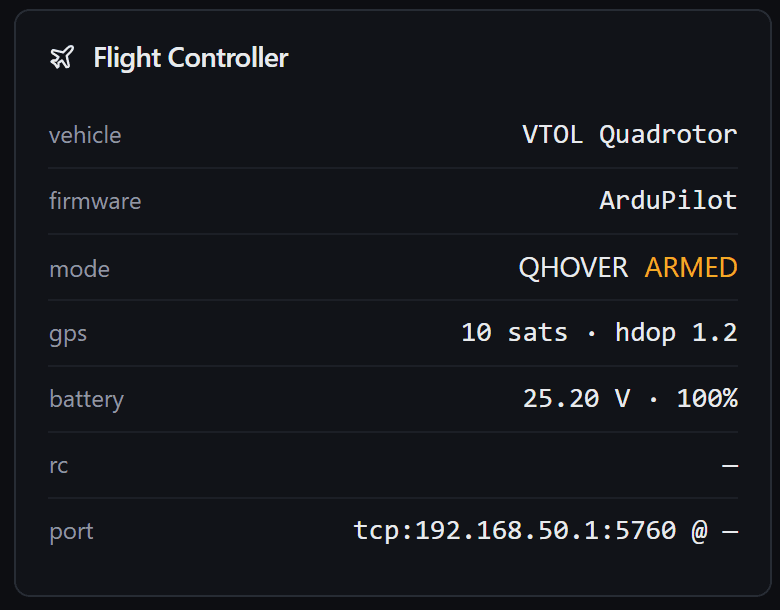
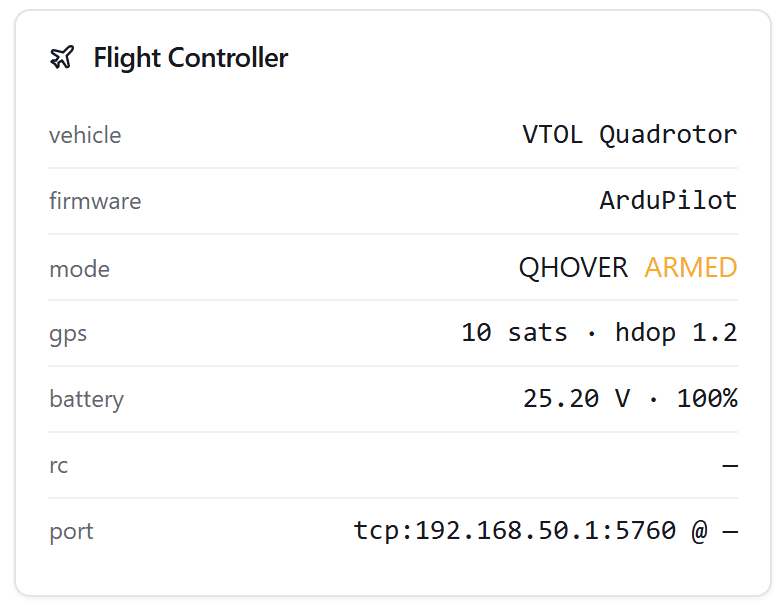
Flight controller at a glance
Autopilot, firmware, link state, and heartbeat, read from the same status object the CLI prints.
STATUS COCKPIT
Status at a glance, fixes one key away.
The ados command opens a full-screen status cockpit over SSH. Press a for the actions menu: install the radio driver, pair, follow the logs, check or restart the radio, update, unpair, or reboot. Actions that change the system ask for confirmation, and the update is refused while the aircraft reports armed.
▌ ADOS ados-x · drone v0.99.108 · refreshed 12:00:00 UTC ● HEALTHY paired · local mode ╭ ▌ Links ───────────────────────────────────────────╮╭ ▌ Autopilot ───────────────────────────────────────────────────╮ │Console ││● FC connected LOITER ARMED │ │Setup & dashboard in a browser, on this LAN. ││██████████████████████████battery 79% █████████████ │ │➜ http://ados-x.local:8080/setup ● ││▆▆▆▆ │ │➜ http://192.168.1.5:8080/setup ││GPS 3D sats 14 alt 15.0 m │ │ ││ ▂▅█ │ │Connect to GCS ││ │ │Add this drone to Mission Control - paste one of ││ │ │these into the Add-a-Node card (LAN pairing). │╰────────────────────────────────────────────────────────────────╯ │➜ http://ados-x.local:8080 ● │╭ ▌ Video ───────────────────────────────────────────────────────╮ │➜ http://192.168.1.5:8080 ││● running │ │ │╰────────────────────────────────────────────────────────────────╯ │Ground control │╭ ▌ Link ────────────────────────────────────────────────────────╮ │Conventional MAVLink over TCP / WebSocket for a ││cloud not configured │ │third-party GCS - tcp://…:5760 (QGC / Mission ││remote disabled │ │Planner desktop), ws://…:8765/ (browser GCS). ││hotspot off │ │➜ ws://ados-x.local:8765/ │╰────────────────────────────────────────────────────────────────╯ │ │╭ ▌ Services ────────────────────────────────────────────────────╮ │Video ││● 2 running ○ 0 stopped │ │Live camera in a browser (WHEP viewer). ││ │ │➜ http://ados-x.local:8889/main/ ● ││ │ │➜ http://192.168.1.5:8889/main/ ││ │ │ ││ │ │Mission Control ││ │ │Open Mission Control to fly this drone. Hosted at ││ │ │command.altnautica.com; a local or self-hosted build││ │ │runs wherever you serve it (e.g. ││ │ │http://localhost:4000). ││ │ │➜ https://command.altnautica.com ││ │ │ ││ │ │Direct IP is most reliable. It works from ││ │ │command.altnautica.com too. ││ │ │The .local (mDNS) name needs a desktop app on the ││ │ │LAN. ││ │ │ ││ │ ╰────────────────────────────────────────────────────╯╰────────────────────────────────────────────────────────────────╯ [d] driver [p] pair [l] logs [a] actions [r] refresh [q] quit v0.99.108 · up to date
Keys
- aOpen the actions menu
- rRefresh now
- uUpdate, when a newer version exists
- dInstall the radio driver
- pShow pairing info
- lFollow the logs
- qQuit
- ados
- Open the status cockpit and its actions menu
- ados status
- Print setup, MAVLink, video, network, remote access, and service state
- ados status --json
- Return the status payload for scripts
- ados pair
- Show this node's pairing information for Mission Control
- ados update
- Re-run the installer in upgrade mode to the latest version
- ados uninstall
- Remove the agent from the system
ACCESS
Local paths first, tunnel second.
MAVLink and video work over the LAN, a USB tether, or the agent hotspot before any cloud link. Lead with the board IP; the mDNS name resolves on the same network.
http://<board-ip>:8080Setup webapp and status over the LANhttp://<hostname>.local:8080mDNS on the same networkhttp://192.168.4.1:8080The agent hotspot, before any networkhttp://192.168.7.1:8080USB tether from a laptop or phonews://<board-ip>:8765Raw MAVLink WebSocket relayhttp://<board-ip>:8080/whepWebRTC video (WHEP)GO DEEPER
Explore the agent.
Install, SSH in, run ados.
The terminal prints the local setup URL. Open it and finish from any device.
Read the docs