Your flight controller, in your browser.
CONNECTION
Plug in. Click connect. Done.
No drivers, no installers, no native apps. WebSerial talks to the flight controller directly from Chrome, Edge, or any Chromium browser. The GCS detects the firmware type the moment it connects.
- ✓WebSerial API for direct USB communication
- ✓Works in Chrome, Edge, and Chromium browsers
- ✓Detects firmware type on connect
- ✓No drivers or native software required
PANELS
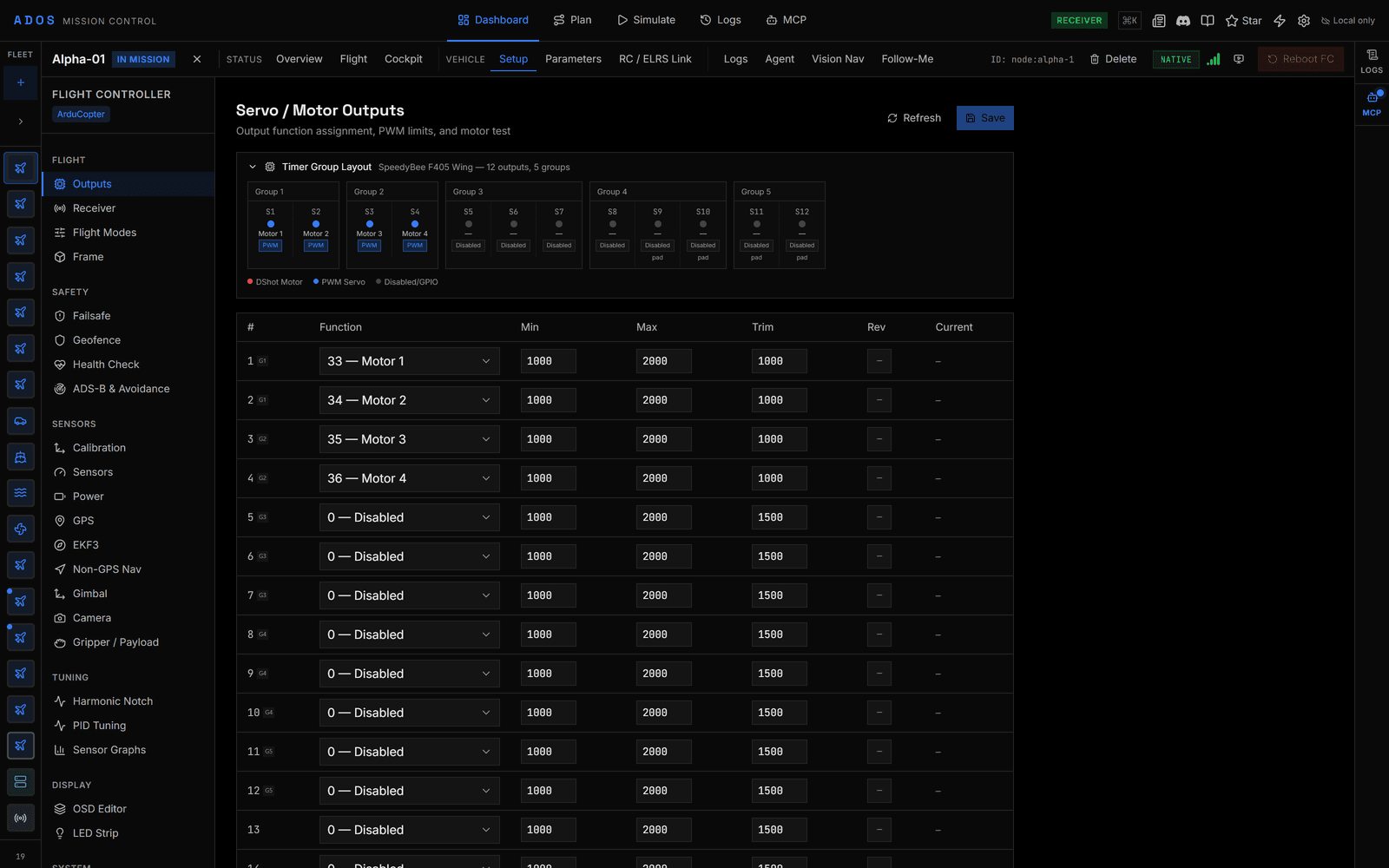
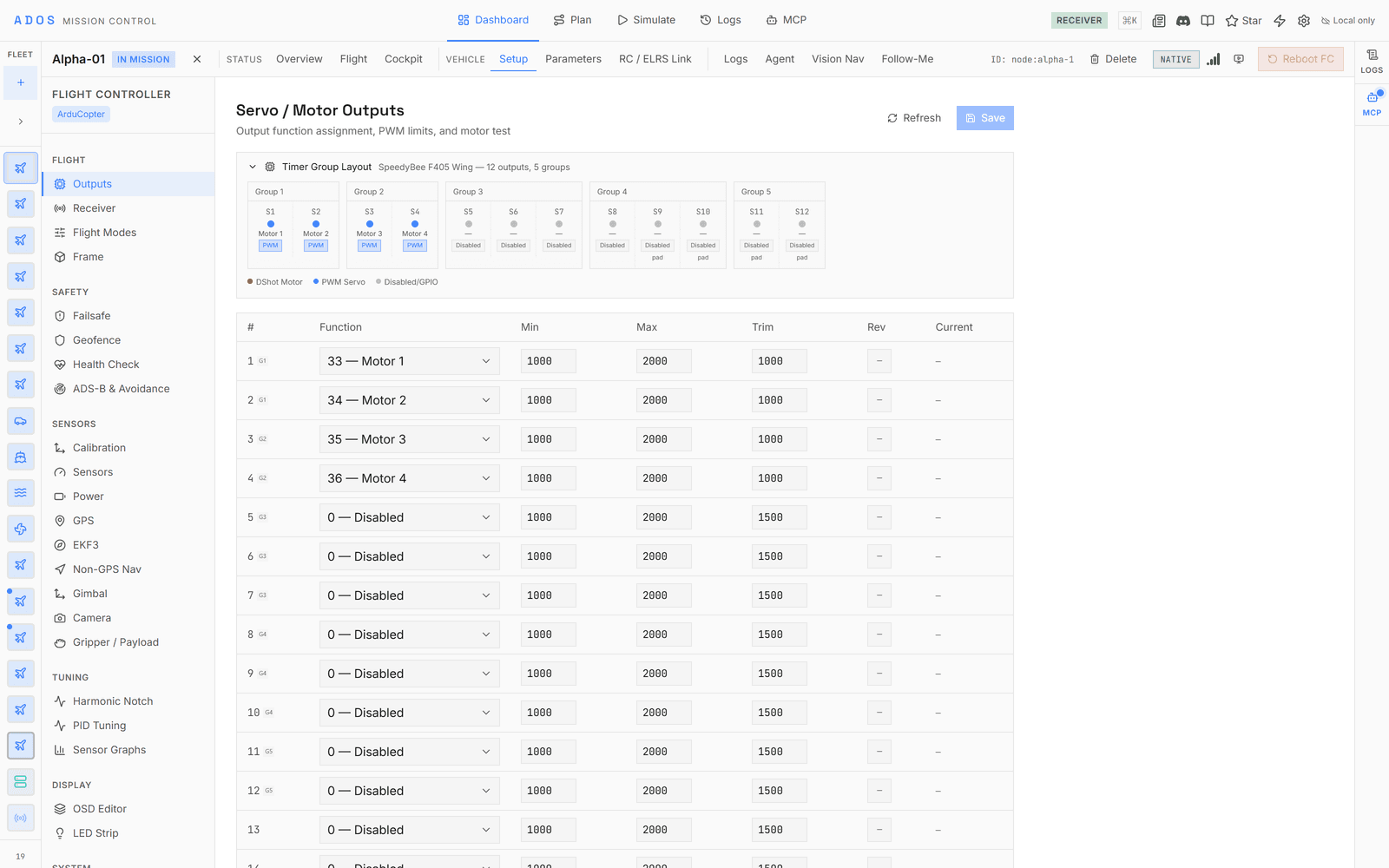
Seventy-eight panels across four firmwares.
Failsafe behavior, OSD layout, PID tuning, serial-port assignment. Each panel maps directly to the parameters the flight controller understands.
Failsafe
Battery, GCS loss, RC loss, and geofence breach. Set the action for every failure mode.
PID Tuning
Rate and stabilize PIDs with a live response graph, autotune trigger, and preset profiles.
Flight Modes
Map RC switch positions to flight modes. Each switch position takes any mode the firmware lets a switch select.
OSD Editor
Independent screens and elements with drag-and-drop layout. Preview exactly what the goggles show.
Power & Battery
Dual battery monitors, voltage and current scaling, live cell voltage, and low-battery thresholds.
Serial Ports
Assign GPS, telemetry, ESC, and rangefinder to any port across protocols and baud rates.
PARAMETER REGISTRY
Thousands of parameters, with the metadata built in.
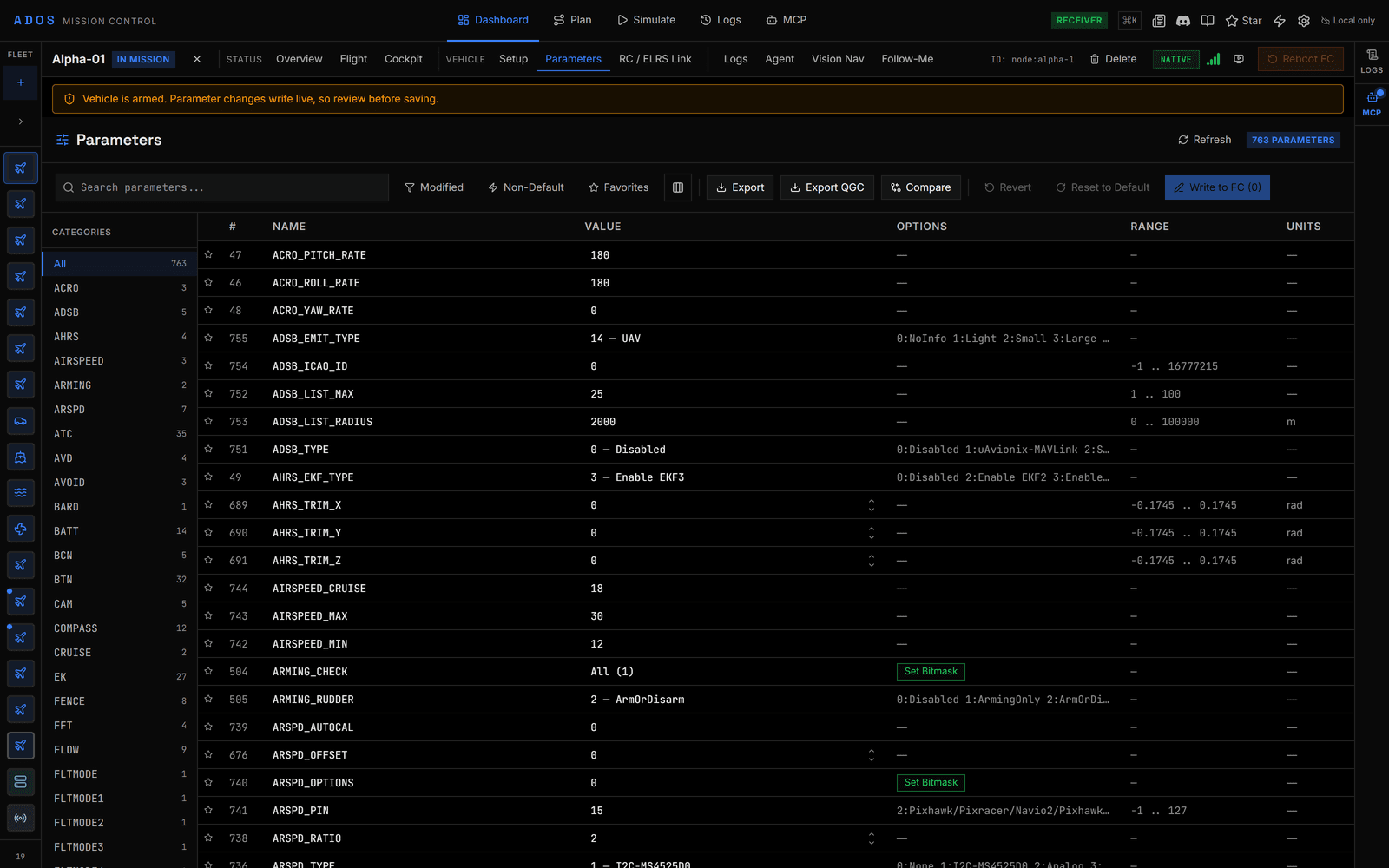
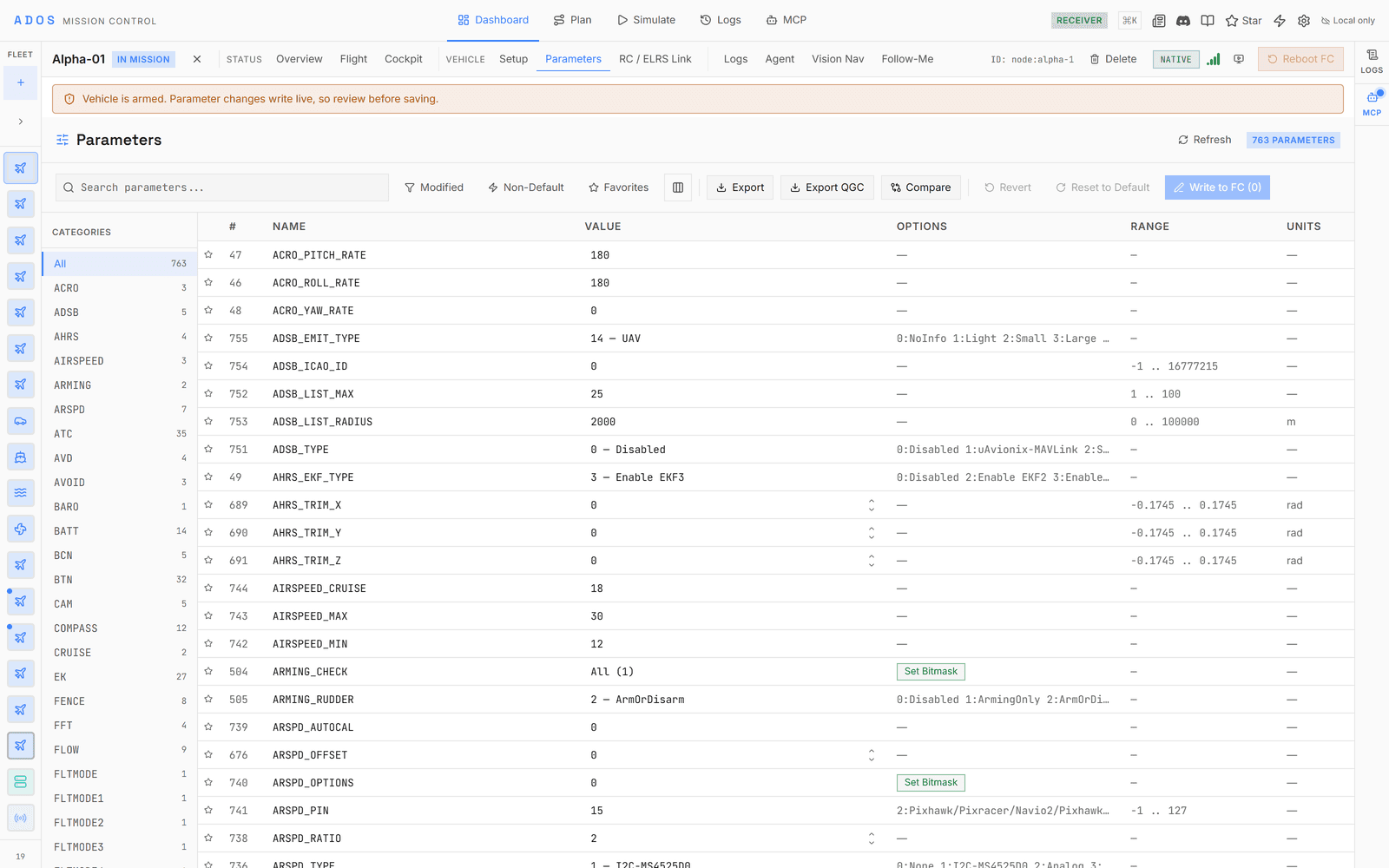
Each parameter carries the description, range, unit, and default its firmware publishes. Enum parameters render as labeled dropdowns and bitmask parameters get a dedicated flag editor. The whole registry is bundled and works offline, for all four firmwares, so it never degrades to a bare number.
- ✓Offline metadata bundled for ArduPilot, PX4, Betaflight, and iNav
- ✓Enum values rendered as labeled dropdowns, not raw codes
- ✓Bitmask editor with per-bit flags and unknown-bit preservation
- ✓Real-time search, live write to the FC, and a diff against defaults
- Configuration panels
- 78
- Calibration wizards
- 9
- Parameter definitions (ArduPilot Copter)
- 5,694
- Firmware families
- 4
- Parameter metadata
- Offline registry
- Bitmask editor
- Per-bit flags
- Enum rendering
- Labeled dropdowns
- FC connection
- WebSerial
CALIBRATION
Step-by-step wizards. No guesswork.
Every calibration type walks you through the process with visual feedback. The accelerometer wizard shows which position to hold, compass calibration tracks progress in real time, and RC calibration visualizes stick ranges as you move them.
- ✓Accelerometer six-position wizard with an orientation display
- ✓Compass progress tracking with a live fitness score
- ✓RC input visualization with min, max, and trim readout
- ✓Level, ESC, and CompassMot with guarded safety sequences
ALL TYPES
Nine calibrations, all built in.
Accelerometer
Six-position calibration with a visual orientation guide.
Gyroscope
Rest on a level surface, hold still, done in seconds.
Compass
Rotate through all axes with a real-time progress and fitness score.
Level
One-click level horizon reference.
Airspeed
Cover the pitot tube and calibrate the zero offset.
Barometer
Set the ground pressure reference for altitude.
RC Input
Move sticks and switches. Min, max, and trim captured automatically.
ESC
Throttle-range calibration with a safety sequence.
CompassMot
Measure motor-current interference on the compass.
FIRMWARE
Four firmwares. One interface.
Connect any supported flight controller. The GCS detects the protocol and loads the right panels automatically.
| Firmware | Connect | Configure | Parameters | Missions | Flashing |
|---|---|---|---|---|---|
| ArduPilot | |||||
| PX4 | |||||
| Betaflight | |||||
| iNav |
ArduPilot
Connect, Configure, Parameters, Missions, Flashing
PX4
Connect, Configure, Parameters, Missions, Flashing
Betaflight
Connect, Configure, Parameters, Flashing
No missions
iNav
Connect, Configure, Parameters, Missions
No flashing
ArduPilot
MAVLink v2Thousands of documented parameters, all nine calibrations, 26 Copter and 25 Plane flight modes, and mission upload and download.
PX4
MAVLink v2Parameter mappings, 15 selectable flight modes, and six PX4-only panels: thermal calibration, flight behavior, fixed-wing tuning, autotune, VTOL transition, and control allocation. Shares the MAVLink transport with ArduPilot.
Betaflight
MSP v1 / v2Full MSP codec with dedicated panels for OSD, rate profiles, AUX modes, VTX, ports, and blackbox. A version-keyed settings catalog supplies offline metadata.
iNav
MSP v1 / v2Name-based settings across the full registry, mission upload and download with waypoint actions, multi-mission storage, safehomes, geozones, and iNav-specific panels.
Configured? Plan your first mission.
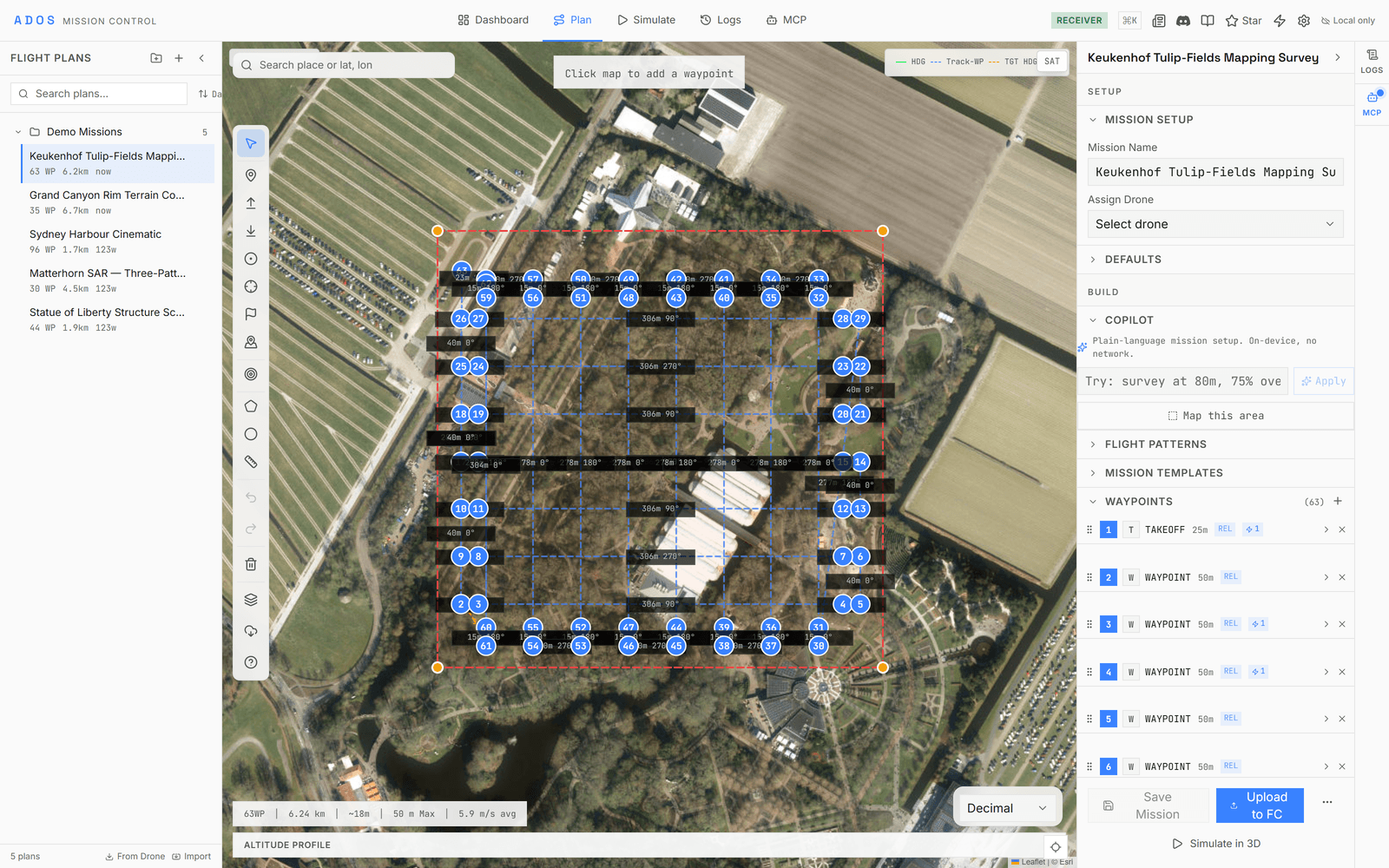
Nine pattern generators, terrain following, a geofence editor, and mission validation, all built in.
Explore Planning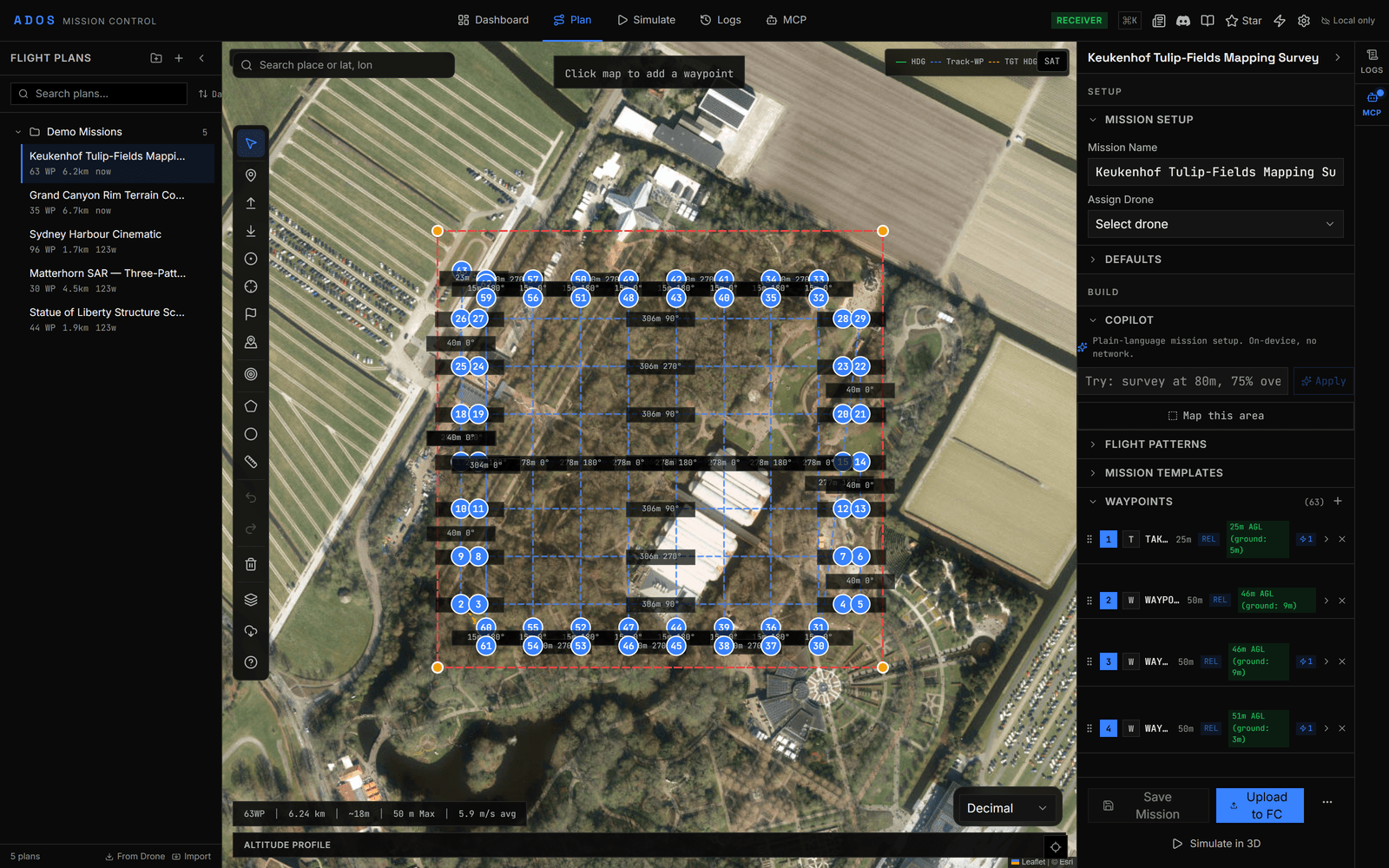
Configure your flight controller from the browser.
Plug in over USB, click connect, and the GCS detects the firmware and loads the right panels.
Launch Mission Control