How to make any drone autonomous
STEP BY STEP
Add autonomy in software
- 01
Add a companion computer
Mount a small ARM64 Linux board such as a Raspberry Pi or NVIDIA Jetson on the drone, next to the flight controller, and wire it to the flight controller's serial or USB port.
- 02
Install the drone agent
Run the one-line installer on the companion computer. It detects the board and configures video, links, and connectivity automatically.
- 03
Connect over MAVLink
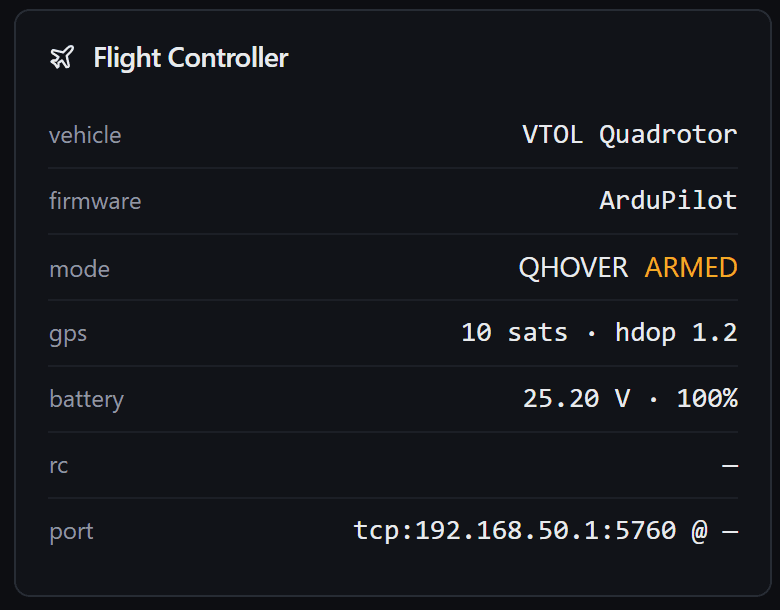
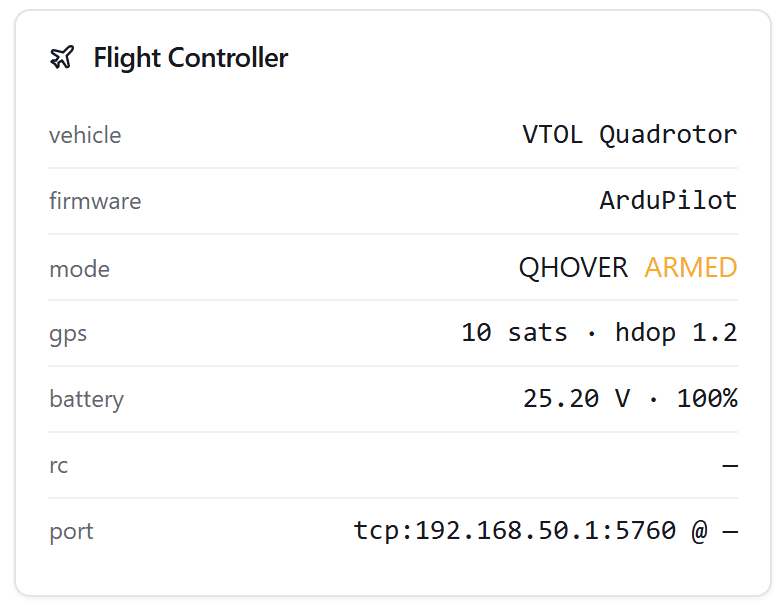
The drone agent talks to the ArduPilot or PX4 flight controller over MAVLink (or Betaflight and iNav over MSP), so telemetry and commands flow between them.
- 04
Control from Mission Control
Open the browser-based Mission Control ground control station, add the drone over the local network, and fly, plan missions, configure the flight controller, and stream video.
$curl -sSL \
  https://raw.githubusercontent.com/altnautica/ADOSDroneAgent/main/scripts/install.sh \
  | sudo bash
The installer detects the board and configures the agent automatically. See the docs for profiles and options.
KEEP YOUR STACK
Nothing is thrown away
You do not replace your flight controller or re-flash your firmware. The companion computer sits alongside your existing ArduPilot, PX4, Betaflight, or iNav autopilot and adds a software layer on top. Everything, from the agent to the ground station, is free and open source under GPLv3, and the platform is local-first, so it works without the cloud.
Start with the drone agent
Free and open source. One install turns any supported board into a full companion computer.
Explore the Drone Agent